


TTLock and Tuya Gateway Integration Guide UK
TTLock and Tuya gateways help turn compatible smart locks into connected access systems. They can support remote access, app-based control, live updates and wider smart home integration, depending on the lock model, gateway and setup used.
Quick Answer
A smart lock gateway acts as a bridge between a compatible smart lock and your WiFi network. TTLock is a dedicated smart lock platform, while Tuya and Smart Life are broader smart home ecosystems. For compatible locks, a gateway can support remote unlocking, access updates, user management and notifications. The right gateway depends on whether your lock uses TTLock, Tuya or another system, so always match the gateway to the lock platform before ordering.
What Are TTLock and Tuya Gateway Systems?
A gateway connects a compatible smart lock to your home or property WiFi network. Without a gateway, many smart locks rely mainly on Bluetooth or local app control. With the right gateway, supported locks can become easier to manage remotely.
TTLock is a dedicated smart lock platform commonly used for fingerprint, PIN, RFID and app-controlled locks. Tuya and Smart Life are broader smart home ecosystems that can support locks, lights, cameras, sensors and other connected devices where compatible.
TTLock
Best suited to focused smart lock control, access codes, lock users, app management and remote features where supported by the lock and gateway.
Tuya / Smart Life
Useful for users who want their smart lock to sit within a wider smart home app alongside compatible lighting, sensors, cameras or automations.
Gateway bridge
Acts as the link between the lock and WiFi, helping supported features work when you are away from the door or property.
TTLock vs Tuya: Which System Is Right?
The best system depends on the lock you choose and how you want to manage the property. TTLock is usually the more lock-focused route, while Tuya can be better for wider smart home control where compatible.
| System | Best for | What to check |
|---|---|---|
| TTLock | Focused smart lock management, PIN codes, eKeys, access logs and gateway-supported remote lock control where compatible. | Make sure the lock is TTLock-compatible and choose the correct TTLock gateway. |
| Tuya / Smart Life | Wider smart home users who may also use compatible lights, sensors, cameras, plugs or automation scenes. | Make sure the lock is Tuya-compatible and that the gateway/accessory is correct for that model. |
| Built-in WiFi locks | Some lock models may offer WiFi without a separate gateway, depending on specification. | Check whether remote features are built in or still require a gateway. |
Simple rule
Do not mix platforms unless the product specifically supports it. A TTLock lock normally needs the TTLock app and a compatible TTLock gateway. A Tuya lock normally needs the Tuya Smart or Smart Life app and compatible Tuya hardware.
Why Use TTLock or Tuya with Smart Locks?
A gateway is especially useful when you want more than basic local unlocking. For homes, rentals, Airbnb properties, HMOs and small businesses, remote access can make the lock easier to manage day to day.
Remote access
Lock or unlock remotely where supported by the lock, app and gateway setup.
Access updates
View access activity and lock status updates depending on the model and app support.
Guest code management
Issue, edit or remove access for guests, cleaners, tradespeople or staff where the lock supports code management.
Rental convenience
Useful for Airbnb, serviced accommodation and rental properties where physical key handovers are awkward.
Multi-lock management
Gateways can help with managing multiple compatible doors, rooms or properties from the app.
Smart home integration
Tuya may support wider automation with compatible devices. Voice control depends on the lock, app, region and supported integration.
A note on voice assistants and HomeKit
Some smart lock systems may support Alexa or Google Assistant where compatible, but this depends on the lock model, gateway, app region and the specific feature being used. Apple HomeKit support should not be assumed unless the individual product clearly states it.
Need Help Choosing TTLock or Tuya?
If you are unsure whether your lock needs TTLock, Tuya, built-in WiFi or a separate gateway, ArdanShield can help you match the correct lock and accessory before ordering.
Ask for Gateway AdviceHow to Set Up TTLock and Tuya Gateways
Exact setup steps vary by product, but most gateway installations follow the same basic process: install the correct app, add the lock, add the gateway, connect to WiFi, then link the devices inside the app.
TTLock Gateway Setup
- Install the TTLock app on your phone.
- Add your compatible smart lock to the app first, usually through Bluetooth while standing near the lock.
- Connect the TTLock gateway to power near the lock and your WiFi router or access point.
- Connect the gateway to a 2.4 GHz WiFi network if required by the model.
- Pair the gateway in the TTLock app and link it to the compatible lock.
- Test remote features while away from Bluetooth range to confirm the gateway is working.
Tuya Gateway Setup
- Download the Tuya Smart or Smart Life app.
- Add your compatible Tuya smart lock to the app, following the product instructions.
- Connect the Tuya gateway to power and connect it to the correct WiFi network.
- Pair the gateway inside the Tuya Smart or Smart Life app.
- Check that the lock and gateway appear correctly in the app.
- Enable notifications or automations only where supported and useful.
Setup tip
Use a 2.4 GHz WiFi network where required, keep the gateway close to the lock, and test everything before relying on remote access for guests, staff or rental check-ins.
Gateway Placement and WiFi Tips
Gateway placement is one of the most common causes of smart lock connection problems. Even when the lock and app are compatible, poor signal can make the system feel unreliable.
Keep it close
Place the gateway near the lock where possible. Around 5 metres or less is a useful starting point, depending on walls, door material and interference.
Avoid thick barriers
Thick walls, metal doors, insulated doors and plant rooms can weaken signal between the lock, gateway and router.
Use reliable WiFi
Most smart lock gateways work best with a stable 2.4 GHz WiFi connection. Weak WiFi near the door can affect remote features.
Before using remote access for guests
Test the lock locally, then test the gateway remotely, then test code generation or access management exactly as your guest, cleaner or staff member will use it. This is especially important for Airbnb, HMO, hotel and serviced accommodation setups.
Which ArdanShield Locks and Gateways Fit This?
The right choice depends on whether you want a TTLock-based setup, a Tuya-based setup, or simply a compatible lock with the correct remote access accessory.
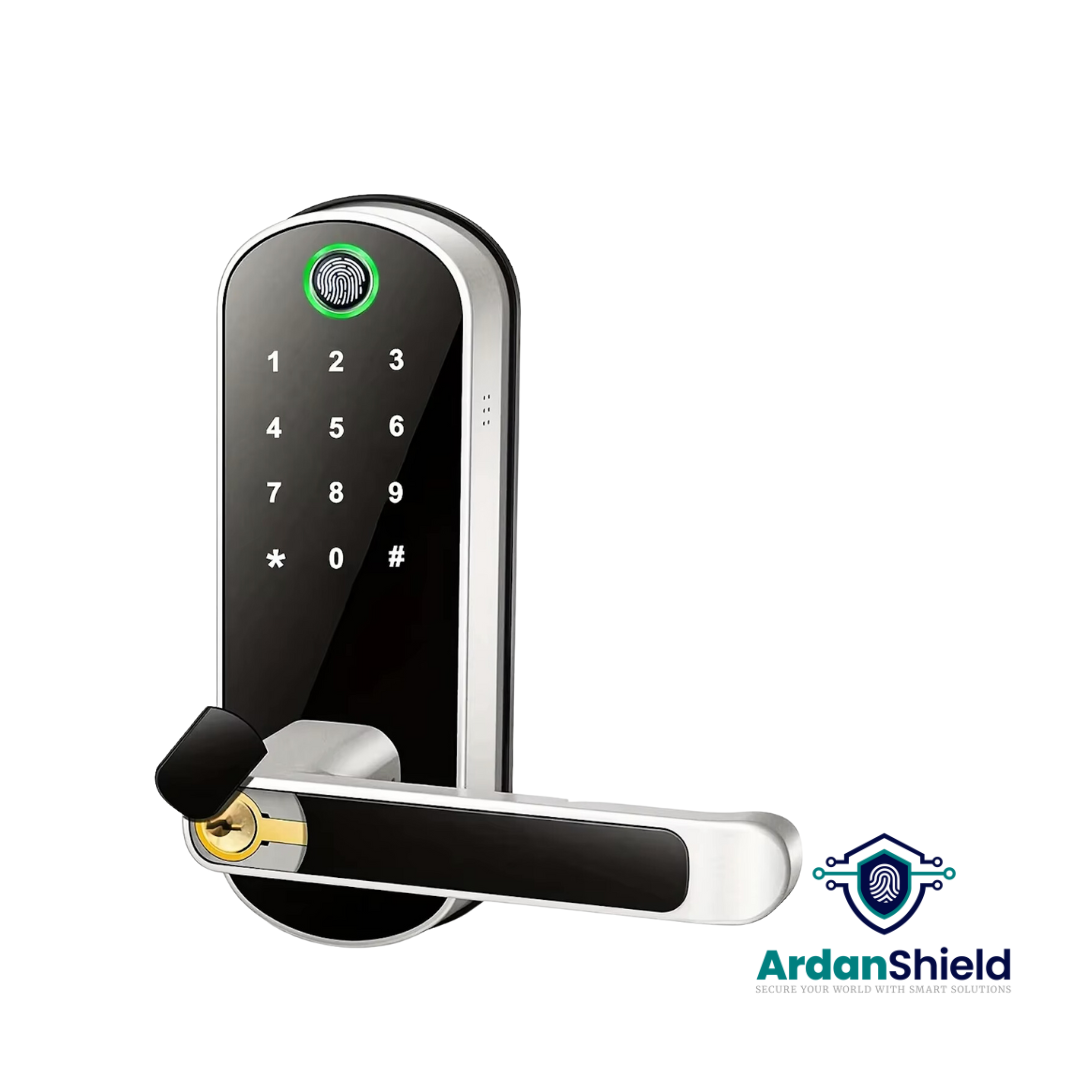
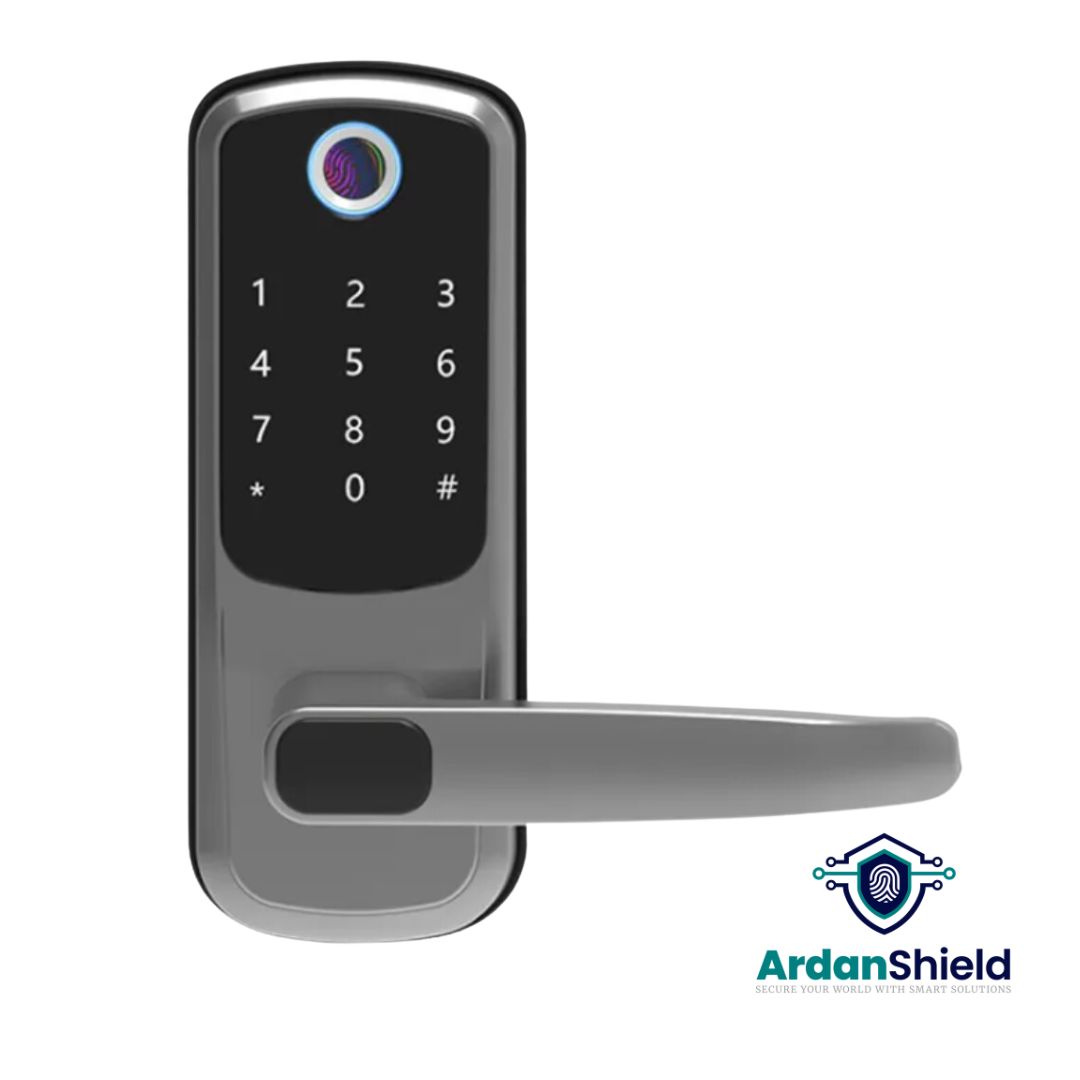
TTLock-Compatible Smart Lock Options
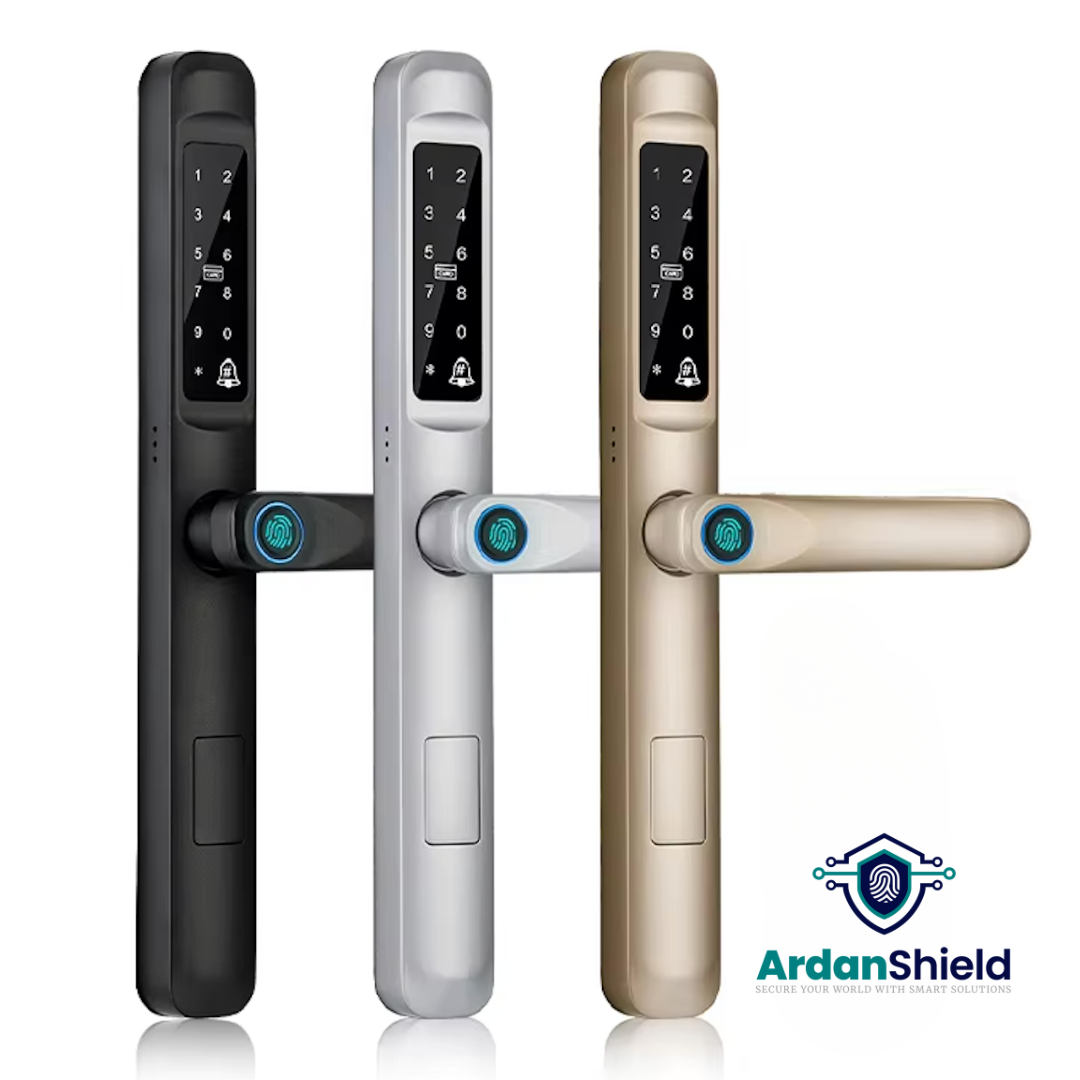
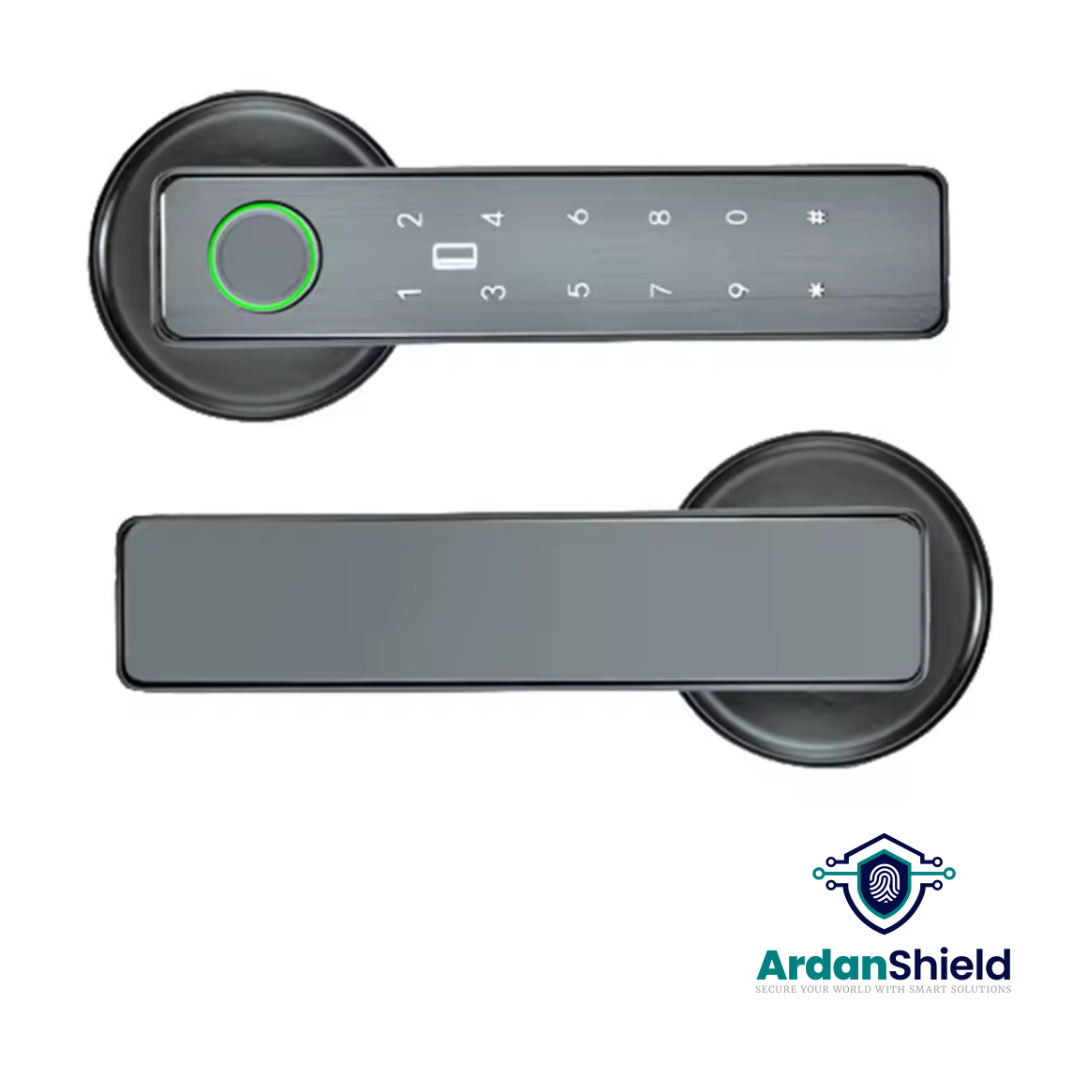
Tuya-Compatible Smart Lock Options
Gateway and Accessory Options
TTLock Smart Gateway
Add remote access support to compatible TTLock smart lock setups.
View TTLock GatewayTuya Smart Gateway
Connect compatible Tuya or Smart Life smart locks to wider remote and smart home control.
View Tuya GatewaySmart Lock Accessories
Browse compatible gateways and smart lock accessories before building your setup.
View AccessoriesMore Upgrade Options
Browse by collection
Explore all smart locks, compare WiFi smart locks, or view compatible smart lock accessories.
What This Means for UK Buyers
For UK buyers, the most important point is to avoid buying a gateway before confirming the lock platform. TTLock and Tuya are different systems, and the gateway needs to match the lock.
| Use case | Likely priority | What to check first |
|---|---|---|
| Homeowners | Convenient remote access, alerts and simple user management. | Lock platform, WiFi strength near the door and whether a gateway is needed. |
| Airbnb or short-let hosts | Guest code management, remote access and reduced physical key handovers. | Code scheduling, app workflow, gateway reliability and backup access. |
| HMOs and shared houses | Managing multiple users, rooms or shared access points. | User limits, access logs, code control and suitability for high-use doors. |
| Hotels or serviced accommodation | Multi-room management and a reliable operational workflow. | Whether the system is suitable for the size, door types and management process required. |
Common Mistakes to Avoid
Buying the wrong gateway
A TTLock gateway is not the same as a Tuya gateway. Match the gateway to the lock platform.
Assuming every lock needs a gateway
Some locks may have built-in WiFi, while others may need a separate gateway for remote features. Check the product page first.
Placing the gateway too far away
Distance, thick walls and metal doors can weaken the connection. Keep the gateway close and test the setup.
Assuming HomeKit support
Do not assume Apple HomeKit support unless it is clearly stated on the product page.
Ignoring 2.4 GHz WiFi
Many gateways prefer or require 2.4 GHz WiFi. Split-band router settings can sometimes cause setup issues.
Not testing before guests arrive
Always test lock access, remote control, code setup and backup access before relying on it for rentals or guests.
Related Reading
TTLock Troubleshooting Guide
Fix common Bluetooth, PIN, WiFi and gateway setup issues.
Read the guideFusionGuard™ Product Guide
Learn more about FusionGuard™ and suitable smart lock setups.
Read the guideFortiLock™ Product Guide
A useful guide for homeowners and property managers considering FortiLock™.
Read the guideSecureWave™ Product Guide
Explore SecureWave™ as a smart lock option for suitable UK doors.
Read the guideHotel Series
View ArdanShield smart lock options for hospitality-style access setups.
Explore Hotel SeriesSmart Lock Accessories
Browse gateways and accessories for compatible ArdanShield smart locks.
View accessoriesTTLock and Tuya Gateway FAQs
Do I need a gateway for my smart lock?
It depends on the lock model and the features you want. Some locks may work locally through Bluetooth or have built-in WiFi, while others need a compatible gateway for remote unlocking, live updates or remote code management.
Can I use a Tuya gateway with a TTLock lock?
Normally no. TTLock and Tuya are different platforms. A TTLock smart lock should use a compatible TTLock gateway, while a Tuya smart lock should use compatible Tuya or Smart Life hardware.
How close should the gateway be to the smart lock?
Keep the gateway close to the lock where possible. Around 5 metres or less is a useful starting point, but walls, metal doors and WiFi signal strength can all affect performance.
Does TTLock or Tuya work with Alexa or Google Assistant?
Some compatible setups may support Alexa or Google Assistant, depending on the lock, gateway, app region and supported features. Always check the product specification before relying on voice control.
Does TTLock or Tuya work with Apple HomeKit?
Apple HomeKit support should not be assumed unless the individual lock clearly states it. Many TTLock and Tuya smart locks focus on their own app ecosystems rather than native HomeKit support.
Which is better for Airbnb, TTLock or Tuya?
It depends on the access workflow you need. TTLock is often preferred for focused smart lock management, while Tuya may suit hosts already using wider smart home devices. The door type, lock model, gateway and guest access requirements matter most.
Choose the Right Gateway Before You Buy
Whether you are upgrading a home, Airbnb, HMO, rental property or commercial space, ArdanShield can help you match the right smart lock, gateway and app ecosystem to your setup.
View Smart Lock GatewaysAsk for Setup Advice