
1 of 10
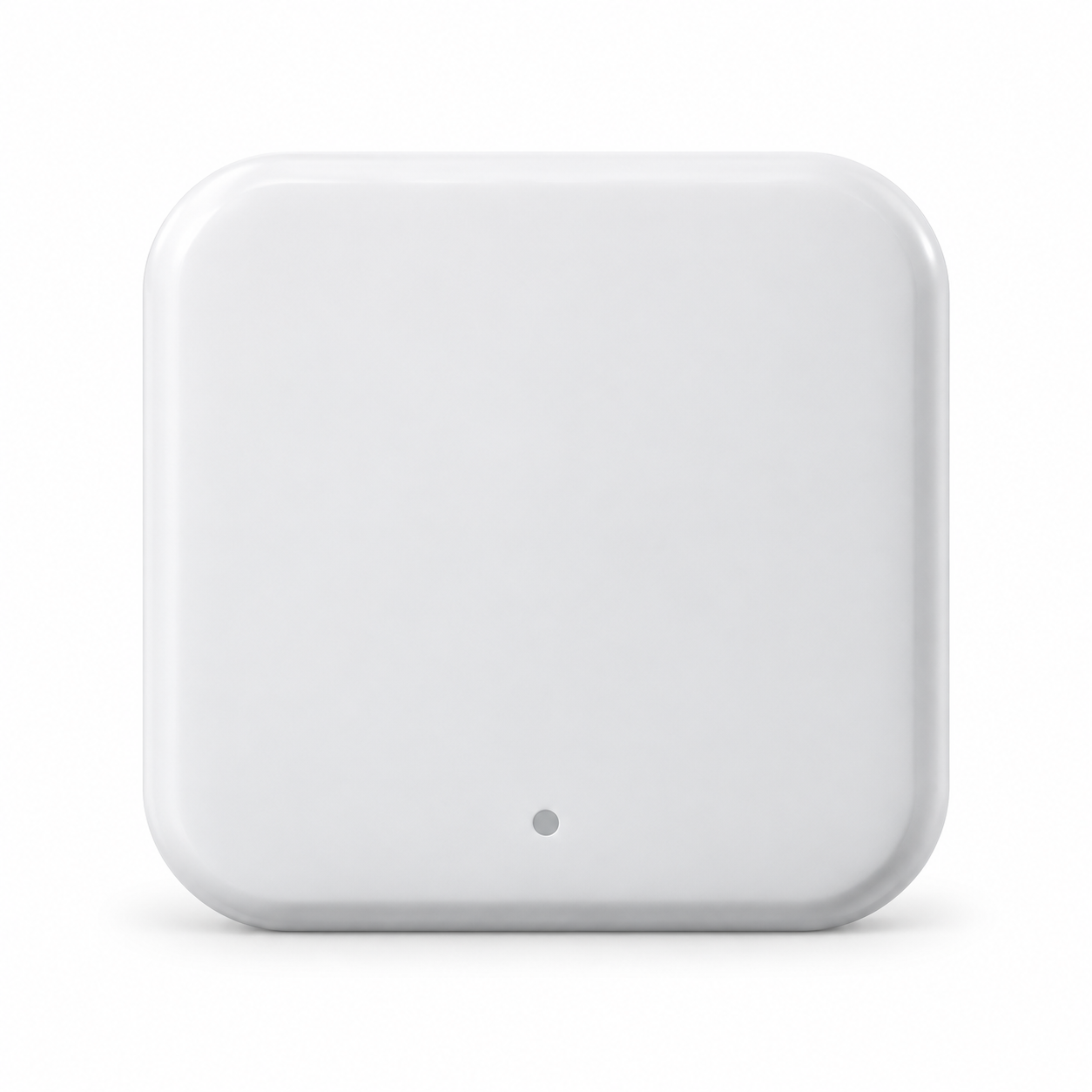

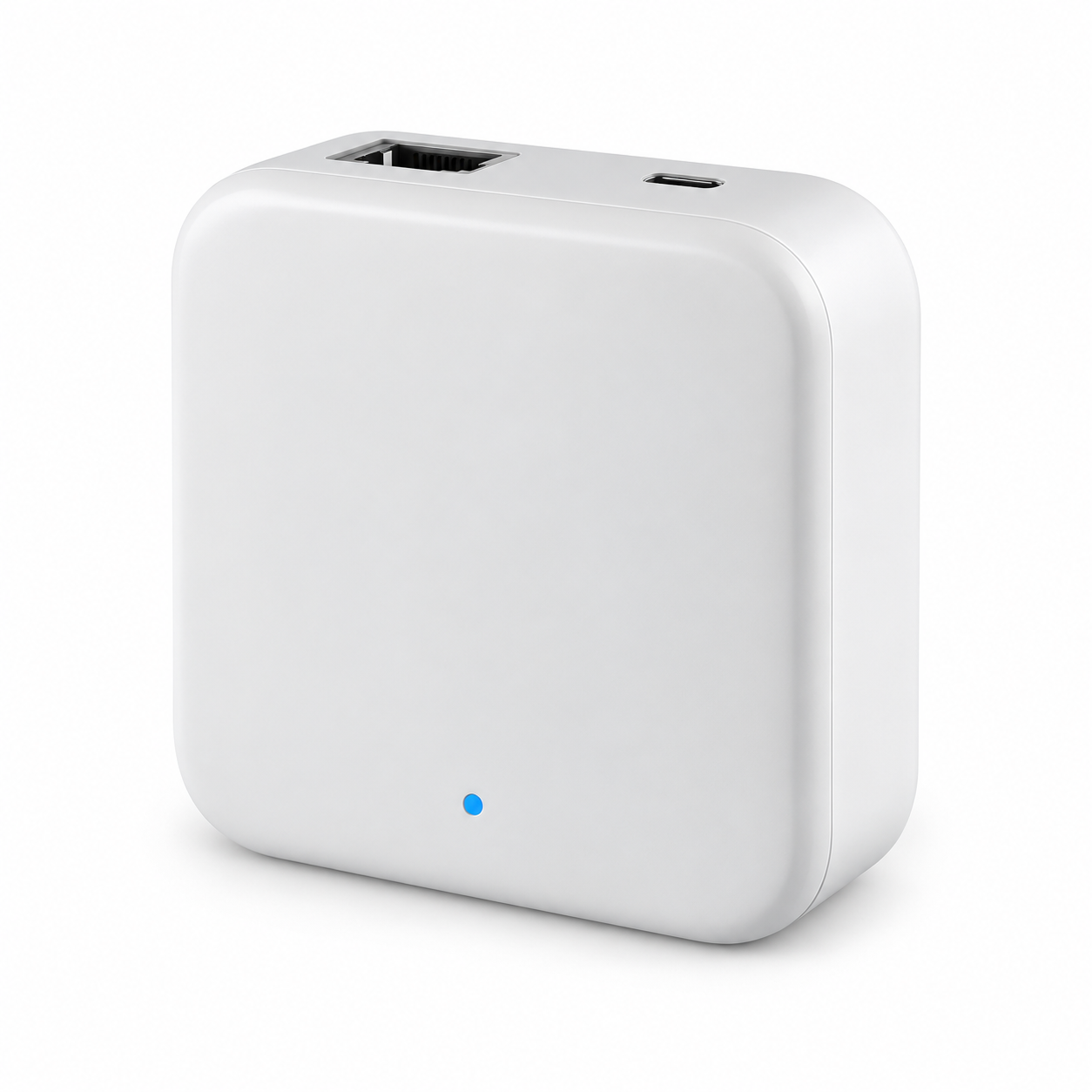

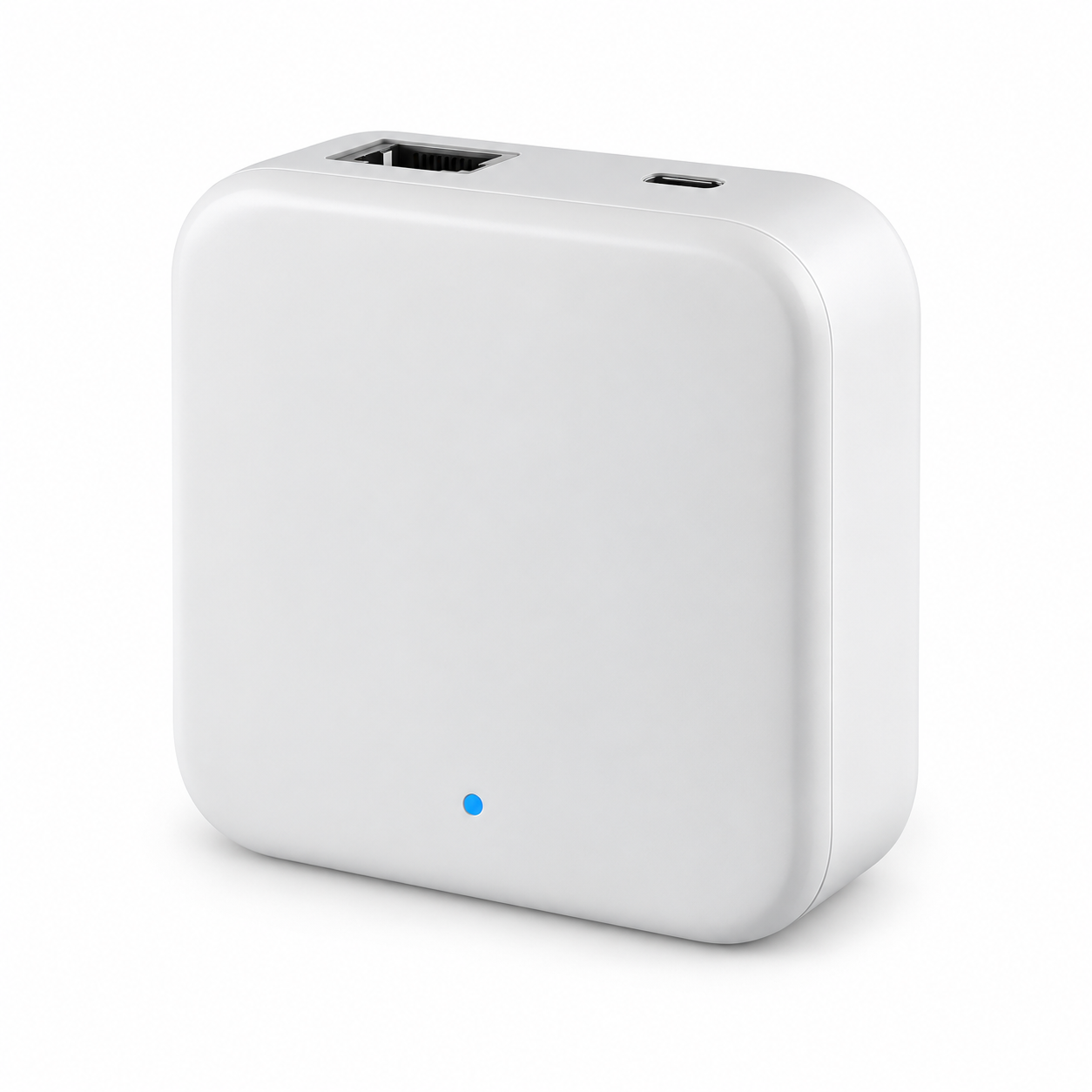

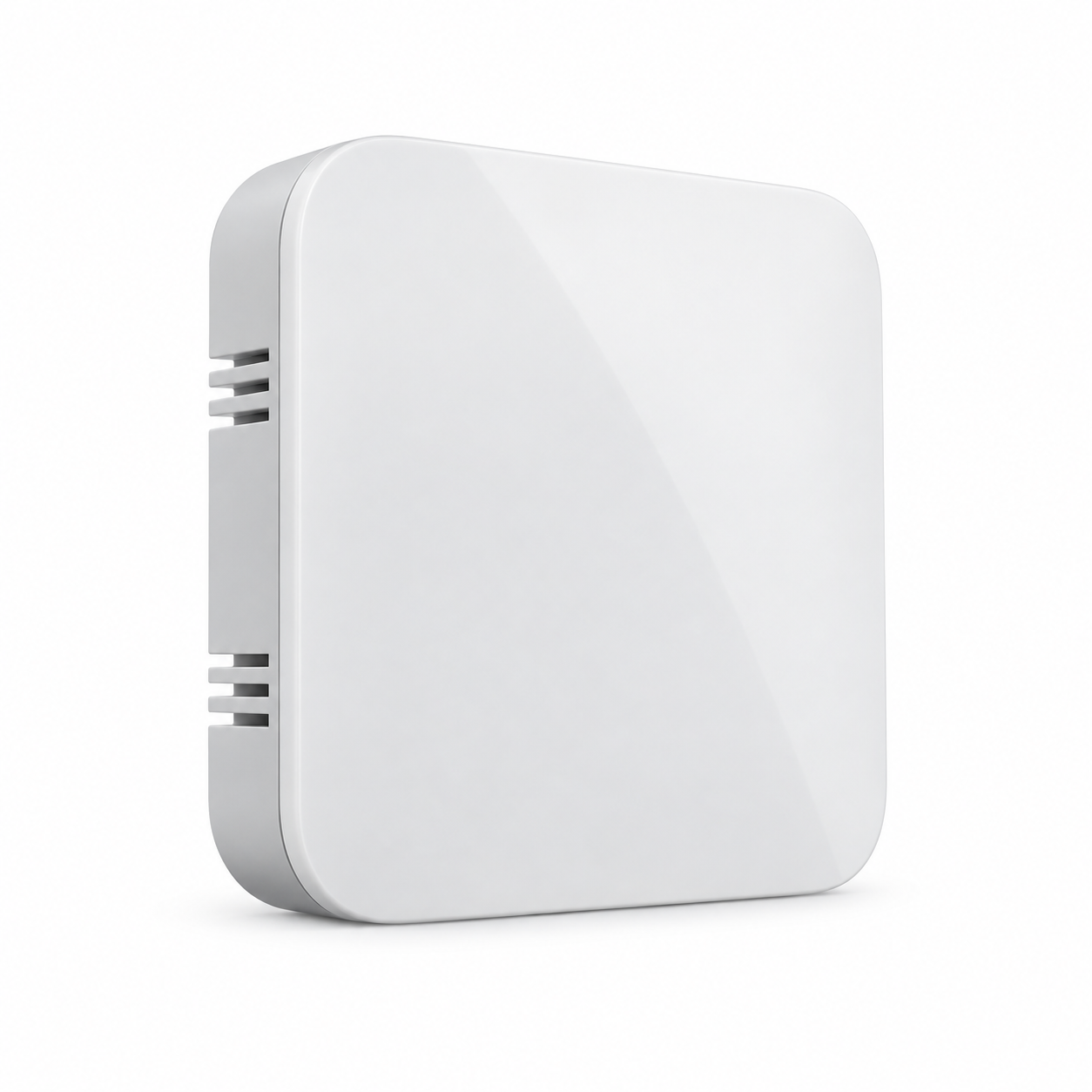

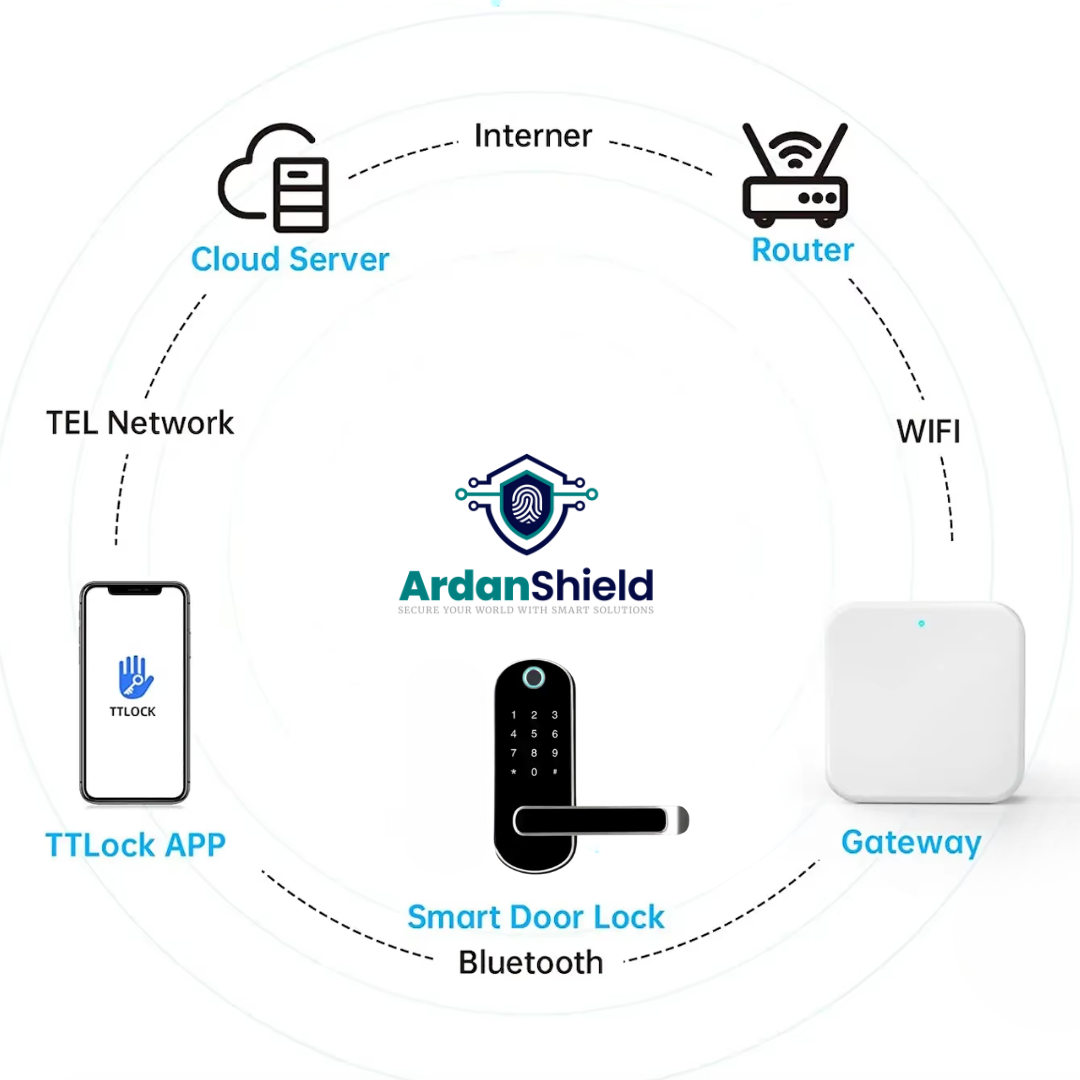
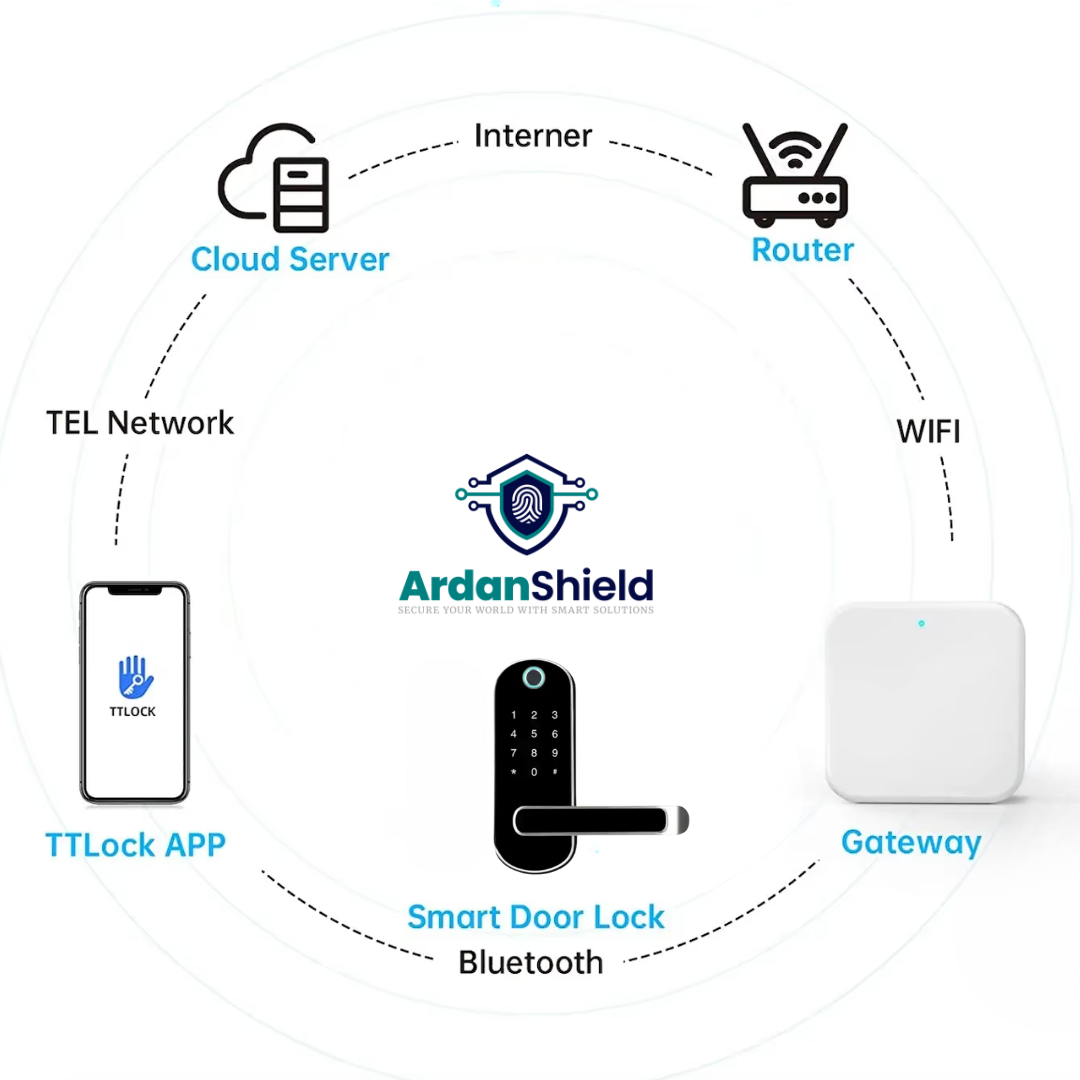
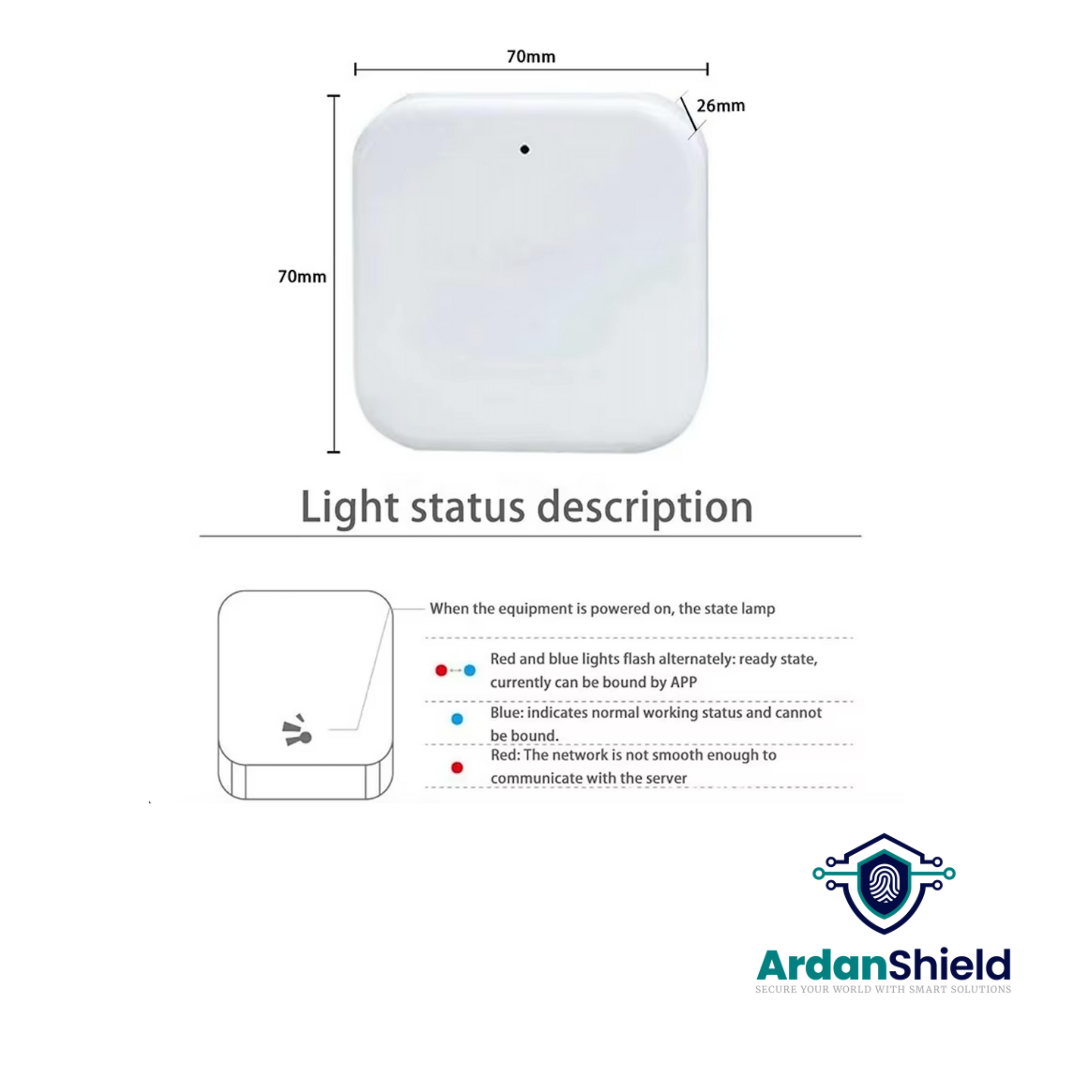


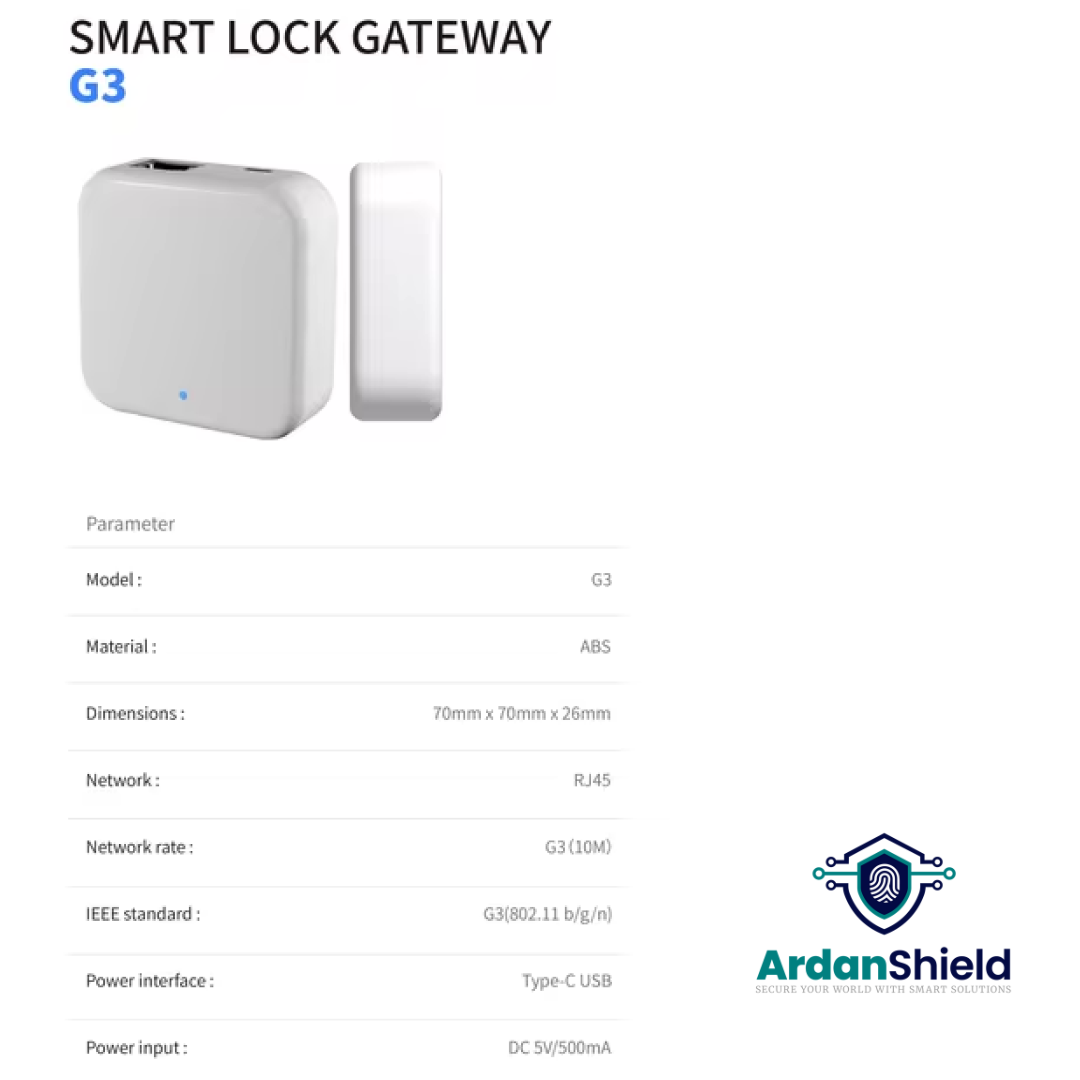

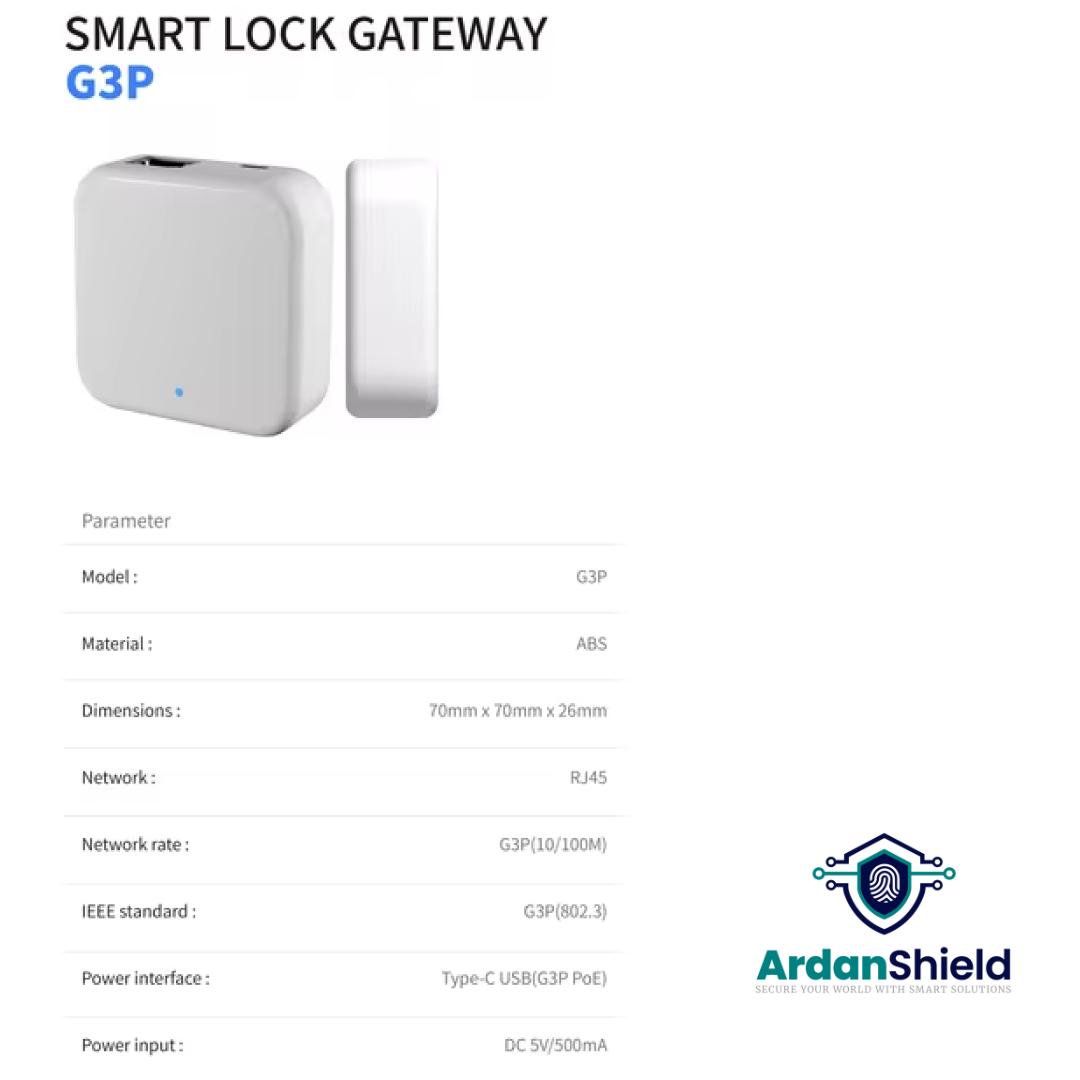

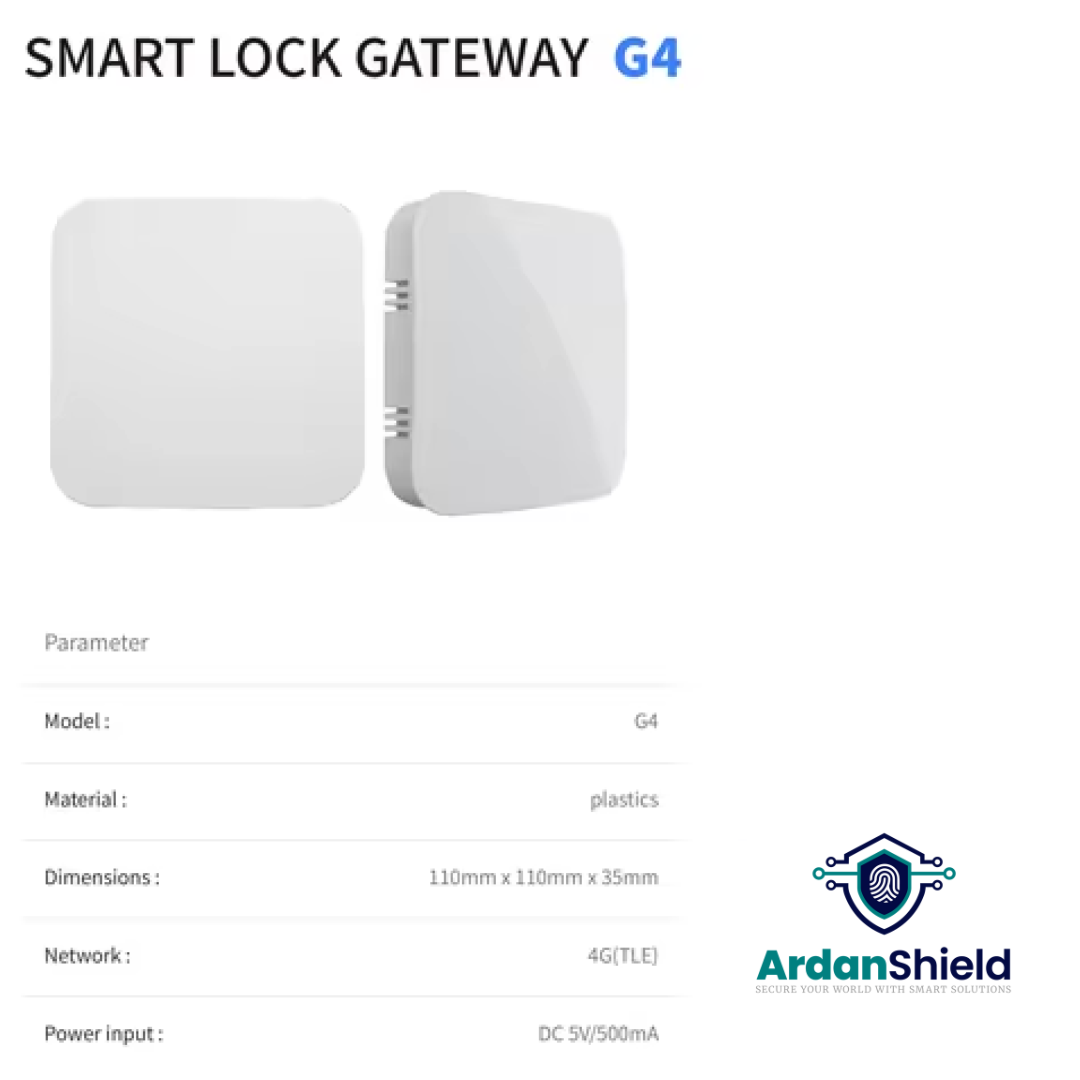

A compatible TTLock gateway connects supported locks to a network for the remote functions available on those locks. Check the exact lock and gateway model before ordering.
Planning access for a home, rental or business? We can help you check the setup.
A phone connected to the internet does not by itself give a Bluetooth-only lock a live network connection. A compatible gateway can provide that connection for supported remote functions.
Available functions depend on the lock, gateway and app settings. Do not assume that every lock using the TTLock app works with every gateway.
Keep the gateway connected and follow the instructions for the selected model. Confirm that an update has reached the lock before relying on it.
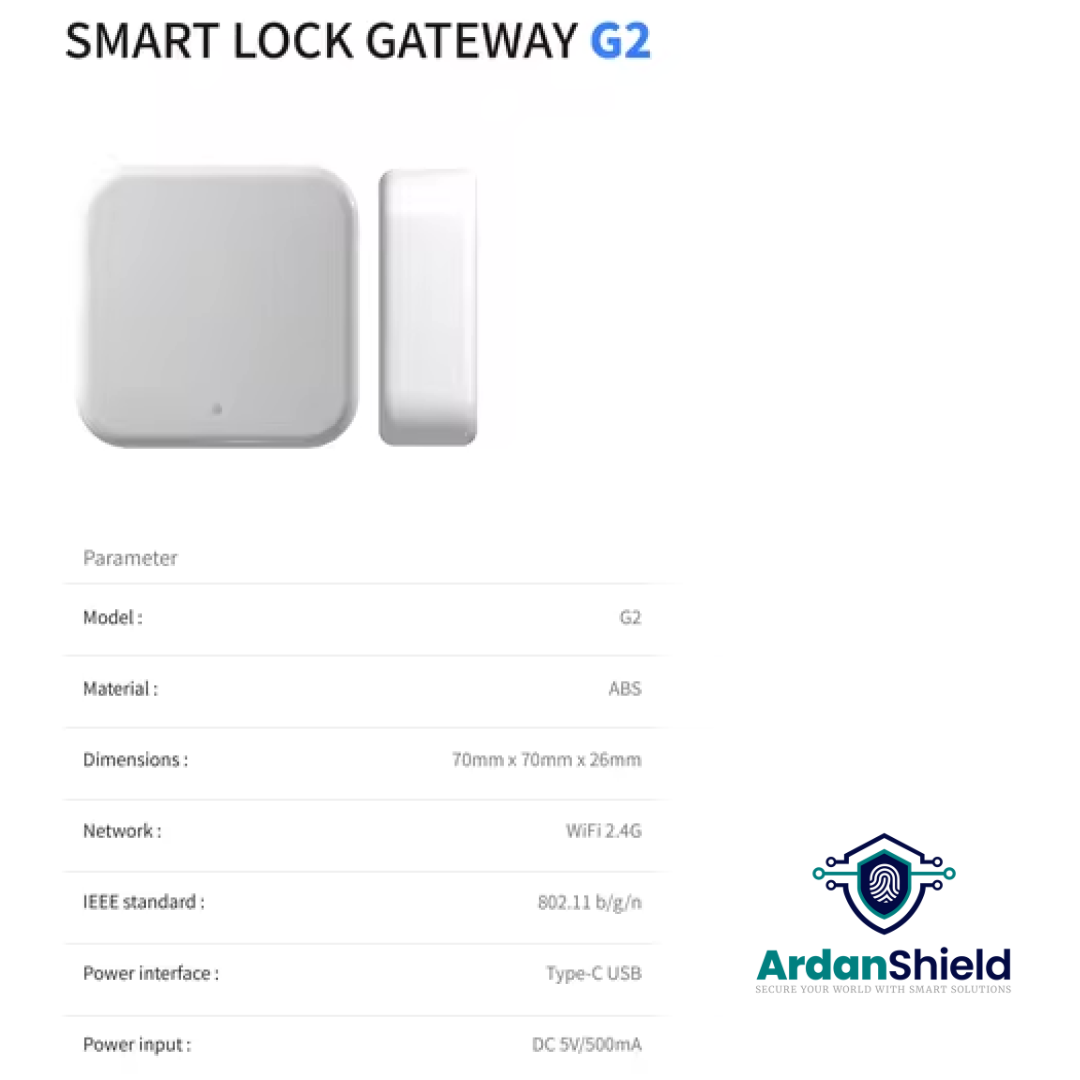
This listing offers G2, G3, G3P and G4 model selections. Use the product selector above to choose a model.
Confirm the selected model's power supply, network connection and lock compatibility before ordering. Ask us if you need the instructions for a particular model or help checking which option suits your setup.
Confirm the supplied accessories and power requirements for your selected gateway model before purchase. Do not assume that every model uses the same power supply or includes the same accessories.
For several locks or more than one property, ask us to review the proposed layout and requirements before choosing quantities or placement.
Check the exact model and platform version of your lock. For a Tuya version, ask for an accessory matched to that platform. A shared product name is not enough to establish gateway compatibility.
The links below help you identify your lock; they are not a universal compatibility list. Contact us to check the particular lock and gateway combination.
That depends on your lock and the remote function you want to use. Check the lock's connection requirements and supported gateway models before ordering.
Confirm the supported capacity for the selected model and the proposed installation. Contact us with the lock models, quantities and layout so we can help you check.
A compatible connected gateway can provide access to the remote functions supported by the lock. Check the available settings and test the function after setup.
Follow the selected model's placement instructions and check communication with each intended lock in the app. Test the installation before relying on remote access.
UK standard delivery is £5.99 for orders below £50 and free for orders of £50 or more.
See our delivery information and returns information. Contact us if you need to confirm availability or delivery timing for a project.
Send us your lock model, platform version and intended network setup so we can help you check the appropriate gateway before ordering.
UK standard delivery: £5.99 below £50; free from £50.
ArdanShield — Smart access guidance.
Product support
Use the documents for your exact product and configuration. Need a different revision or installation guide? Ask us before following instructions for another model.


