


Press to unlock
Send an unlock command to your paired, compatible lock without entering a PIN or opening your phone for each use.


1 of 4
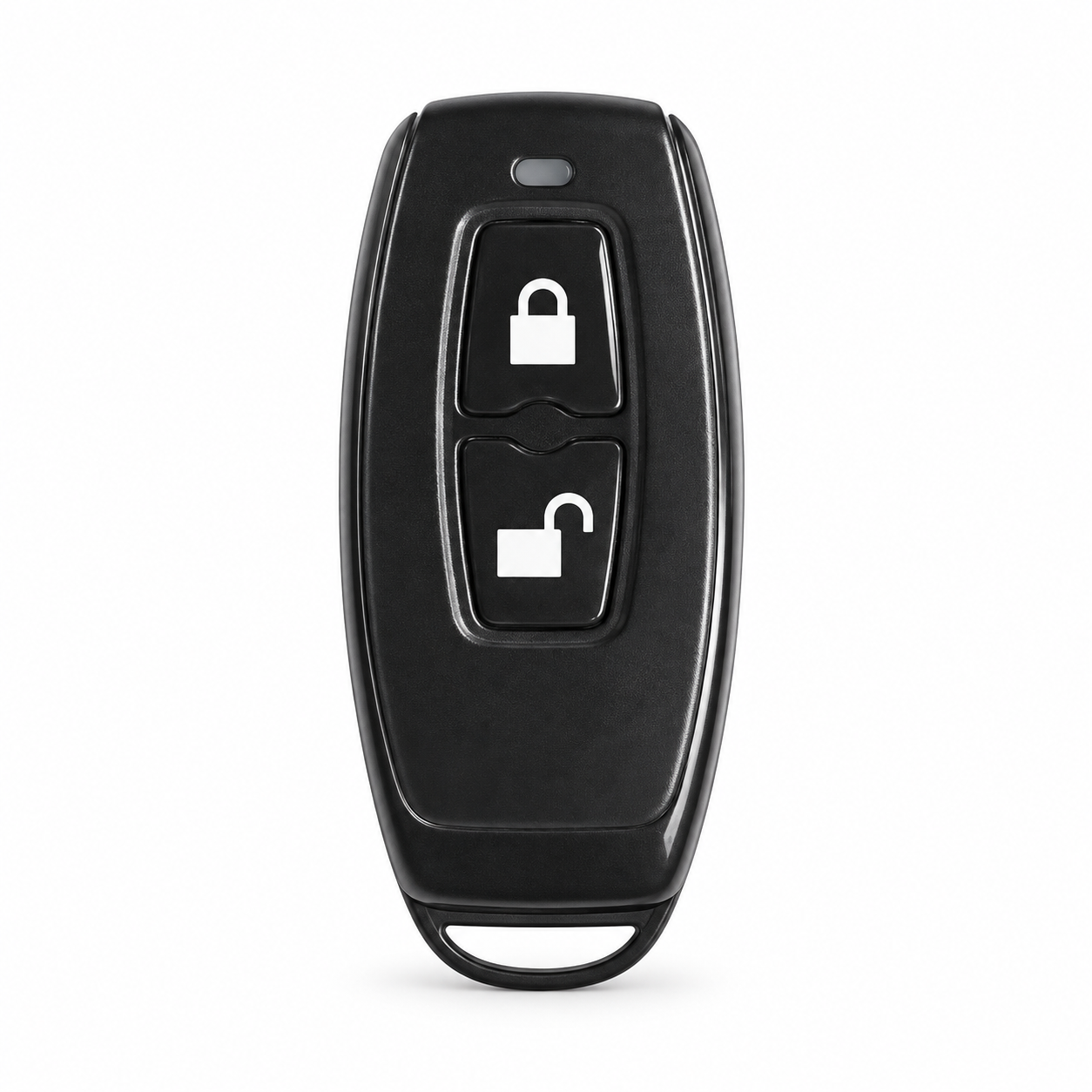

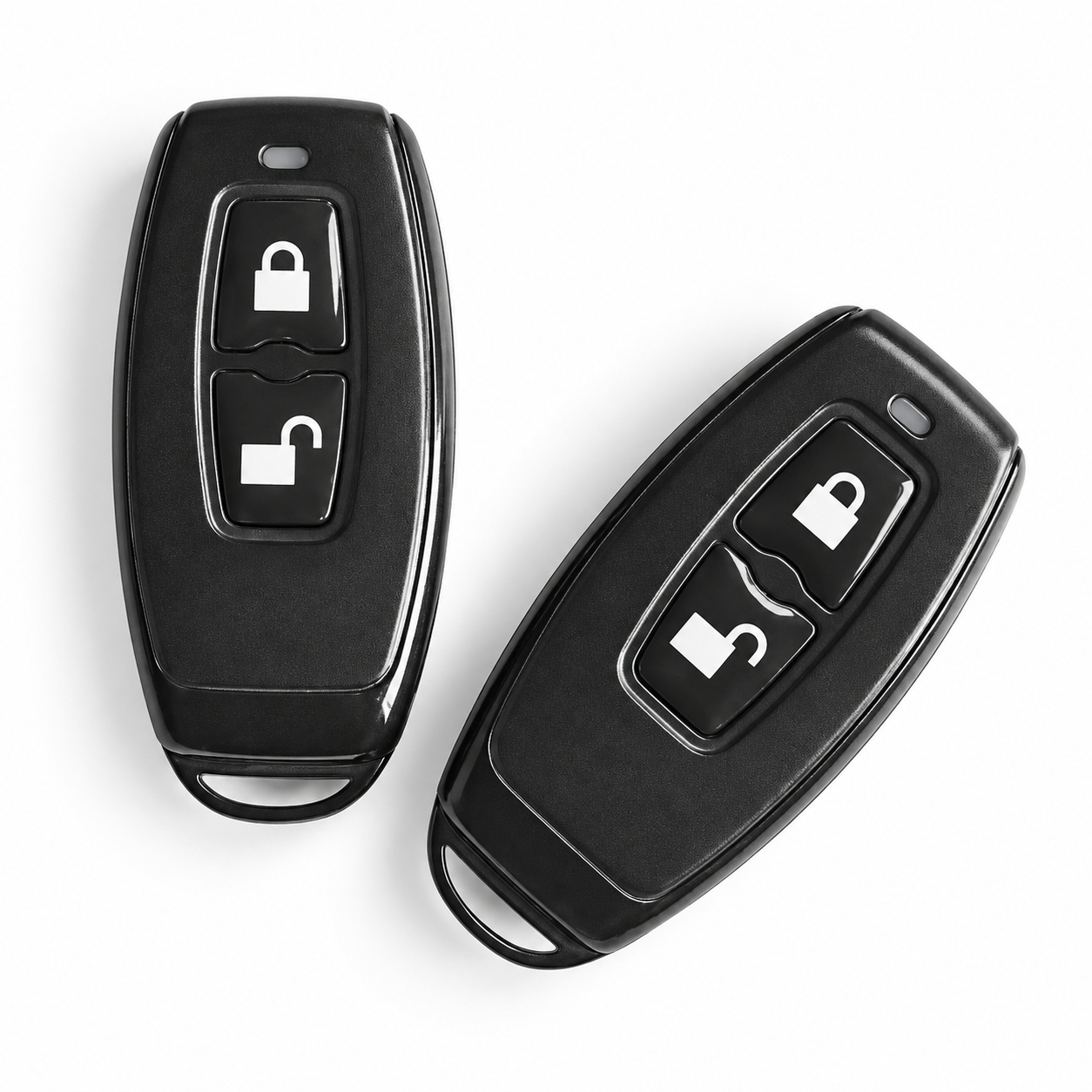



Your smart lock. One simple press. Keyring control for compatible TTLock locks.
Keep everyday access close at hand with EntryFob™. Attach this compact wireless remote to your keyring and use its dedicated lock and unlock buttons to control a compatible TTLock smart lock within operating range.
Coming home with shopping, heading out for the day or opening a staff door: a familiar physical button gives you another convenient way to use your smart lock.
Compatibility first: your device must support TTLock wireless remotes. Check for the Remote option in the device’s TTLock app screen, then confirm your exact lock with ArdanShield before ordering.
Send an unlock command to your paired, compatible lock without entering a PIN or opening your phone for each use.
A separate button sends the lock command. The resulting action depends on the connected lock and door mechanism.
The integrated attachment loop lets you add EntryFob™ to your existing keyring, including the one you carry with your car keys.
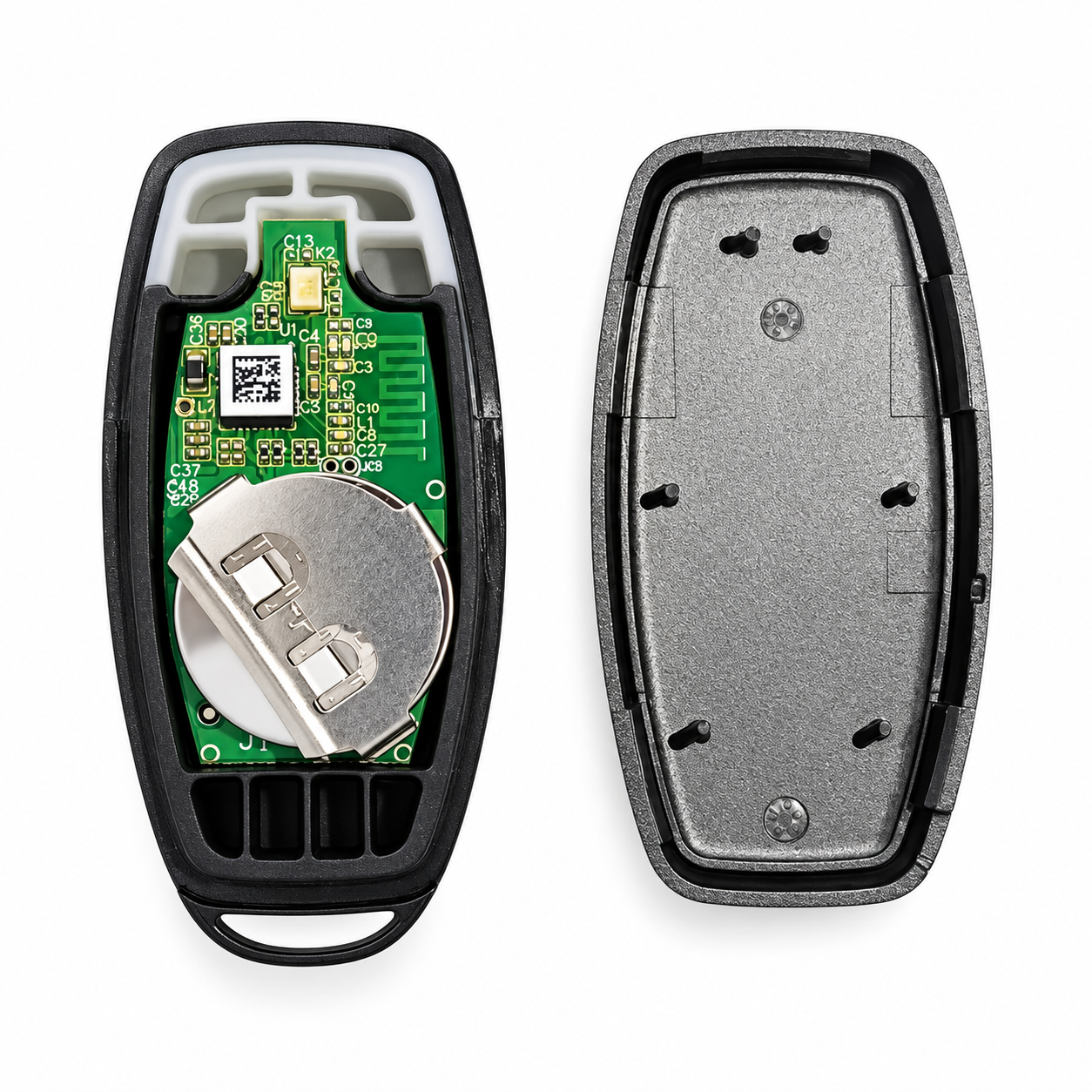
A standard replaceable CR2032 coin cell powers the remote. There is no charging routine to remember.
Smart access should fit the people using it. EntryFob™ offers a straightforward physical control for people who prefer buttons to smartphone screens, and a practical additional access method for regular users.
Carry it on your keyring or keep it conveniently to hand within the confirmed operating range. Pairing and administration are managed through the compatible TTLock device.
A convenient everyday option for household members who want to press a button when arriving or leaving.
Clear lock and unlock symbols provide a simple alternative to using a phone for each entry. Check that button size and operation suit the intended user.
Give authorised regular users a compact remote for a compatible staff door or controlled room.
A potential option for hosts, housekeeping and maintenance staff who regularly use compatible locks. Confirm pairing limits and access-management requirements for your property.
TTLock compatibility alone is not enough. The individual device must support the wireless remote function.
EntryFob™ is for TTLock only and is not compatible with Tuya or Smart Life devices. Support for a specific ArdanShield lock, including EntryCyl™, must be confirmed individually.
EntryFob™ sends a wireless command to the compatible lock. It does not physically open or close the door. Depending on the lock, you may still need to operate a handle or turn a knob; doors with lift-to-lock mechanisms may still require the handle to be lifted.
Close the door and confirm it is secure after locking. Do not treat a button press or the remote’s indicator as proof that the door is fully locked.
Keep another working access method available while setting up and testing. Pairing steps and supported remote quantities depend on the device.
With a slim black plastic body, two separate buttons and an integrated attachment loop, EntryFob™ is designed to be easy to carry alongside your everyday keys.
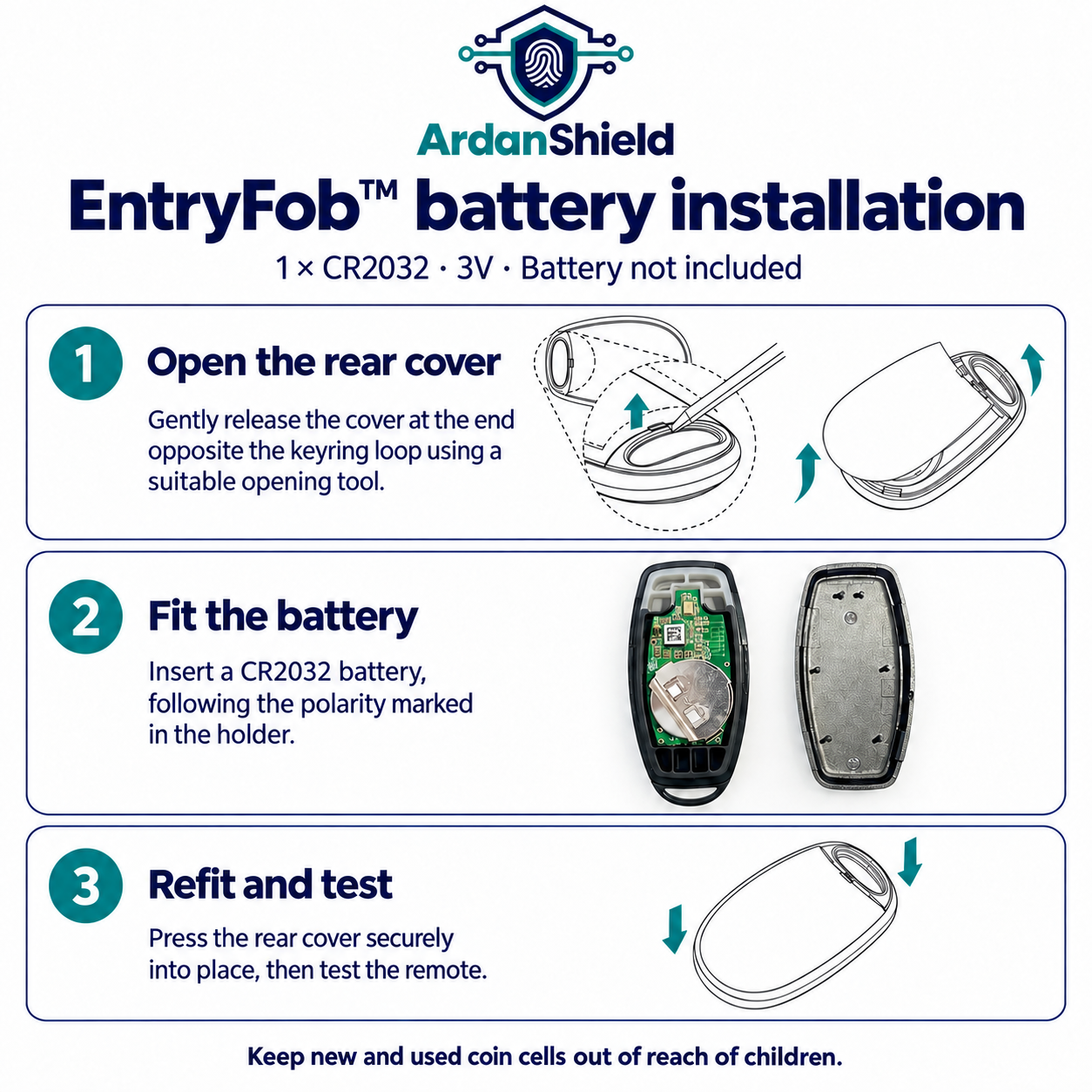
Carefully release the rear cover at the end opposite the keyring loop using an appropriate opening tool. Replace the CR2032 battery, observing the polarity marked in the holder, then refit and press the cover securely into place. Test the remote afterwards.
Keep new and used coin cells out of reach of children and ensure the cover is securely closed.
Choose 1 × EntryFob™ remote for £24.99 or a pack of 2 × EntryFob™ remotes for £39.99. The twin pack saves £9.99 compared with buying two individually—ideal for two regular users or keeping a spare. A compatible TTLock smart lock is required separately. Each remote requires one CR2032 battery, not included. Select your preferred pack size before adding to your basket.
No. The device must specifically support TTLock wireless remotes. Check for Remote in its TTLock screen and ask us to confirm the exact model.
Once paired, the physical buttons provide everyday control within the supported operating range. You use the compatible TTLock device’s app functions for setup and administration.
No. This is a local wireless remote. It is not an internet-connected controller for operating your lock from another location. A distance specification has not been supplied.
No. You can carry it with your car keys, but it is intended for compatible TTLock devices, not vehicle central locking.
Not necessarily. It controls the lock’s supported electronic function. Any required handle movement, knob turning or door closing still depends on the installed mechanism.
Multi-lock pairing and remote capacity have not been confirmed for this unit. Contact us with your proposed arrangement before ordering.
The supplied documentation identifies TTLock wireless Remote support only. Do not order it for a Tuya or Smart Life device.
No. You will need one 3V CR2032 coin cell.
No water-resistance rating is stated in the supplied documentation. Keep the remote dry.
Contact the lock administrator promptly to review the paired remote through the device’s available controls. Ask ArdanShield for help if you need guidance for your model.
Tell us which lock you use and we’ll help check whether EntryFob™ is the right addition.
Ask about EntryFob™ · Warranty information · Delivery information
Product support
Use the documents for your exact product and configuration. Need a different revision or installation guide? Ask us before following instructions for another model.