

Cleaner Access Workflows with Smart Locks UK: Airbnb, HMOs & Rental Properties
Cleaner access is one of the most common problems for Airbnb hosts, serviced accommodation operators, landlords and HMO managers. Smart locks can help remove key handovers, reduce shared codes and give cleaners controlled access at the right time.
Quick Answer
The best cleaner access workflow uses separate timed or recurring smart lock codes, not guest codes or shared permanent access. For UK Airbnb, serviced accommodation, HMOs and rentals, a TTLock-compatible smart lock with a gateway and backup key process can help cleaners access the property reliably while keeping guest and owner access separate.
Why Cleaner Access Matters
Cleaners often need reliable access between stays, during short turnaround windows or when the host is not nearby. If access relies on physical keys, hidden key safes or reused guest codes, problems can build quickly.
Fewer key handovers
Cleaners can access the property without collecting or returning physical keys.
Separate access
Cleaner codes should be different from guest, owner and contractor access.
Better control
Access can be changed, removed or limited more easily than a copied key.
Best Cleaner Access Workflows
| Workflow | Best for | Why it helps |
|---|---|---|
| Recurring cleaner code | Regular cleaners | Allows access on agreed days or time windows where supported. |
| Timed access code | Occasional cleans | Useful when access is only needed for one booking turnover. |
| One-time code | Emergency or one-off visits | Good for single-use access without long-term permission. |
| Backup lock box | Emergency access | Provides a fallback if the smart lock, batteries or WiFi cause problems. |
| Gateway-supported access | Remote hosts | Useful when the operator needs to manage or adjust access off-site. |
Best practice
Do not give cleaners the same code as guests. Use a separate cleaner code so you can update or remove cleaner access without affecting guest check-in.
Cleaner Access for Airbnb and Serviced Accommodation
For short-term rentals, cleaner access is part of the guest experience. If the cleaner cannot get in, the property may not be ready for the next booking.
Suggested Airbnb cleaner workflow
- Create a separate cleaner code.
- Use recurring access for regular turnover days where supported.
- Keep guest codes separate and time-limited.
- Confirm the cleaner knows how to wake and use the keypad.
- Keep a backup access route for urgent situations.
- Review codes if you change cleaner or cleaning company.
Cleaner Access for HMOs and Shared Properties
In HMOs and shared accommodation, cleaners may need access to communal spaces without having access to every bedroom or private area. This is where choosing the right lock setup matters.
Communal doors
Use controlled access for shared entrances, cupboards or service areas where suitable.
Room privacy
Do not give cleaners unnecessary access to private rooms unless agreed and appropriate.
Contractor visits
Use timed or one-time access for maintenance rather than permanent shared codes.
Gateways and Remote Cleaner Access
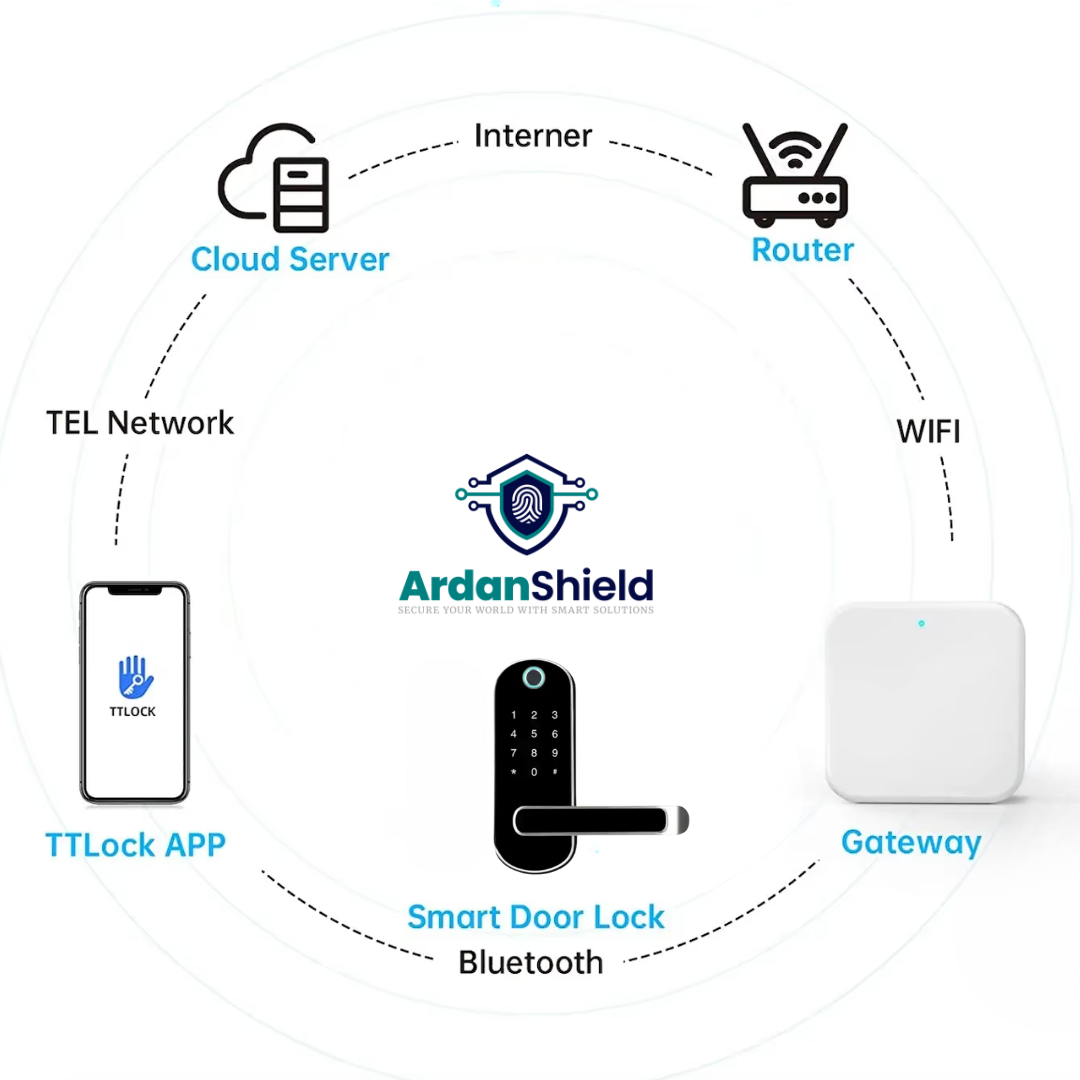
Remote access support normally requires a compatible gateway. This can be useful if a cleaner arrives early, needs access adjusted, or reports a lock problem while you are off-site.

Need a Cleaner Access Setup?
ArdanShield can help you choose smart locks, gateways and backup access products for Airbnb, serviced accommodation, HMOs and rental properties.
Browse Smart LocksGet Setup AdviceArdanShield Product Options for Cleaner Access
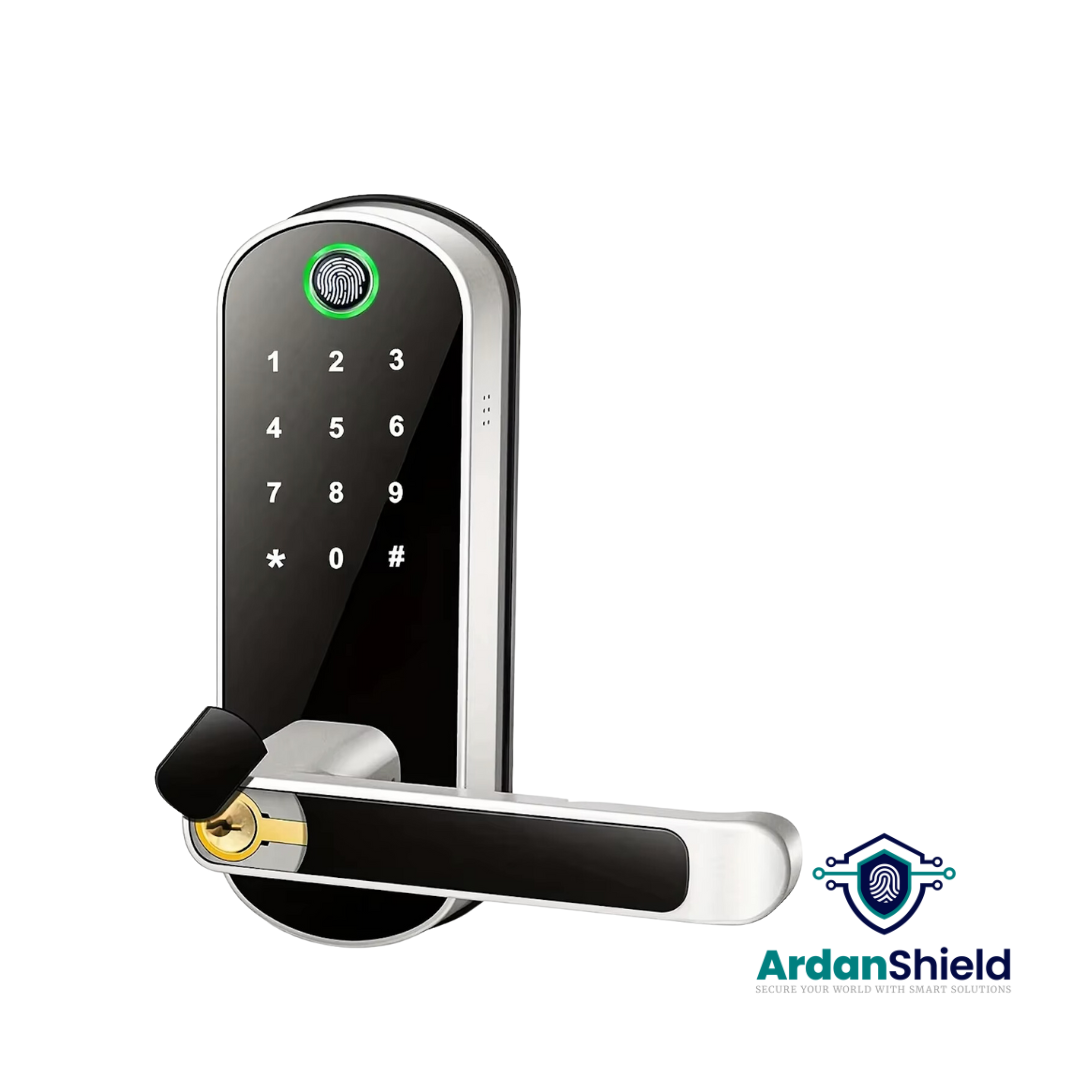
FusionGuard™
A TTLock-compatible option for suitable single-latch doors and access code workflows.
View FusionGuard™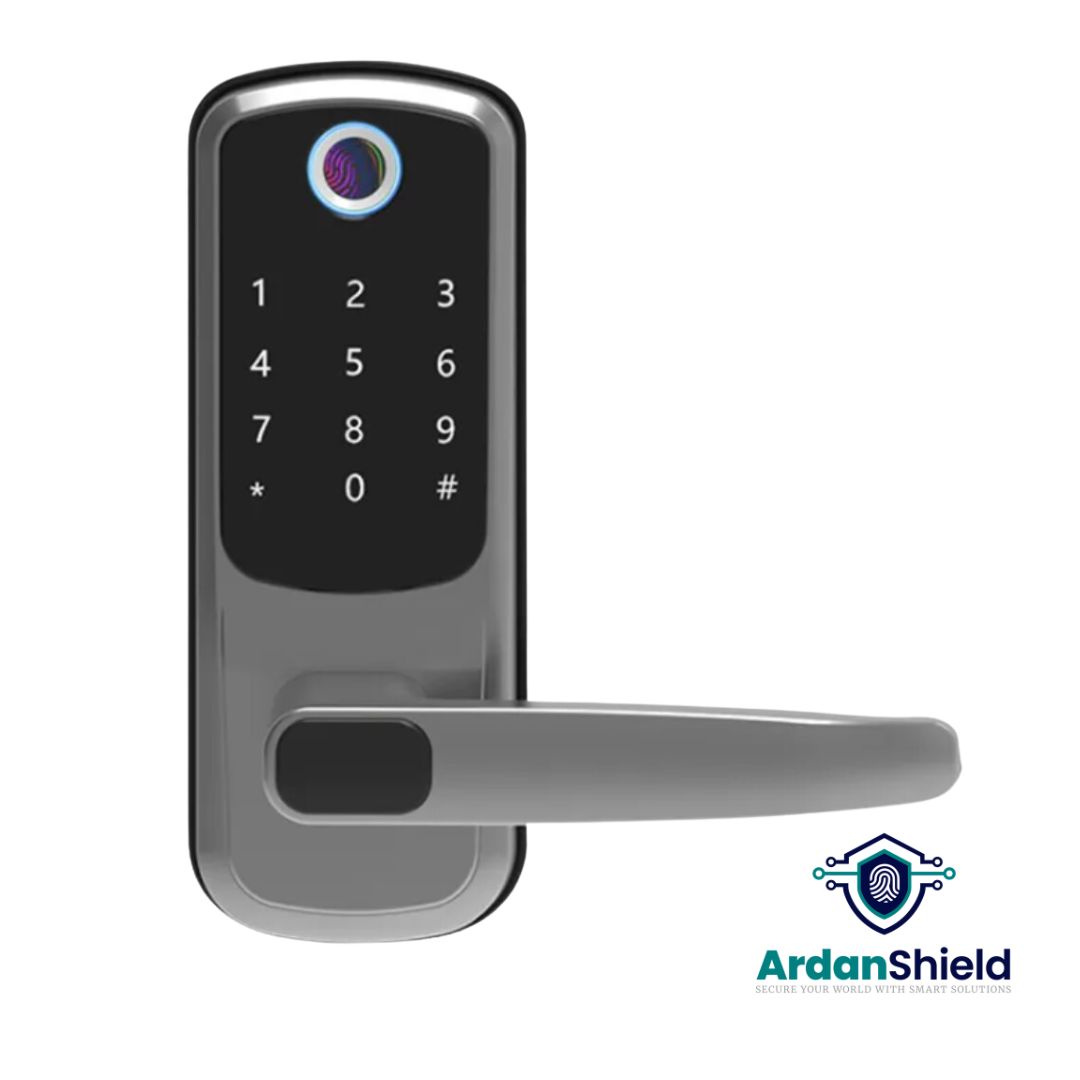
FortiLock™
Suitable for compatible doors where PIN, fingerprint, RFID and app access are useful.
View FortiLock™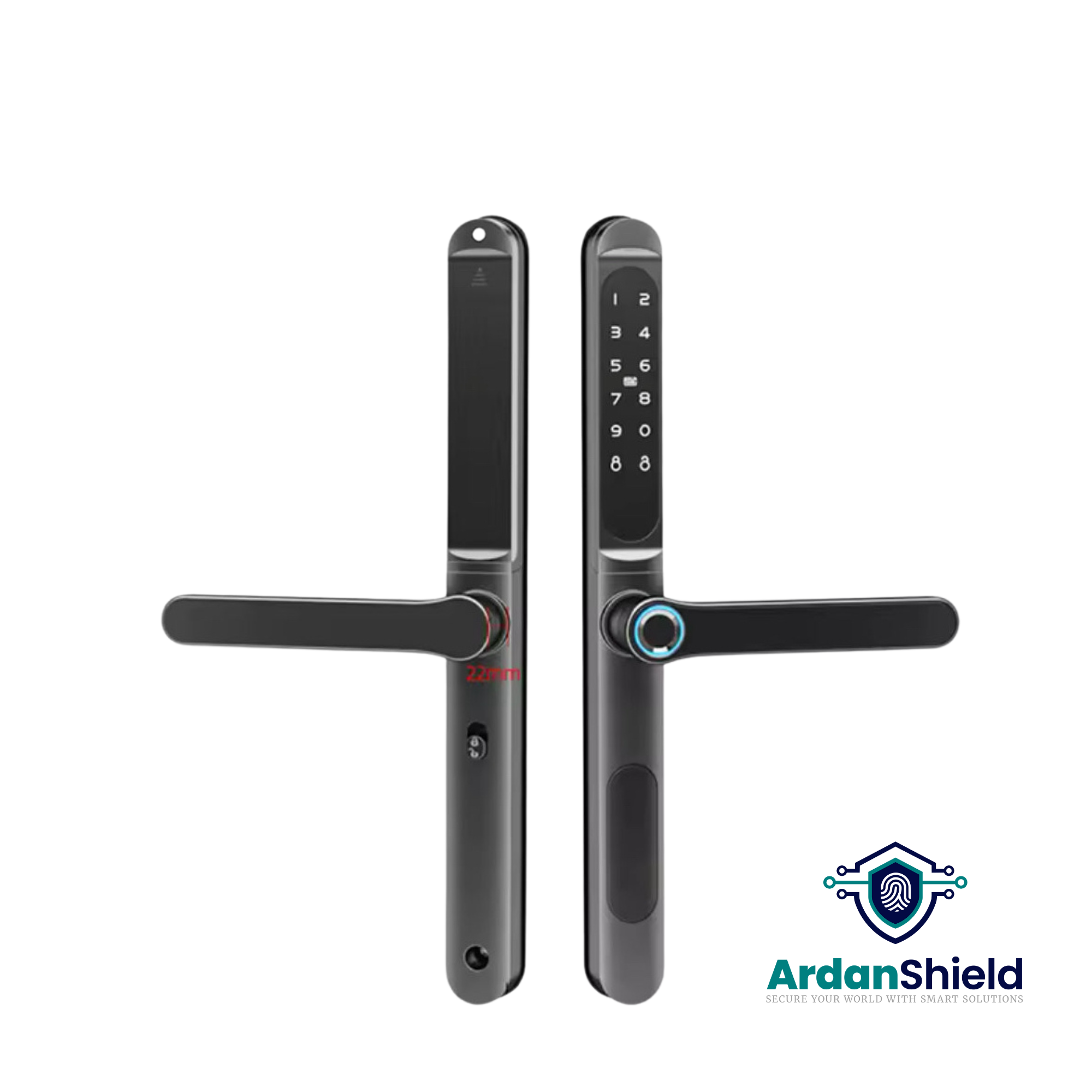
ApexLock™
A premium TTLock-compatible smart lock option for managed access workflows.
View ApexLock™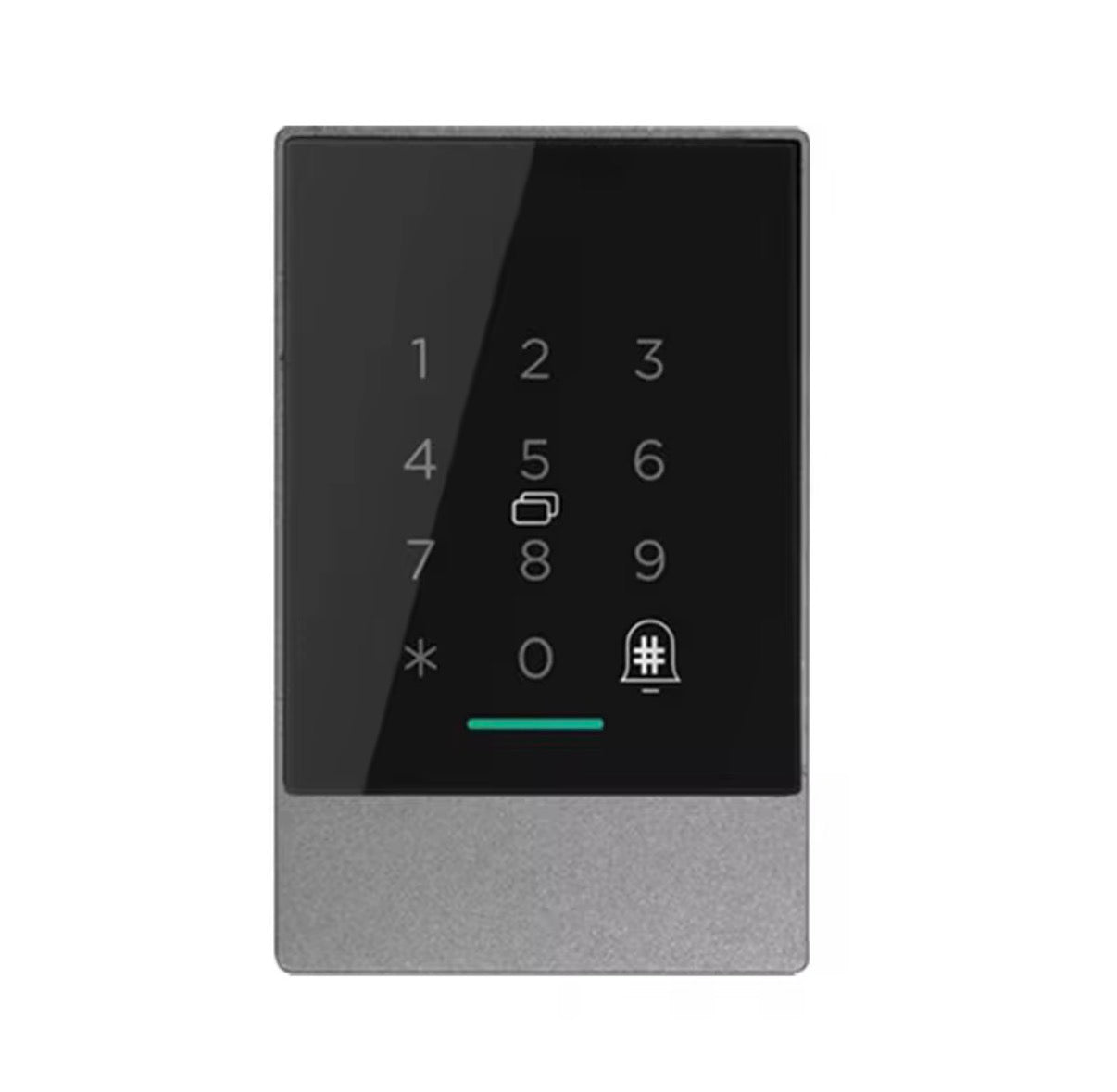
AccessPoint™
A TTLock access-control intercom option for shared entrances and managed access points.
View AccessPoint™
KeyGuard Pro™
A smart lock box option for backup key access, cleaner access or emergency entry workflows.
View KeyGuard Pro™Common Cleaner Access Mistakes
Using guest codes for cleaners
This makes it harder to manage access securely after checkout.
Leaving permanent codes active
Review cleaner and contractor access regularly.
No backup plan
Cleaners need a reliable emergency access route if something goes wrong.
Related ArdanShield Guides
TTLock Passcodes Explained
Understand recurring, timed, permanent and one-time access codes.
Read the guideSmart Lock Automation Ideas
Explore automation ideas for rentals, homes, HMOs and cleaner access.
Read the guideSmart Locks for Serviced Accommodation
Learn how smart locks support guests, cleaners and remote access.
Read the guideMulti-property Smart Lock Management
Plan access across several properties, guests, cleaners and doors.
Read the guideBest Smart Locks for Airbnb UK
Compare smart lock setups for Airbnb guest and cleaner workflows.
Read the guideCleaner Access Smart Lock FAQs
Can cleaners have their own smart lock code?
Yes. Cleaners should usually have a separate timed or recurring code rather than using a guest code.
What is the best access method for cleaners?
Recurring access is useful for regular cleaners, while timed or one-time access is better for occasional visits.
Do cleaners need the smart lock app?
Not usually. PIN code access is often simpler than asking cleaners to use an app.
Should I keep a backup key for cleaners?
A controlled backup access process can be useful, especially for Airbnb and serviced accommodation turnovers.
Simplify Cleaner Access with Smart Locks
Explore ArdanShield smart locks, gateways and backup access products for Airbnb, serviced accommodation, HMOs and rental properties.
Browse Smart LocksView Accessories