

TTLock Passcodes Explained: Timed, Permanent, Recurring & One-Time Codes
TTLock passcodes are one of the most useful features for smart lock owners, Airbnb hosts, landlords, cleaners, maintenance teams and property managers. Used properly, they can make access easier to manage without handing out physical keys.
Quick Answer
TTLock passcodes can usually be created as permanent, timed, recurring or one-time codes depending on the lock, app and setup. Timed codes are useful for Airbnb guests and short stays, recurring codes are useful for cleaners or staff, one-time codes are useful for single visits, and permanent codes should be reserved for owners or trusted long-term users. Some code types need to be used within a certain period after their start time, and remote or custom code management may require a compatible gateway.
What Are TTLock Passcodes?
TTLock passcodes are keypad PIN codes that can unlock a compatible smart lock. Instead of giving someone a physical key, the lock owner or administrator can create a code for a specific user, visit, time period or access purpose.
For UK homes, Airbnb properties, HMOs and serviced accommodation, passcodes are often more practical than app access because the user can simply type a code into the keypad.
For guests
Timed PIN codes can support self check-in without requiring app downloads.
For cleaners
Recurring codes can allow access only on planned cleaning days or time windows.
For owners
Permanent codes can provide quick access for trusted long-term users.
TTLock Passcode Types Explained
Exact options can vary by lock and software version, but TTLock commonly supports several passcode types.
| Passcode type | Best for | How it works | Important notes |
|---|---|---|---|
| Permanent | Owners, family members, trusted long-term users | The code continues to work until changed or deleted by an administrator. | Use carefully. Avoid giving permanent codes to temporary guests. |
| Timed | Airbnb guests, hotel-style stays, short-term rentals | The code works between selected start and end times. | Good for check-in/check-out windows and guest stays. |
| Recurring | Cleaners, regular staff, contractors | The code works on repeated days or time periods. | Useful for weekly cleaners or scheduled maintenance access. |
| One-time | Single visits, emergency access, tradespeople | The code is designed for one use or a short validity window. | Useful when you do not want ongoing access. |
| Custom | Memorable codes for known users | Allows a chosen code where supported by the lock and connection setup. | Custom code creation may require Bluetooth proximity or gateway-supported connection. |
| Erase/Clear code | Removing older access codes | Used to clear or remove passcode access depending on the setup. | Use carefully and understand the effect before applying it. |
Important timing note
Some TTLock passcodes must be used after their start time within a required activation window, otherwise they may become invalid. Always test your own lock and app setup before relying on a code for guest access.
Which TTLock Code Should You Use?
The best passcode type depends on who needs access and how long they should have it.
Airbnb guest
Use a timed code that matches the booking window, with a sensible buffer around check-in and check-out.
Cleaner
Use a recurring code for the agreed cleaning day or time window.
Emergency visitor
Use a one-time code so access does not remain active after the visit.
Family member
Use permanent access only if they genuinely need ongoing entry.
Contractor
Use timed or one-time access depending on whether the work is a single visit or planned schedule.
Staff member
Use recurring or timed access and review it regularly.
Best TTLock Passcodes for Airbnb and Rental Properties
For Airbnb and short-term rental properties, timed passcodes are usually the best option. They give guests a simple way to enter without requiring a physical key or app download.
Suggested Airbnb workflow
- Create a timed code for the guest’s booking window.
- Allow a small check-in buffer if appropriate.
- Send clear instructions before arrival.
- Tell the guest how to wake the keypad and confirm entry.
- Keep a backup access plan in case of battery, keypad or user error.
- Remove or let the code expire after checkout depending on your setup.
For cleaners, use a separate recurring code. Do not give cleaners the same code as guests, and avoid using one permanent code for everyone.
Do TTLock Passcodes Need a Gateway?
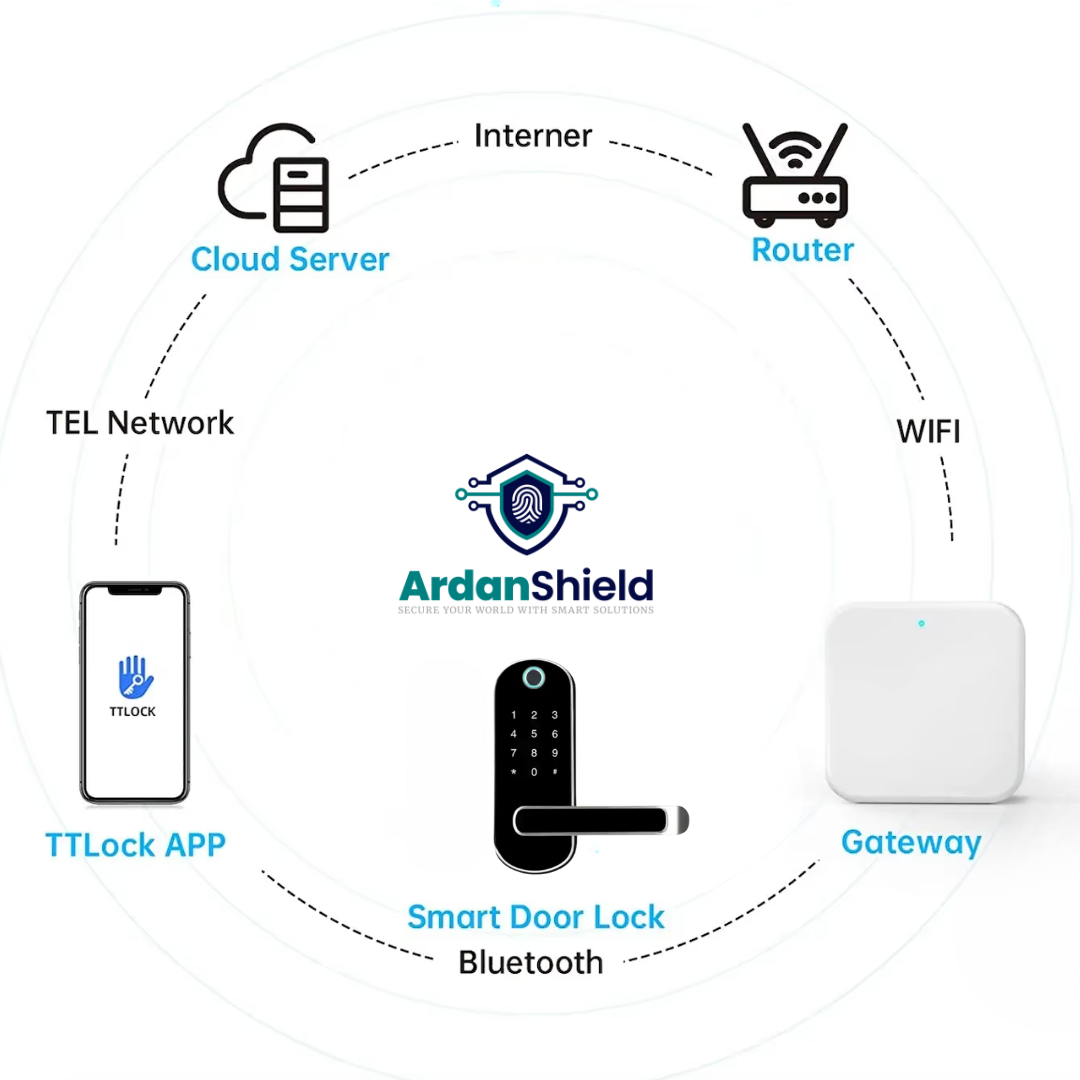
Some TTLock passcodes can be generated without the lock being online, depending on the code type and setup. However, remote management, custom code changes, deleting access early and cloud-supported features may require a compatible gateway.
No gateway
May be suitable for basic local access and some generated passcodes depending on setup.
With gateway
Better for off-site hosts who need remote management and stronger control over access workflows.
Best for rentals
Airbnb hosts and property managers often benefit from gateway-supported remote access.

TTLock Passcode Security Best Practices
Avoid shared codes
Do not use the same code for guests, cleaners, contractors and owners.
Use timed access
Temporary users should only have access for the period they need.
Review users regularly
Check old codes, staff access and recurring access schedules.
Keep backup access
Always have a safe backup route for battery failure, lockouts or guest confusion.
Use clear names
Name codes clearly inside the app so you know who they belong to.
Test before arrival
Hosts should test new guest workflows before live bookings.
Need a Smart Lock for Guest Codes?
ArdanShield offers TTLock-compatible smart locks and gateways for UK homes, Airbnb properties, HMOs, serviced accommodation and rental access workflows.
Browse Smart LocksGet Compatibility HelpArdanShield TTLock-Compatible Options
These products can support different passcode and access-control workflows depending on your door type and setup.
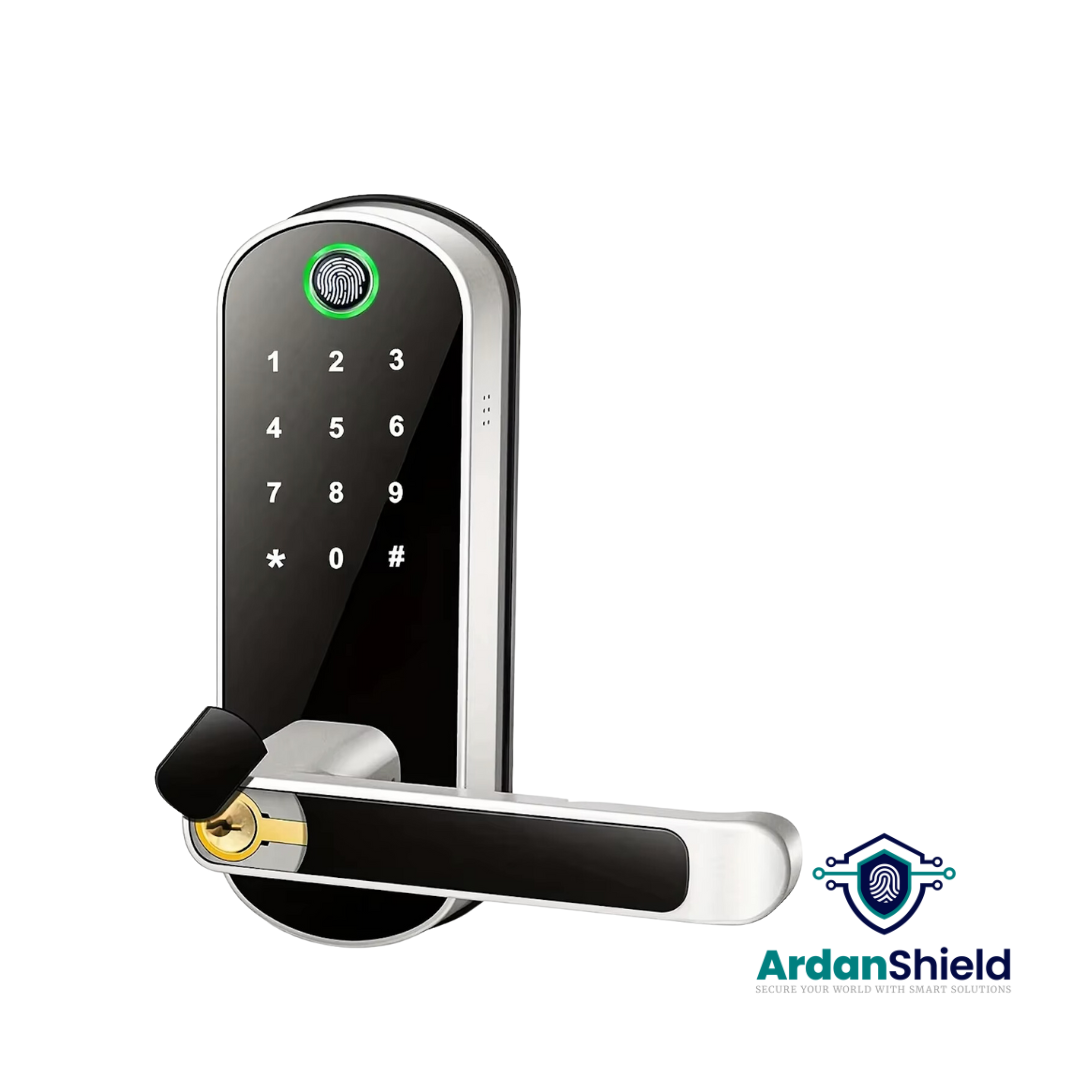
FusionGuard™
A TTLock-compatible option for suitable single-latch doors and guest PIN workflows.
View FusionGuard™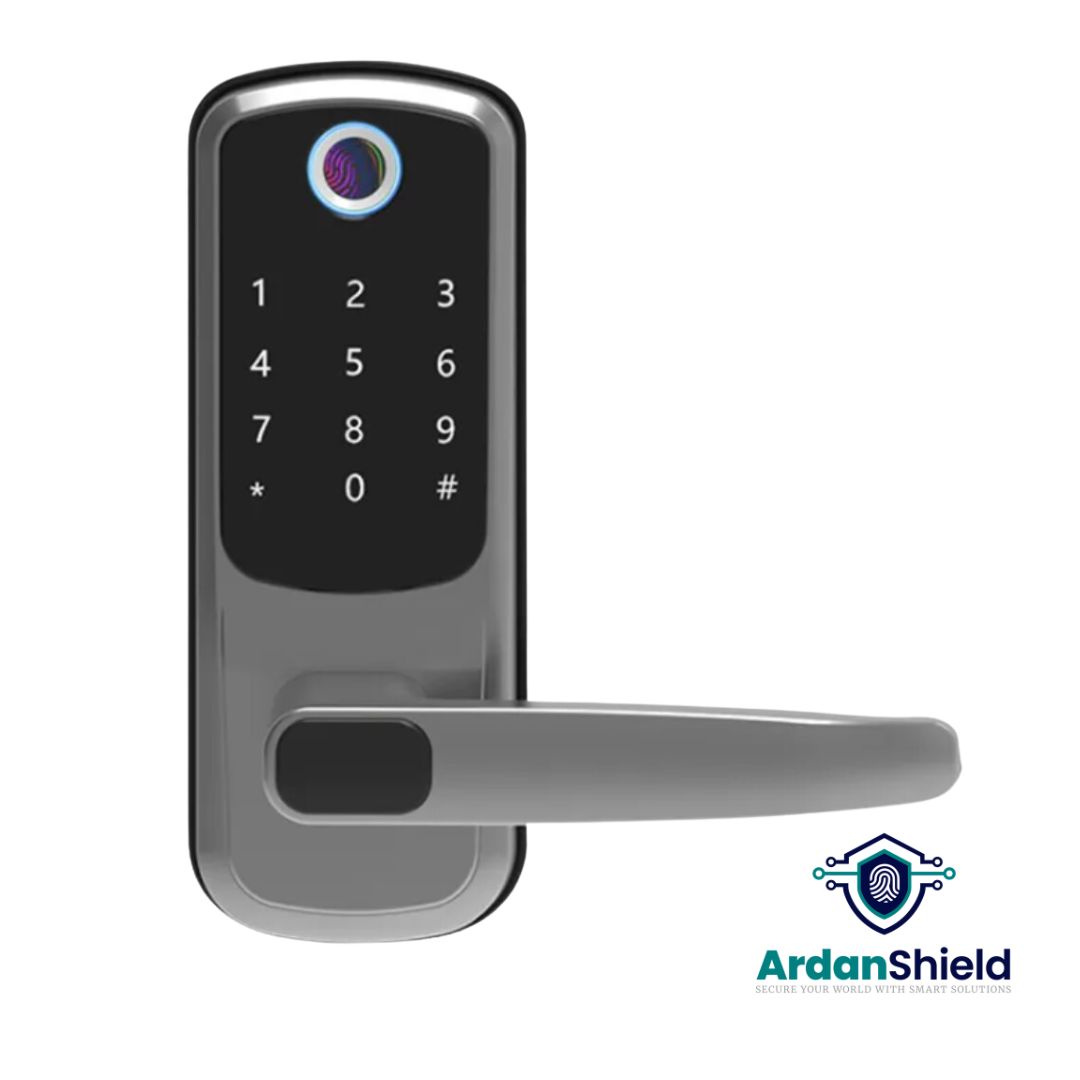
FortiLock™
Suitable for compatible doors where PIN, fingerprint, RFID and app access are useful.
View FortiLock™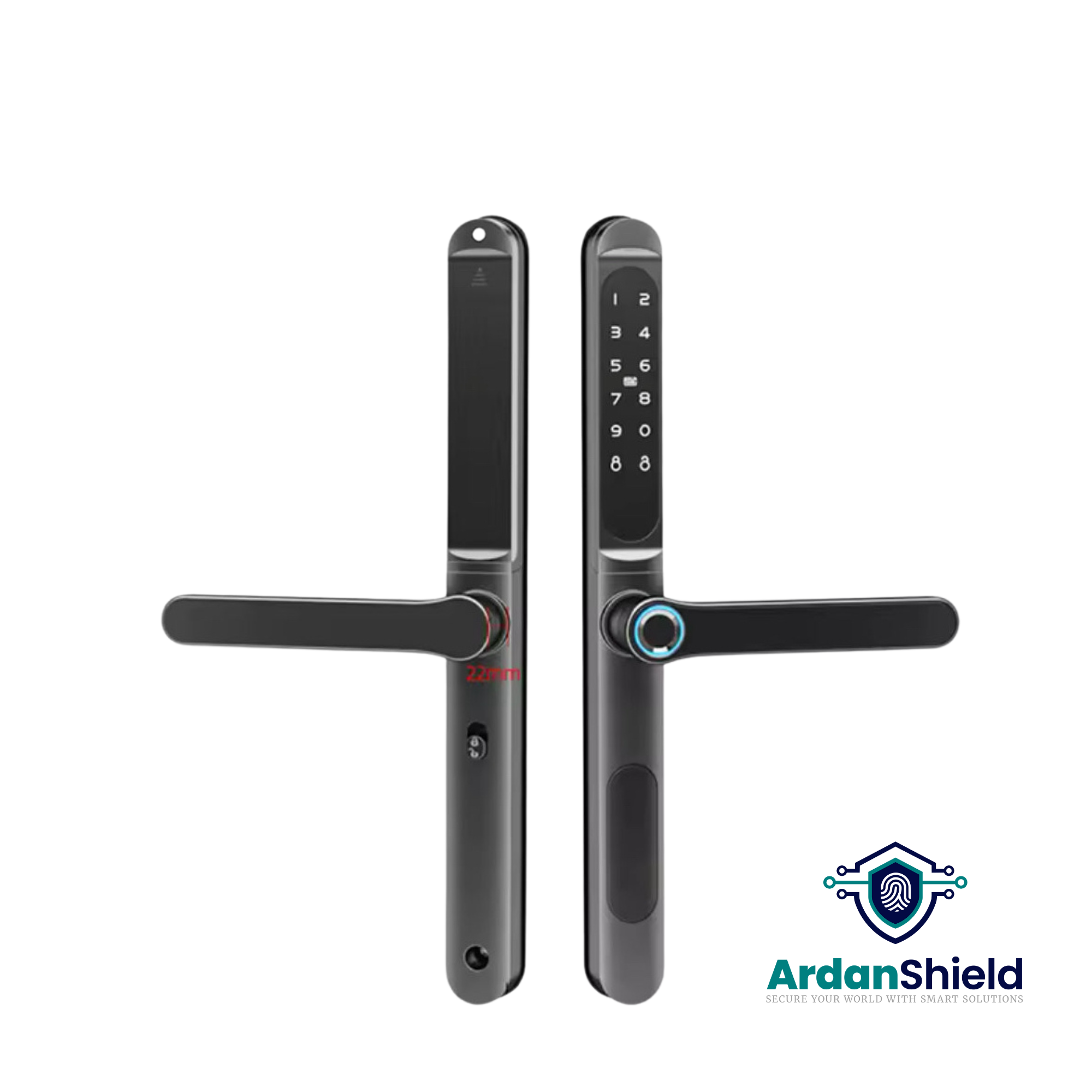
ApexLock™
A premium TTLock-compatible smart lock option for modern rental and access management.
View ApexLock™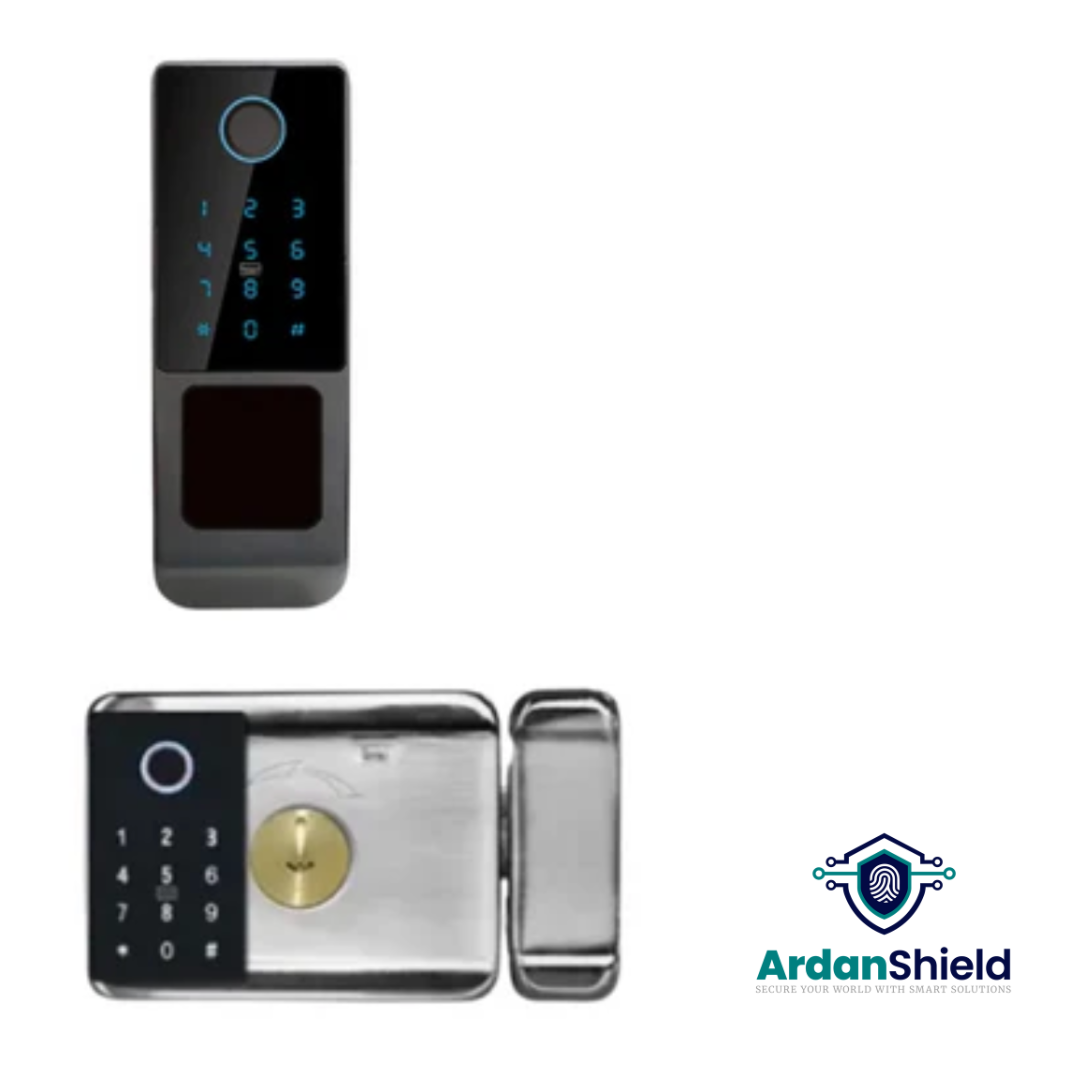
SecureWave™
A Yale-style retrofit smart lock option for suitable doors and selected property upgrades.
View SecureWave™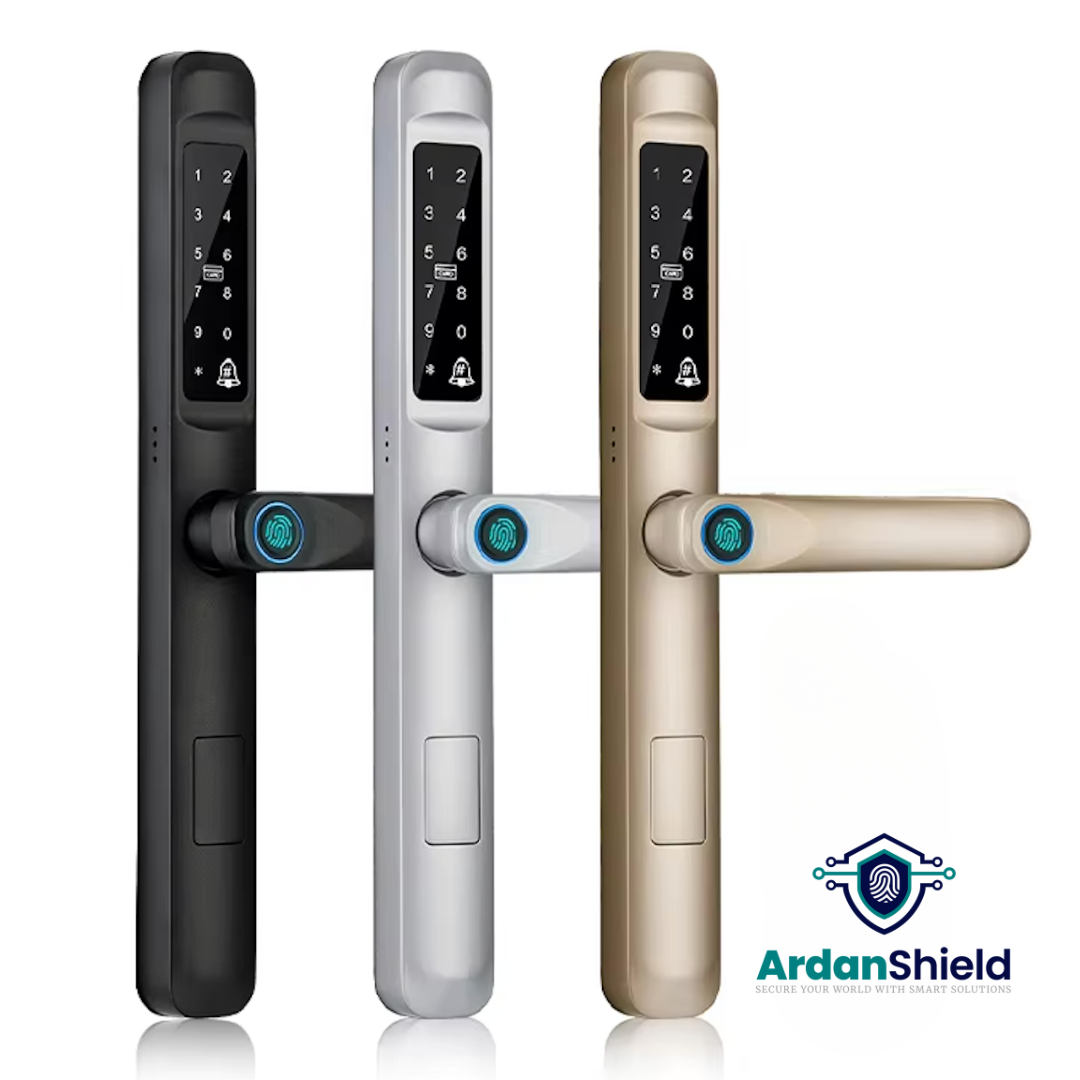
SwiftLock™
Designed for compatible uPVC and composite-style doors where smart access is required.
View SwiftLock™
KeyGuard Pro™
A smart lock box option for backup key access, cleaner access or emergency entry workflows.
View KeyGuard Pro™Common TTLock Passcode Mistakes to Avoid
Using permanent codes for guests
Temporary users should normally have timed or one-time access, not permanent access.
Forgetting code activation windows
Some passcodes need to be used after their start time within a required period or they may become invalid.
Sharing one code with everyone
This makes it harder to manage access and understand who entered the property.
No cleaner schedule
Use recurring access where appropriate instead of giving cleaners a guest code.
No gateway planning
If you manage access remotely, check whether your workflow needs a compatible gateway.
No backup process
Always plan for low batteries, keypad issues, internet outages and guest mistakes.
Related ArdanShield Guides
Airbnb Self Check-In with TTLock
Learn how timed PIN codes and gateways can support Airbnb guest access workflows.
Read the guideBest Smart Locks for Airbnb UK
Compare smart locks, gateways, lock boxes and self check-in workflows for UK Airbnb hosts.
Read the guideTTLock Gateway Offline Fixes
Fix common gateway, WiFi and remote access issues with TTLock-compatible smart locks.
Read the guideTTLock Remote Unlock Not Working
Diagnose remote unlock problems caused by gateways, WiFi, batteries, permissions or setup issues.
Read the guideDo Smart Locks Work Without WiFi?
Learn what still works locally and what needs internet or gateway support.
Read the guideCleaner Access Workflows
Learn how smart locks can support cleaner, maintenance and contractor access.
Read the guideSmart Locks for Serviced Accommodation
Explore access workflows for serviced apartments, aparthotels and managed accommodation.
Read the guideSmart Lock Battery Failure Guide
Understand low battery warnings, backup access and avoiding lockouts.
Read the guideTTLock Passcode FAQs
What types of passcodes does TTLock support?
TTLock commonly supports permanent, timed, recurring and one-time passcodes. Some setups may also support custom and clearing/erase codes depending on the lock and app configuration.
Which TTLock code is best for Airbnb?
Timed passcodes are usually best for Airbnb guests because they can be set around check-in and check-out windows.
Can I create TTLock passcodes without WiFi?
Some generated passcodes can be created even when the lock is offline, depending on the code type and setup. Remote management and custom code control may require a gateway.
Why did my TTLock passcode stop working?
The code may have expired, not been used within its required activation period, been deleted, been entered incorrectly, or the lock clock may need checking.
Can cleaners have their own TTLock code?
Yes. A recurring code is often useful for cleaners because it can be limited to agreed times or days depending on setup.
Should I use one permanent code for every guest?
No. Shared permanent guest codes are harder to manage and less secure. Timed or one-time codes are usually better for temporary access.
Need a Smart Lock with Flexible Guest Codes?
Explore ArdanShield TTLock-compatible smart locks and gateways for Airbnb, HMOs, rental properties, serviced accommodation and UK homes.
Browse Smart LocksGet Compatibility Help