

Smart Lock Battery Failure Guide UK: Warnings, Backup Access & Lockout Prevention
Smart locks are designed to make access easier, but battery planning matters. This UK guide explains what happens when smart lock batteries run low, how to avoid lockouts, and what backup options homeowners, landlords, Airbnb hosts and property managers should have in place.
Quick Answer
Most smart locks give low-battery warnings before failure and can still be opened using backup methods such as a mechanical key, emergency USB power, existing PIN access, fingerprint access or a secure backup key process depending on the model. To prevent lockouts, replace batteries early, use quality batteries, monitor alerts and keep a backup access route available.
What Happens When Smart Lock Batteries Run Low?
Most battery-powered smart locks are designed to warn you before the batteries fully fail. Depending on the model, warnings may appear through the app, keypad, lock sound, indicator light or access behaviour.
If the battery becomes too weak, remote features may become unreliable first. Eventually, the keypad, motor or smart functions may stop responding until the batteries are replaced or emergency power is supplied.
Low battery alert
The lock or app may warn you before full failure.
Slower response
The keypad, motor or app control may feel delayed.
Backup needed
If power drops too far, you may need a key, USB backup or spare access route.
Important
Do not wait until the lock stops working. For homes, rentals and Airbnb properties, battery replacement should be part of your routine maintenance.
Common Smart Lock Battery Warning Signs
| Warning sign | What it may mean | What to do |
|---|---|---|
| Low battery alert in app | The lock is reporting reduced battery level. | Replace batteries soon and test all access methods. |
| Sluggish motor | The lock may not have enough power to operate cleanly. | Replace batteries and check the latch is not binding. |
| Keypad slow to wake | Battery level may be low or the keypad may be struggling. | Replace batteries and clean the keypad surface if needed. |
| Remote unlock unreliable | Battery, gateway or signal issues may be affecting operation. | Check batteries, gateway status and WiFi connection. |
| Repeated beeping or light alerts | The lock may be warning of low power. | Check the product manual and replace batteries early. |
Backup Access Options to Prevent Lockouts
Backup access is essential, especially for Airbnb, serviced accommodation, HMOs and rental properties. The correct backup route depends on your lock model and property type.
Mechanical key
Many smart locks include a key override for emergency access.
Emergency USB power
Some models allow temporary power through a USB port so the lock can be opened.
Backup key storage
A secure smart lock box can support emergency access for hosts, cleaners or trusted users.
Existing PIN codes
Valid local codes may still work if the lock has enough power.
Owner/admin access
Owners should retain a reliable entry method that does not depend only on remote unlock.
Maintenance routine
Regular battery checks are the best way to avoid emergency access problems.
Battery Planning for Airbnb, Rentals and Serviced Accommodation
For guest-facing properties, battery failure is more than an inconvenience. It can cause late-night calls, poor reviews and emergency access problems.
Recommended host workflow
- Check battery status before every guest stay where possible.
- Replace batteries early rather than waiting for failure.
- Keep spare batteries at the property or with the cleaner.
- Have a backup key process using a secure route.
- Use separate access codes for guests, cleaners and owners.
- Test the lock after battery replacement.
For remote hosts, a gateway can help monitor and manage supported smart lock features, but it should never be the only backup plan.
Cold Weather and UK Battery Performance
Cold weather can reduce battery performance, especially on external doors, garden cabins, holiday lets and properties in exposed areas. In Scotland and colder UK regions, this can be more noticeable during winter.
Use quality batteries
Cheap batteries may drain faster or perform poorly in colder conditions.
Replace as a full set
Do not mix old and new batteries. Replace the full set together.
Check before winter
Holiday lets, cabins and remote properties should be checked before cold weather.
Need a Backup Access Plan?
ArdanShield can help you choose smart locks, gateways and backup access products for homes, Airbnb properties, serviced accommodation and rental management.
Browse Smart LocksView AccessoriesArdanShield Products and Backup Access Options
The best setup depends on your door type, lock model and whether the property is used by family, guests, cleaners or tenants.
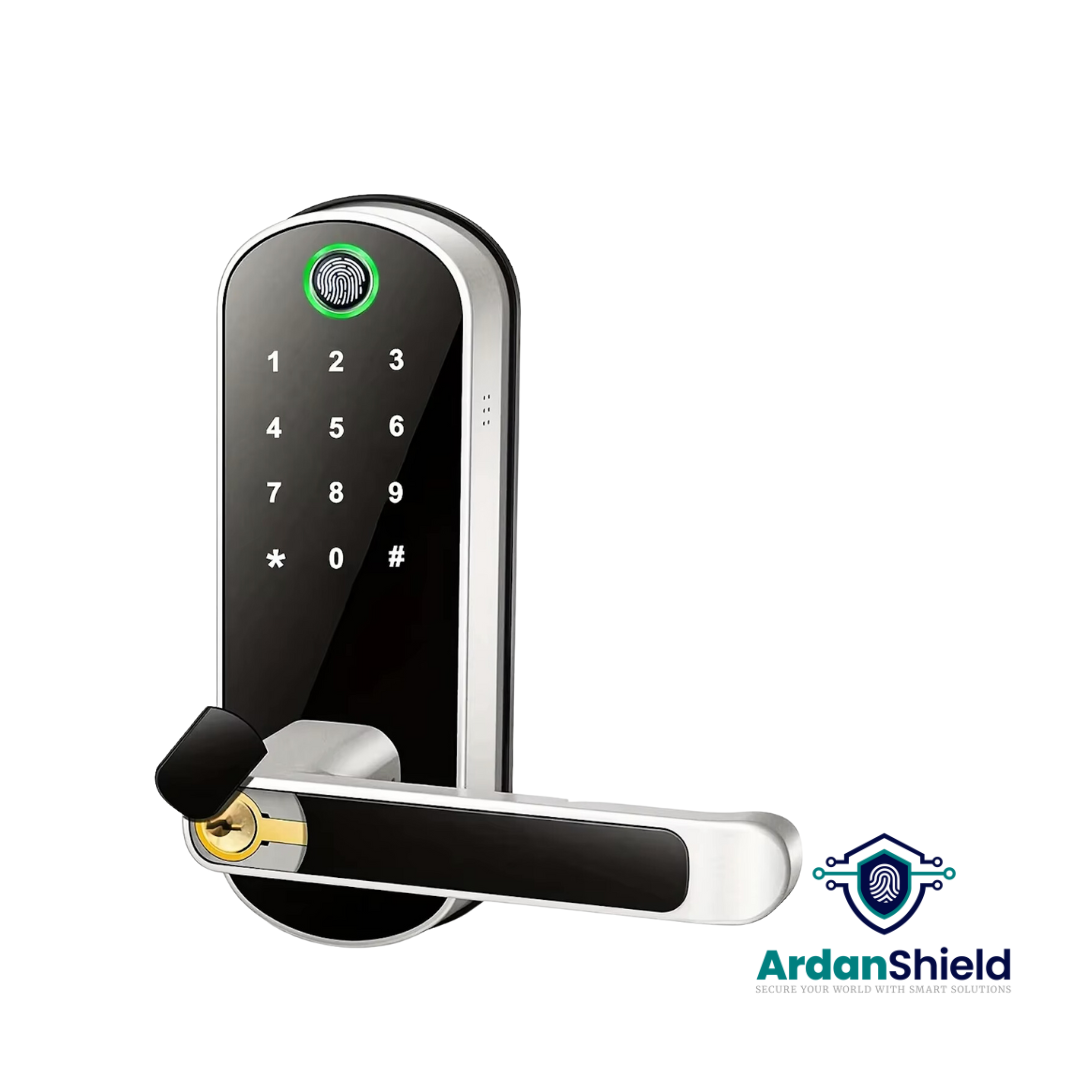
FusionGuard™
A TTLock-compatible option for suitable single-latch doors and flexible access workflows.
View FusionGuard™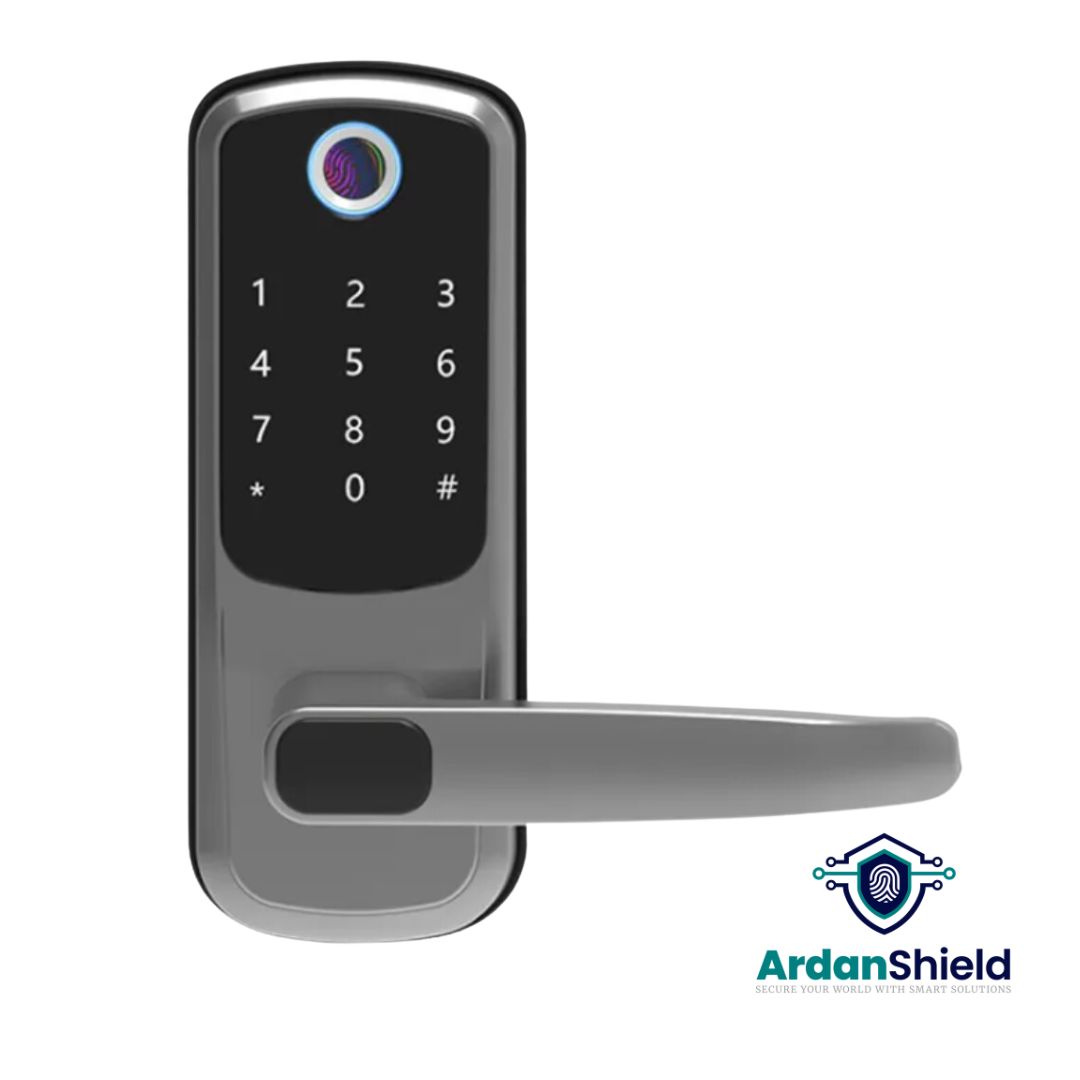
FortiLock™
Suitable for compatible doors where PIN, fingerprint, RFID and app access are useful.
View FortiLock™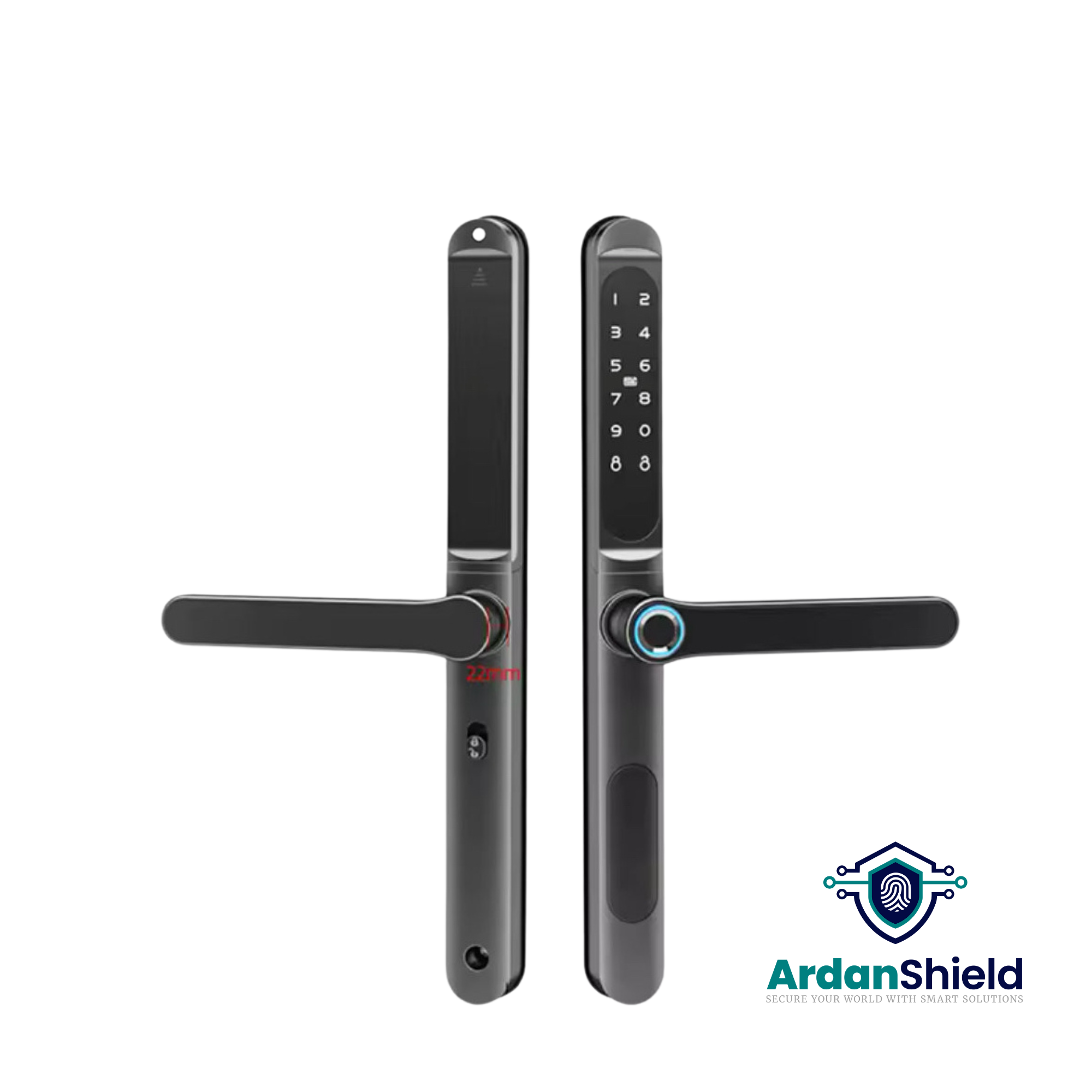
ApexLock™
A premium TTLock-compatible smart lock option for managed access workflows.
View ApexLock™
KeyGuard Pro™
A smart lock box option for secure backup key access, cleaner access or emergency entry workflows.
View KeyGuard Pro™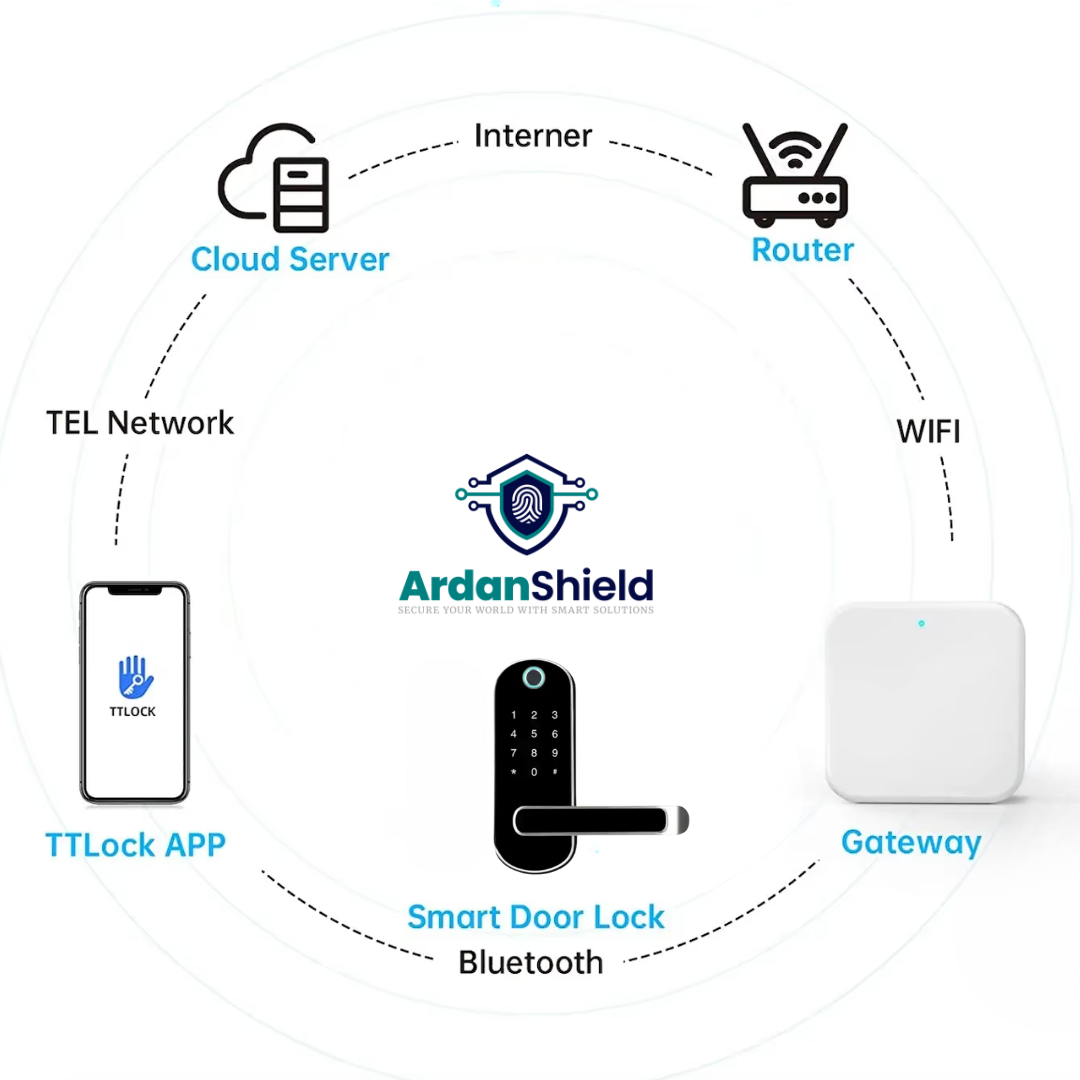
TTLock Smart Gateway
A 2.4GHz gateway for compatible TTLock smart lock setups requiring remote access support.
View TTLock GatewayNeed Help?
Send your door photos and access needs for guidance before choosing a smart lock or backup access route.
Contact ArdanShieldCommon Smart Lock Battery Mistakes to Avoid
Waiting for full failure
Replace batteries as soon as warnings appear.
Mixing old and new batteries
Always replace the full set together for more reliable performance.
No backup key route
Every property should have a safe emergency access plan.
Using cheap batteries
Low-quality batteries may perform poorly, especially in cold weather.
Ignoring door alignment
If the latch binds, the motor may use more power and drain batteries faster.
No checks before guests
Airbnb and rental hosts should check batteries before guest arrival.
Related ArdanShield Guides
Do Smart Locks Work Without WiFi?
Understand what still works locally if WiFi or internet connection fails.
Read the guideTTLock Gateway Offline Fixes
Fix gateway, WiFi and remote access issues before they affect smart lock performance.
Read the guideTTLock Remote Unlock Not Working
Diagnose remote unlock problems caused by gateways, WiFi, batteries, permissions or setup issues.
Read the guideBest Smart Locks for Airbnb UK
Compare smart locks, gateways and backup access workflows for UK Airbnb hosts.
Read the guideCleaner Access Workflows
Learn how smart locks and backup access support cleaners and maintenance teams.
Read the guideSmart Lock Battery Failure FAQs
What happens if a smart lock battery dies?
Depending on the model, you may need to use a mechanical key, emergency USB power, backup access route or replace the internal batteries from inside the property.
Do smart locks warn before the battery dies?
Many smart locks provide low-battery warnings through the app, lock indicator, sound or keypad behaviour.
Can I still use a PIN code if the battery is low?
Usually yes while the lock still has enough power. If the battery is fully dead, keypad access may stop until backup power or another access method is used.
How often should smart lock batteries be replaced?
This depends on the lock, usage, battery type and conditions. For guest-facing properties, check batteries regularly and replace early.
Do cold temperatures affect smart lock batteries?
Yes, cold weather can reduce battery performance, especially on external doors, cabins and exposed rental properties.
What is the best backup for Airbnb smart locks?
A secure backup key process, such as KeyGuard Pro™ or another controlled emergency access method, is sensible alongside a battery routine.
Avoid Smart Lock Battery Lockouts
Explore ArdanShield smart locks, gateways and backup access products for UK homes, Airbnb properties, serviced accommodation and rental management.
Browse Smart LocksView Accessories