

TTLock Remote Unlock Not Working? UK Smart Lock Troubleshooting Guide
Remote unlock is one of the main reasons people add a TTLock gateway to their smart lock setup. When it stops working, it can be frustrating — especially for Airbnb hosts, landlords, HMOs, serviced accommodation operators and anyone managing access from another location.
Quick Answer
If TTLock remote unlock is not working, first check that the lock works locally by Bluetooth, the gateway is online, the gateway is close enough to the lock, WiFi is stable, the lock batteries are healthy and remote unlock is enabled in the app where required. If local Bluetooth works but remote unlock fails, the issue is usually gateway, internet, signal or app-permission related rather than the lock itself.
How TTLock Remote Unlock Works
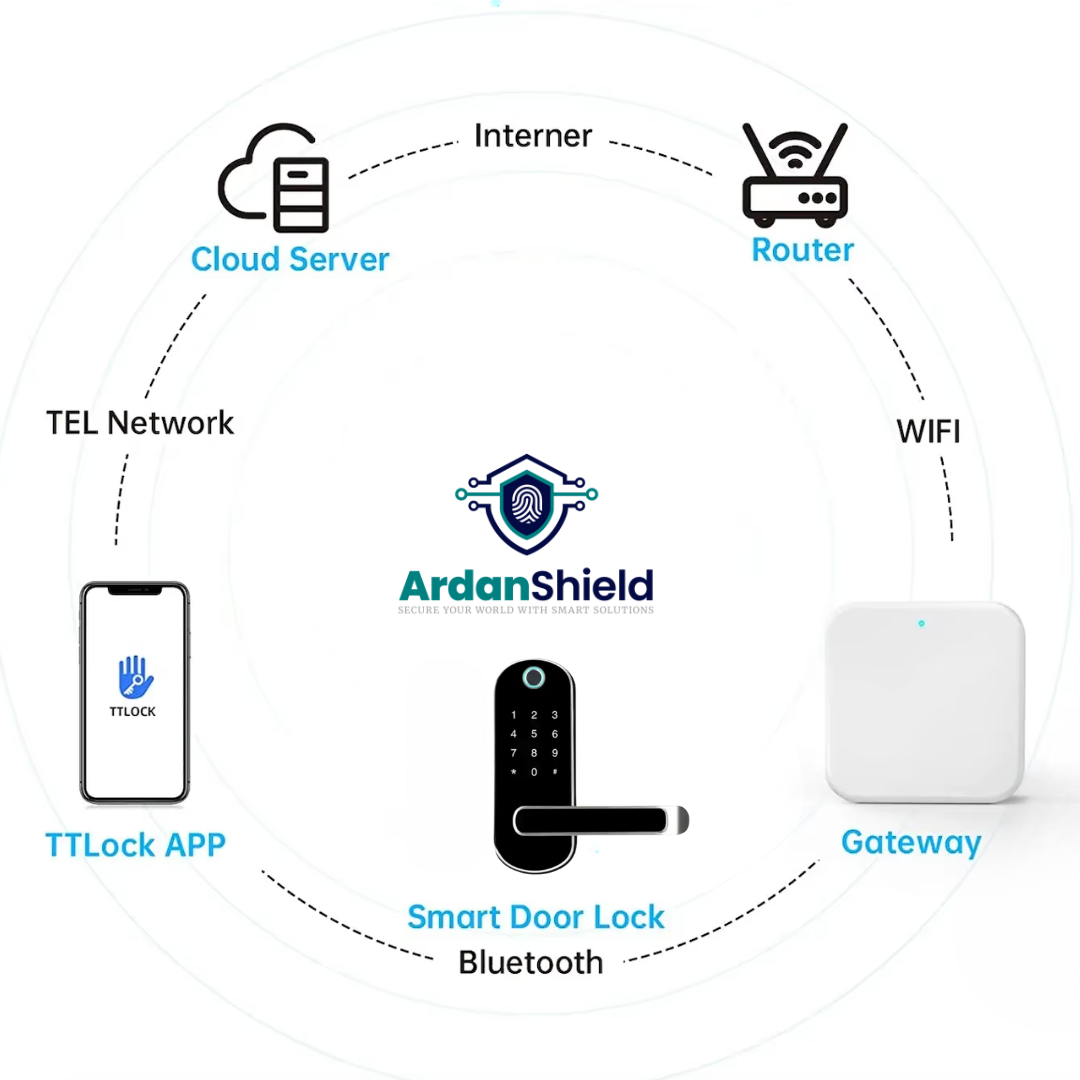
TTLock remote unlock normally relies on several parts working together. Your phone communicates through the TTLock app, the gateway communicates with the lock, and the lock must be powered, paired and close enough to maintain a reliable connection.
Smart lock
The lock must be powered, responsive and correctly paired in the app.
Gateway
The gateway acts as the bridge between the lock and the internet.
WiFi and internet
The gateway needs a stable connection to your router and the wider network.
Best first test
Stand near the door and test Bluetooth unlock first. If Bluetooth works locally but remote unlock does not, focus on the gateway, WiFi, account permissions or app settings.
TTLock Remote Unlock Not Working: Quick Checks
- Test local Bluetooth: Stand near the lock and check whether the app can control it locally.
- Check gateway status: Confirm the gateway shows online in the TTLock app.
- Restart the gateway: Unplug it for 30 seconds, reconnect and wait for it to come back online.
- Check lock batteries: Low batteries can cause slow or unreliable lock response.
- Move the gateway closer: Temporarily place the gateway closer to the lock and test again.
- Check internet: Confirm the property WiFi and broadband are working.
- Check permissions: Make sure you are using an owner/admin account with the right access.
- Check remote unlock setting: Some setups require remote unlock to be enabled before it will work.
Simple diagnosis
If the lock works by keypad and Bluetooth, but not remotely, the lock is likely fine. The issue is usually the gateway, connection route or app configuration.
Gateway Issues That Stop TTLock Remote Unlock
The gateway is usually the first place to look when remote unlock stops working. It must be close enough to the lock for Bluetooth communication and close enough to the router for stable WiFi.
Gateway offline
If the gateway is offline in the app, remote unlock will usually fail.
Too far from lock
The gateway may have WiFi but still be too far away to communicate with the lock.
Unstable power
Loose USB adapters, switched sockets or weak power supplies can cause dropouts.
Wrong gateway
Make sure the gateway is compatible with your lock and TTLock setup.
Router changes
New router names, WiFi passwords or network changes can disconnect the gateway.
Signal obstruction
Thick stone walls, metal doors and cupboards can affect communication.
WiFi and Router Problems
Many TTLock gateway issues in UK homes and rentals come from WiFi setup. Modern routers often combine 2.4GHz and 5GHz networks, which can confuse smart device setup.
| Issue | Why it matters | What to try |
|---|---|---|
| Weak WiFi | The gateway may drop offline or respond slowly. | Move the gateway, improve WiFi coverage or use a better router/mesh point. |
| Wrong network band | Some gateways require 2.4GHz during setup. | Check the gateway specification and router settings. |
| Changed WiFi password | The gateway may still be trying to connect to the old network. | Reconnect or re-add the gateway in the app. |
| Router rebooting | Remote unlock may fail during outages. | Wait for the router and gateway to come fully back online. |
| Guest network restrictions | Some guest networks block device communication. | Use a normal trusted network where suitable. |
App Permissions and Account Issues
Remote unlock may also fail if the user account does not have the correct permissions or if the lock has not been shared properly.
Owner account
The lock owner usually has the highest level of control and setup permissions.
Admin access
Shared users may need admin rights depending on the action being attempted.
App settings
Remote unlock may need enabling in the TTLock app depending on the lock and setup.
Rental property tip
For Airbnb and serviced accommodation, avoid sharing owner login details. Use proper user roles and access-sharing methods where supported.
Battery and Door Alignment Problems
Sometimes remote unlock looks like a connection issue, but the lock is struggling mechanically. A smart lock cannot reliably unlock a stiff door, a badly aligned latch or a multipoint mechanism under pressure.
Low batteries
Low power can make the motor slow, weak or unreliable.
Stiff latch
If the latch or bolt is binding, the lock may fail even when the app command works.
Door movement
uPVC and composite doors can move slightly with temperature changes.
Always test the lock with the door open and then closed. If it works open but struggles closed, the issue may be door alignment rather than TTLock.
What This Means for Airbnb, HMOs and Rentals
Remote unlock is useful, but it should not be the only way guests or residents can enter. A good rental setup should include timed PIN codes, tested local access and a backup access plan.
Airbnb
Guests should have a valid PIN code rather than relying only on the host remotely unlocking.
Serviced accommodation
Remote access helps operators, but cleaner and guest workflows need testing.
HMOs
Residents need reliable day-to-day access even if WiFi or remote features fail.
Best practice
Use remote unlock as a support tool, not the only access method. For guest properties, PIN codes and backup access are essential.
Need Help Fixing TTLock Remote Unlock?
ArdanShield can help you review gateway placement, lock compatibility, WiFi setup and smart lock options for UK homes, rentals and managed properties.
Browse GatewaysGet SupportArdanShield Gateway and Lock Options
If remote unlock issues keep happening, review whether the gateway is suitable, correctly placed and working with the right lock setup.
TTLock Smart Gateway
A 2.4GHz gateway for compatible TTLock smart lock setups requiring remote access support.
View TTLock Gateway
ConnectHub™ 5G Gateway
ArdanShield’s newer gateway option with 5GHz support for compatible TTLock setups.
View ConnectHub™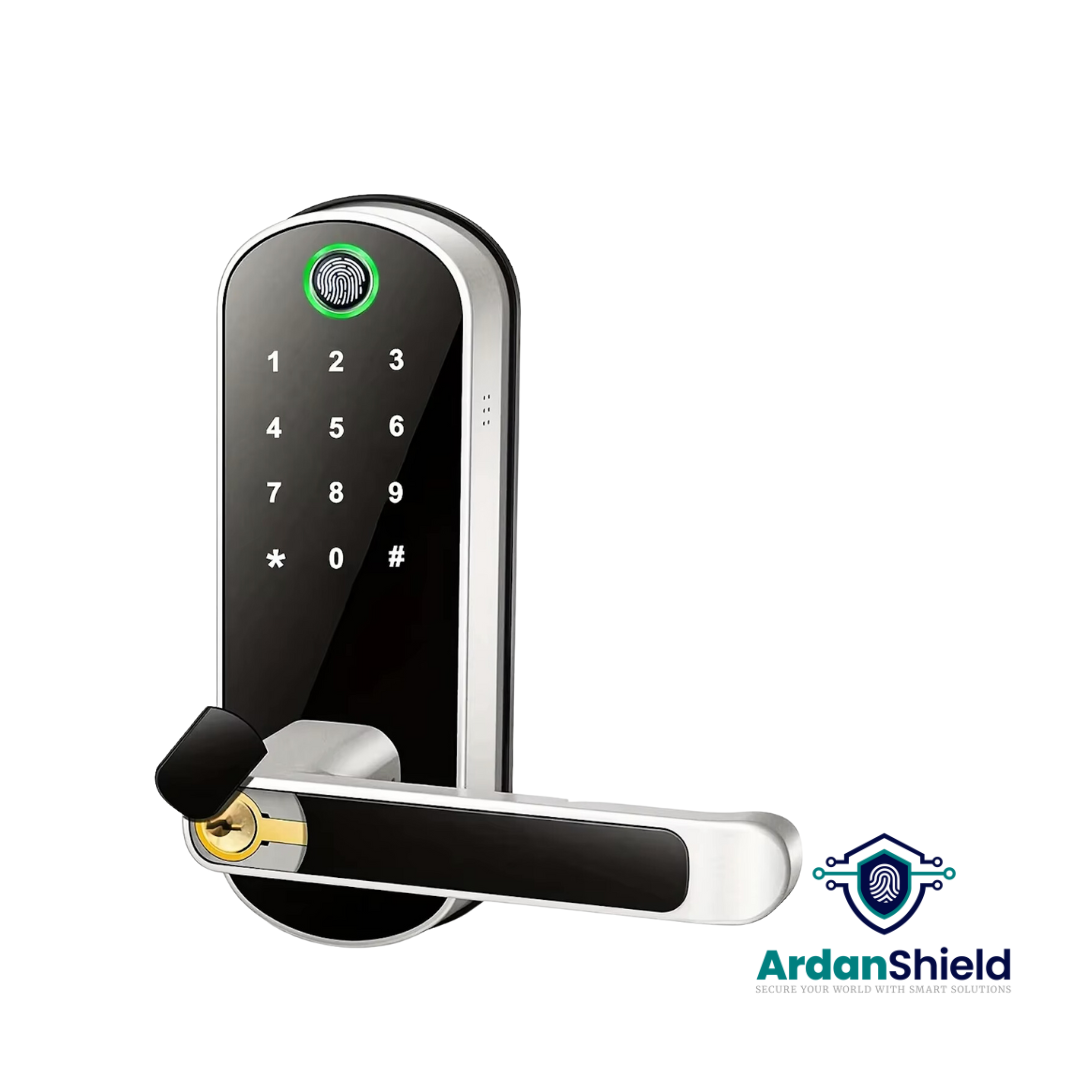
FusionGuard™
A TTLock-compatible option for suitable single-latch doors and keyless access workflows.
View FusionGuard™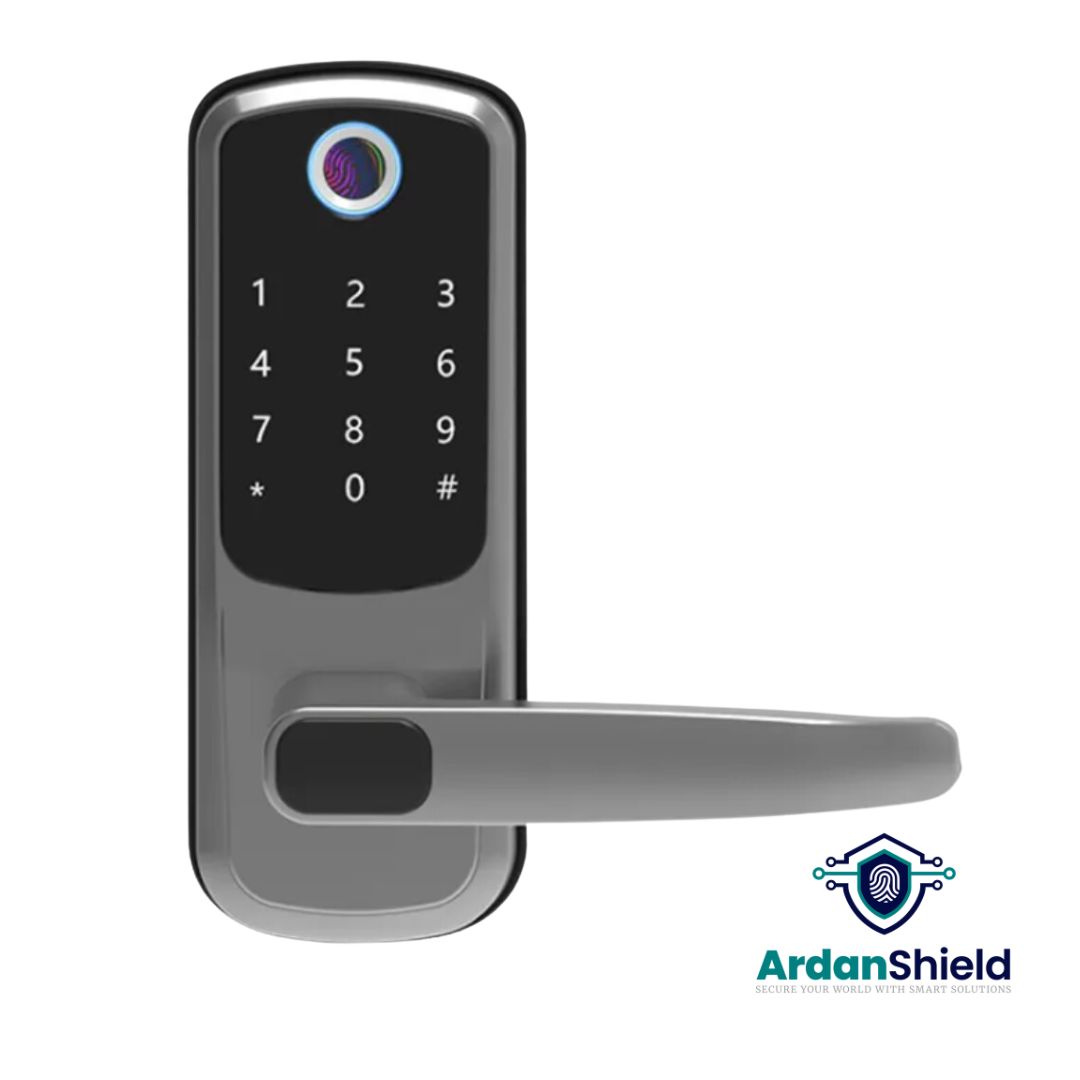
FortiLock™
Suitable for compatible doors where PIN, fingerprint, RFID and app access are useful.
View FortiLock™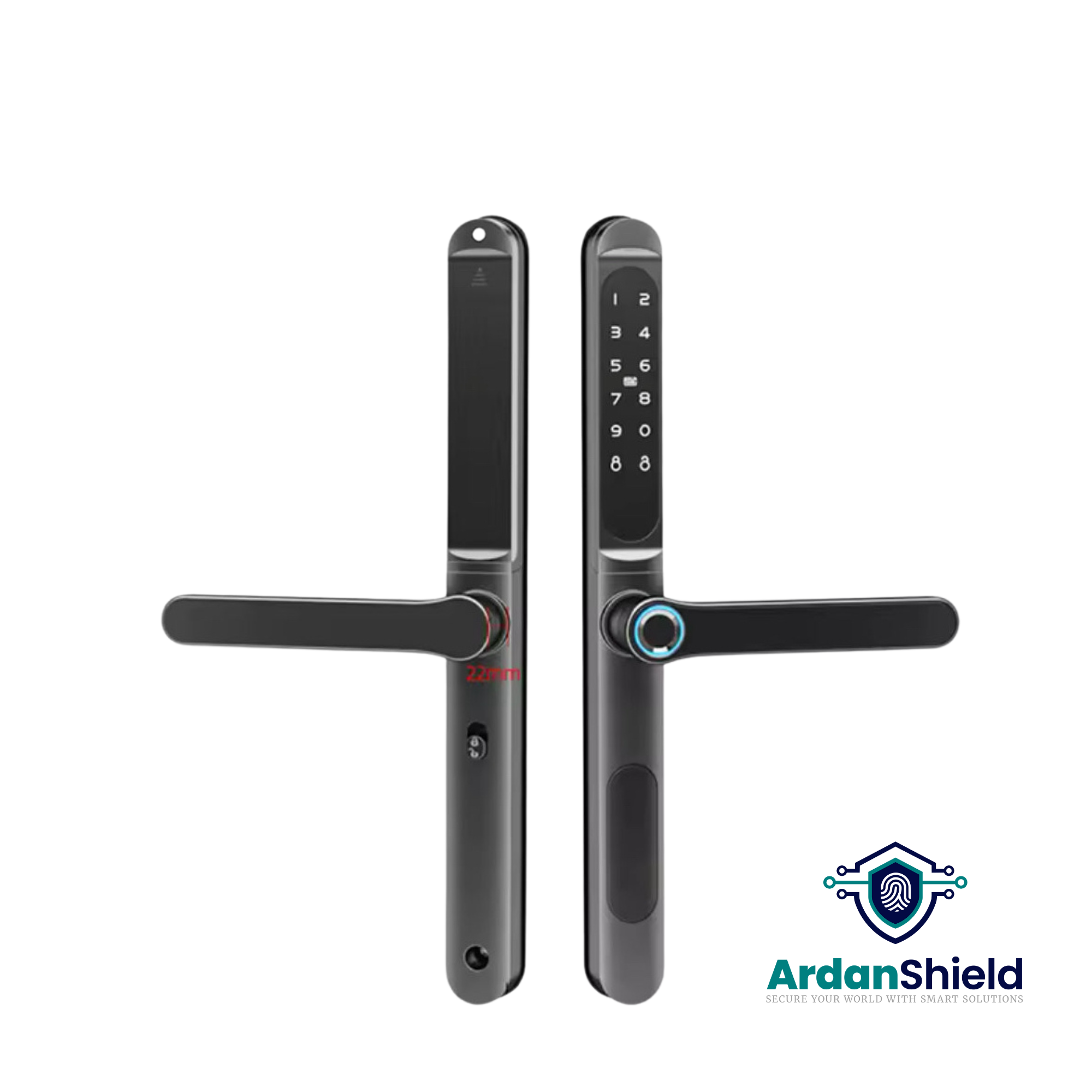
ApexLock™
A premium TTLock-compatible smart lock option for modern property access management.
View ApexLock™
KeyGuard Pro™
A smart lock box option for backup key access, cleaner access or emergency entry workflows.
View KeyGuard Pro™Common Mistakes to Avoid
Assuming the lock is broken
If Bluetooth works locally, the lock may be fine and the issue may be gateway-related.
Gateway too far away
The gateway needs good communication with both the lock and the router.
No local guest code
Guests should not rely only on remote unlock from the host.
Ignoring batteries
Low batteries can cause unreliable operation and slow motor response.
Weak WiFi setup
Remote unlock needs stable internet and gateway connectivity.
Not testing after setup
Always test remote unlock from outside the property before relying on it.
Related ArdanShield Guides
TTLock Gateway Offline Fixes
Fix gateway offline issues, WiFi problems and unstable smart lock connections.
Read the guideTTLock Troubleshooting Guide
General troubleshooting for Bluetooth, PIN, gateway and app issues.
Read the guideDo Smart Locks Work Without WiFi?
Learn what still works locally when WiFi or internet is unavailable.
Read the guideTTLock Passcodes Explained
Understand timed, permanent, recurring and one-time PIN code workflows.
Read the guideSmart Lock Battery Failure Guide
Learn how low batteries can affect smart lock operation and backup access.
Read the guideBest Smart Locks for Airbnb UK
Choose smart locks, gateways and backup access for Airbnb self check-in.
Read the guideTTLock Remote Unlock FAQs
Why is TTLock remote unlock not working?
The most common causes are gateway offline status, weak WiFi, poor gateway placement, low lock batteries, permission issues or remote unlock not being enabled where required.
Why does Bluetooth unlock work but remote unlock does not?
Bluetooth works locally between your phone and the lock. Remote unlock depends on the gateway, internet and cloud connection.
Do I need a gateway for TTLock remote unlock?
For many TTLock-compatible locks, remote unlock requires a compatible gateway or supported online setup.
Can low batteries stop remote unlock?
Yes. Low batteries can make the lock respond slowly or fail to complete motorised actions.
How close should the gateway be to the lock?
Place the gateway as close as practical to the lock with minimal walls or obstructions between them.
Should Airbnb guests rely on remote unlock?
No. Remote unlock is useful as a support tool, but guests should usually have a valid PIN code and there should be a backup access plan.
Fix Your TTLock Remote Access Setup
Explore ArdanShield smart locks, gateways and backup access products for UK homes, Airbnb properties, serviced accommodation and rental management.
Browse GatewaysView Smart Locks