
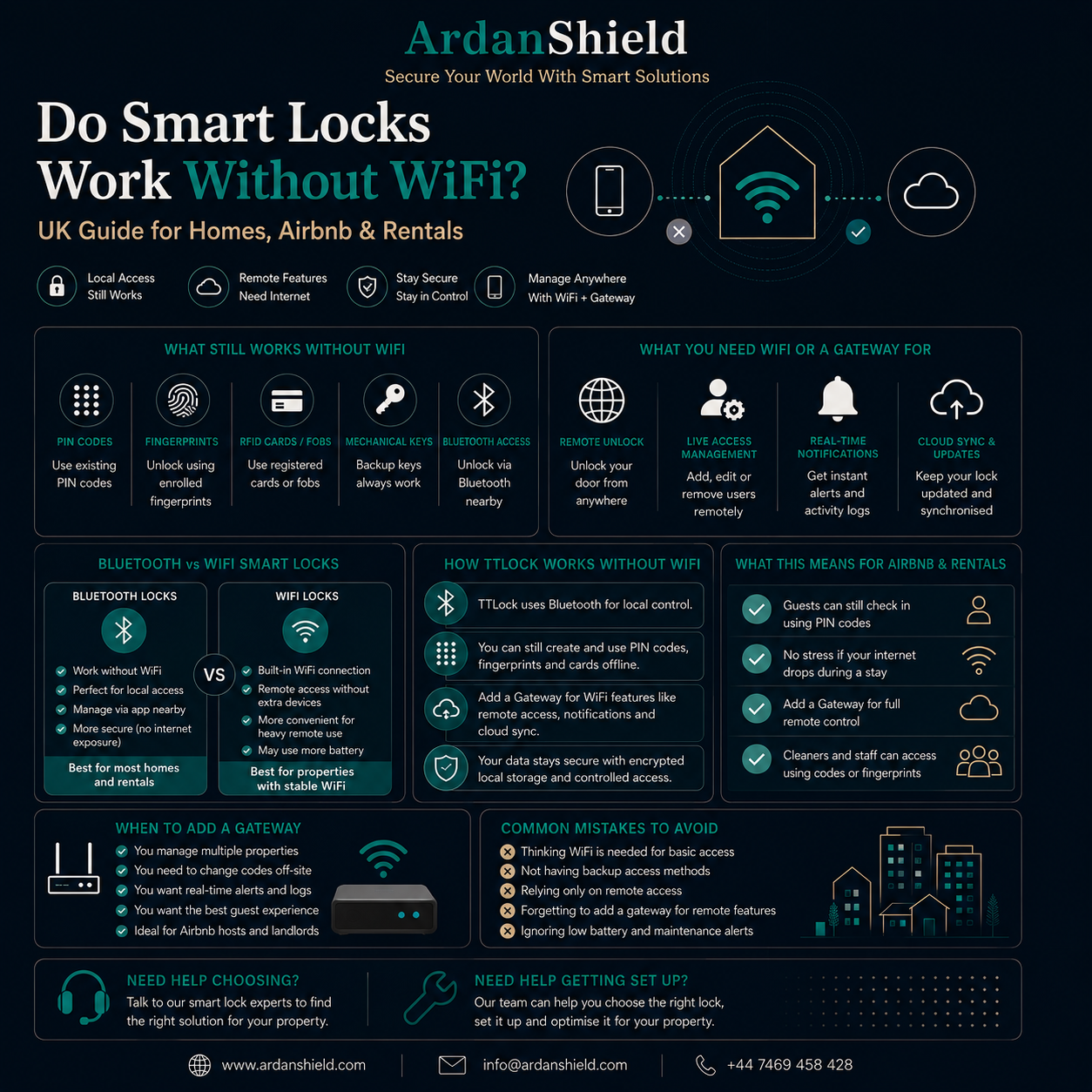

Do Smart Locks Work Without WiFi? UK Guide for Homes, Airbnb & Rentals
One of the most common smart lock questions is simple: what happens if the WiFi goes down? This guide explains what usually still works, what needs internet, and how UK homeowners, Airbnb hosts and landlords can plan a reliable backup access setup.
Quick Answer
Yes, many smart locks can still work without WiFi for local access methods such as PIN codes, fingerprints, RFID cards, Bluetooth and mechanical key backup, depending on the model. However, remote unlock, live app control, gateway updates, real-time notifications and some code management features usually need internet access and a compatible gateway.
What Usually Works Without WiFi?
Most smart locks are designed so the door does not become useless if the internet drops. Local access normally remains available because the lock stores access data internally or communicates directly through Bluetooth, depending on the model and setup.
| Feature | Can it work without WiFi? | What to know |
|---|---|---|
| PIN code access | Usually yes | Existing valid codes can often still unlock the door, depending on how they were created. |
| Fingerprint access | Usually yes | Registered fingerprints are normally stored locally on the lock. |
| RFID card access | Usually yes | Previously registered cards can usually still work locally. |
| Bluetooth app access | Usually yes | You normally need to be close to the lock for Bluetooth control. |
| Mechanical key backup | Yes, where supplied | This is the emergency fallback for battery or system issues. |
Important
Always check the specific product page and setup method. Different smart locks handle offline access differently, especially with timed codes and remotely created passcodes.
What Usually Needs WiFi or a Gateway?
WiFi is mainly needed for remote management. If you are standing beside the lock, Bluetooth or keypad access may be enough. If you are managing a property from elsewhere, internet access becomes much more important.
Remote unlock
Usually requires a compatible gateway and stable internet connection.
Live notifications
Real-time alerts normally need the lock to communicate through a gateway or cloud connection.
Remote code changes
Changing or deleting codes remotely may require gateway-supported access.
Access logs
Logs may sync later or require connection depending on the lock and platform.
Voice assistant control
Alexa or Google-style control normally needs internet and gateway support.
PMS workflows
Property management integrations usually rely on stable connectivity.
What This Means for Airbnb Hosts
For Airbnb and short-term rentals, the biggest concern is guest access. A guest should not be locked out just because the WiFi drops.
A good Airbnb setup should use access methods that remain practical even during internet issues. Timed PIN codes are often preferred because they are easy for guests and may continue to work locally once created, depending on the setup.
Recommended Airbnb approach
- Create guest access before arrival.
- Test the code before check-in where possible.
- Use a gateway for remote management if you manage the property off-site.
- Keep a backup key route or smart lock box for emergency access.
- Give guests clear instructions for keypad use and support contact details.
What This Means for Homeowners
For most homeowners, WiFi failure is less serious than people think. If your lock supports PIN, fingerprint, RFID or mechanical key backup, you can usually still enter without internet.
Everyday access
Fingerprint, PIN and Bluetooth access may still work locally depending on the lock.
Family access
Existing family codes or fingerprints may continue working during WiFi outages.
Remote features pause
You may lose live notifications, remote unlock and cloud sync until internet returns.
When a Gateway Matters
A smart lock gateway connects compatible smart locks to the internet. This is especially useful for remote unlock, off-site property management, Airbnb access support and smart home workflows.
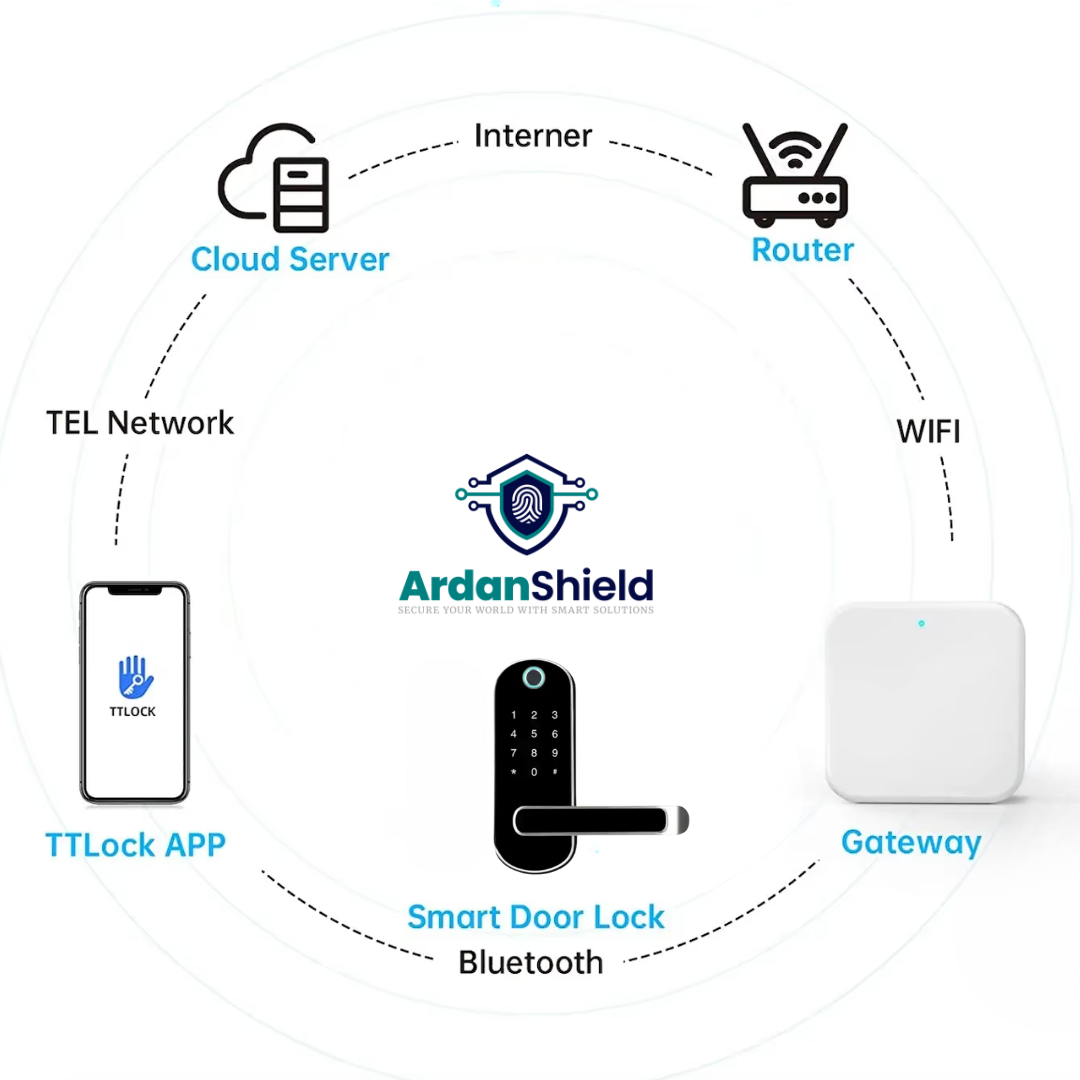
TTLock Smart Gateway
A 2.4GHz gateway for compatible TTLock smart lock setups requiring remote access support.
View TTLock Gateway
ConnectHub™ 5G Gateway
ArdanShield’s newer gateway option with 5GHz support for compatible TTLock setups.
View ConnectHub™Gateway tip
Place the gateway close to the smart lock and test remote control before relying on it for guests, cleaners or remote property access.
Need a Reliable Smart Lock Setup?
ArdanShield can help you choose a smart lock, gateway and backup access route for your home, Airbnb, rental property or serviced accommodation.
Browse Smart LocksGet Compatibility HelpArdanShield Smart Lock Options to Consider
The best option depends on your door type, access needs and whether you need remote management.
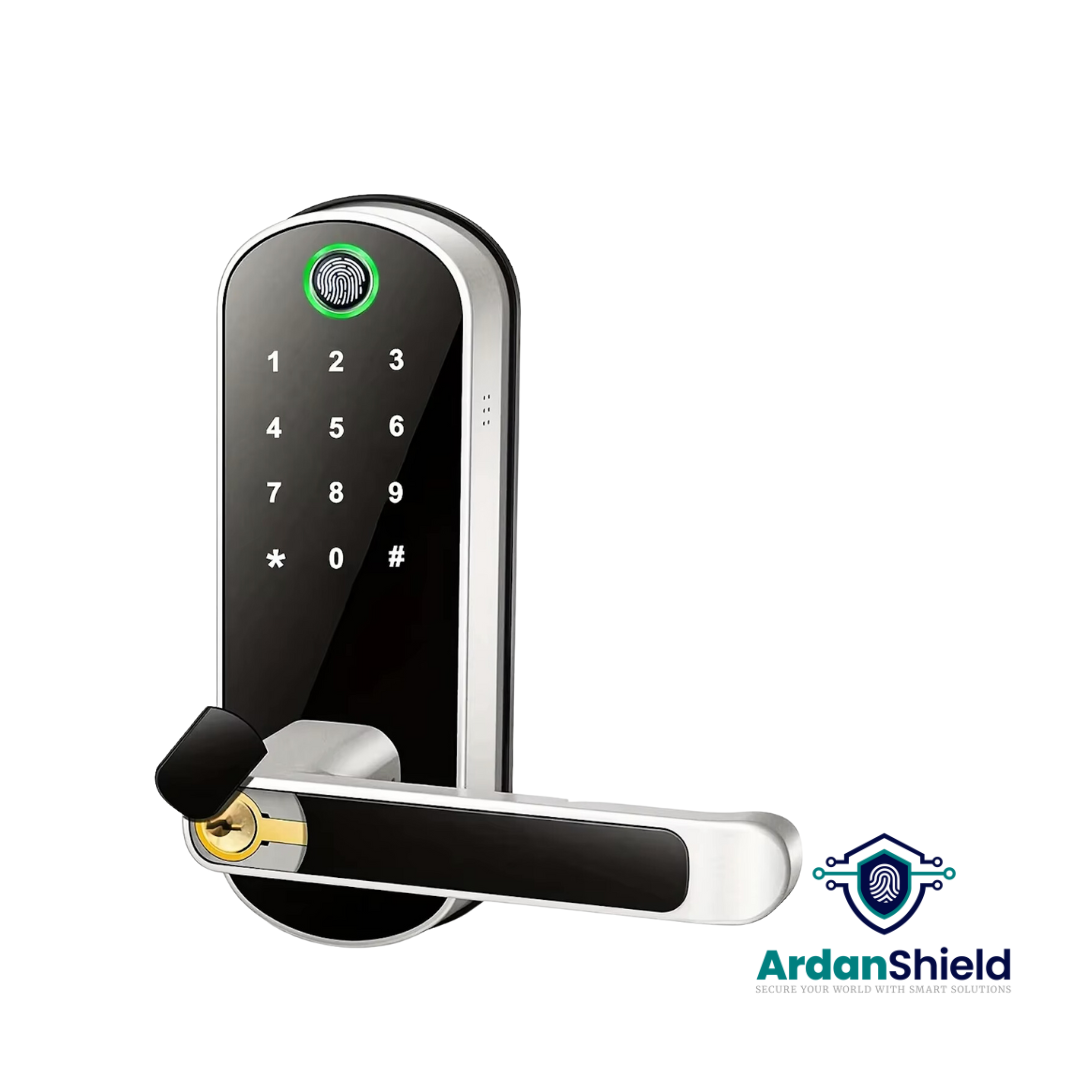
FusionGuard™
A TTLock-compatible option for suitable single-latch doors and flexible access workflows.
View FusionGuard™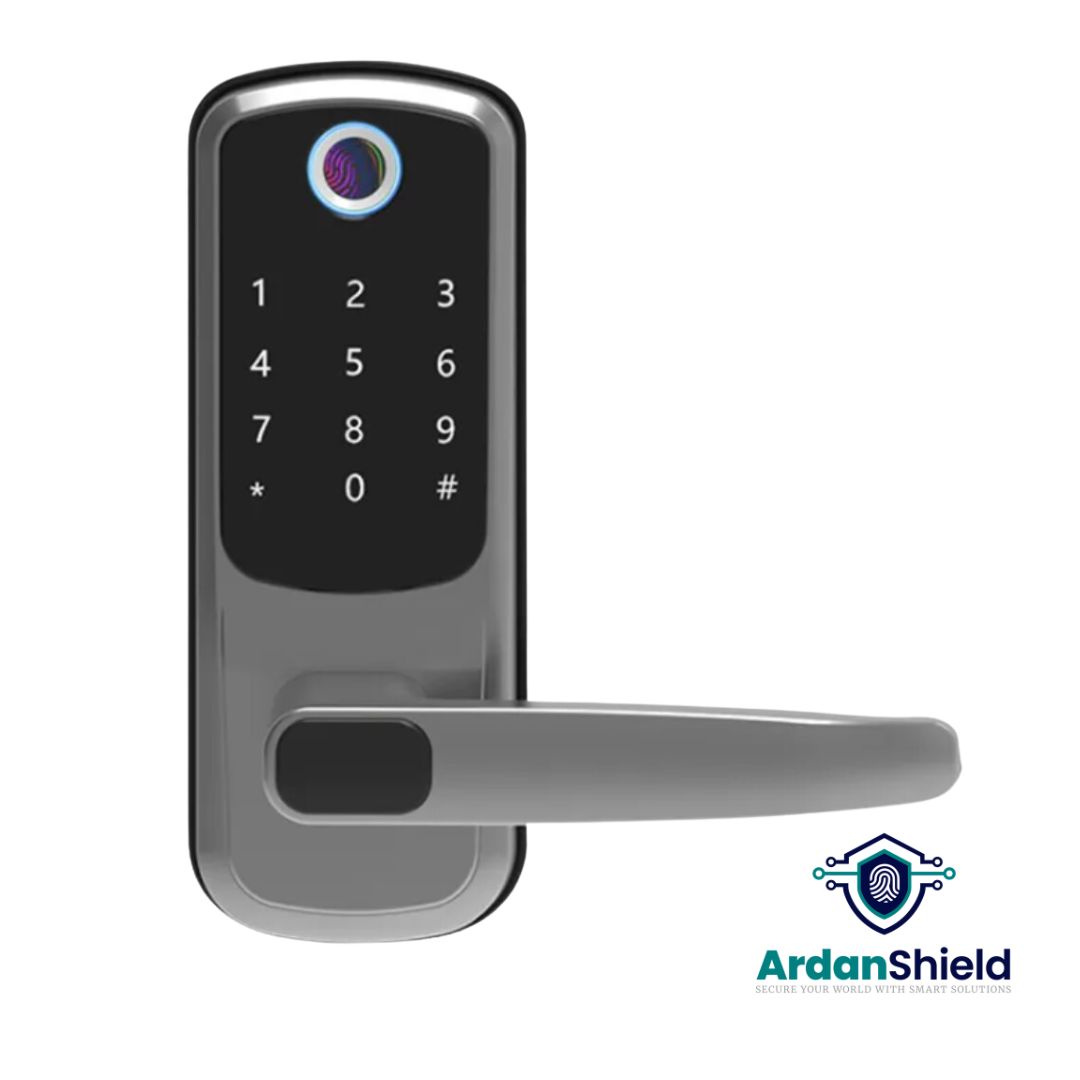
FortiLock™
Suitable for compatible doors where PIN, fingerprint, RFID and app access are useful.
View FortiLock™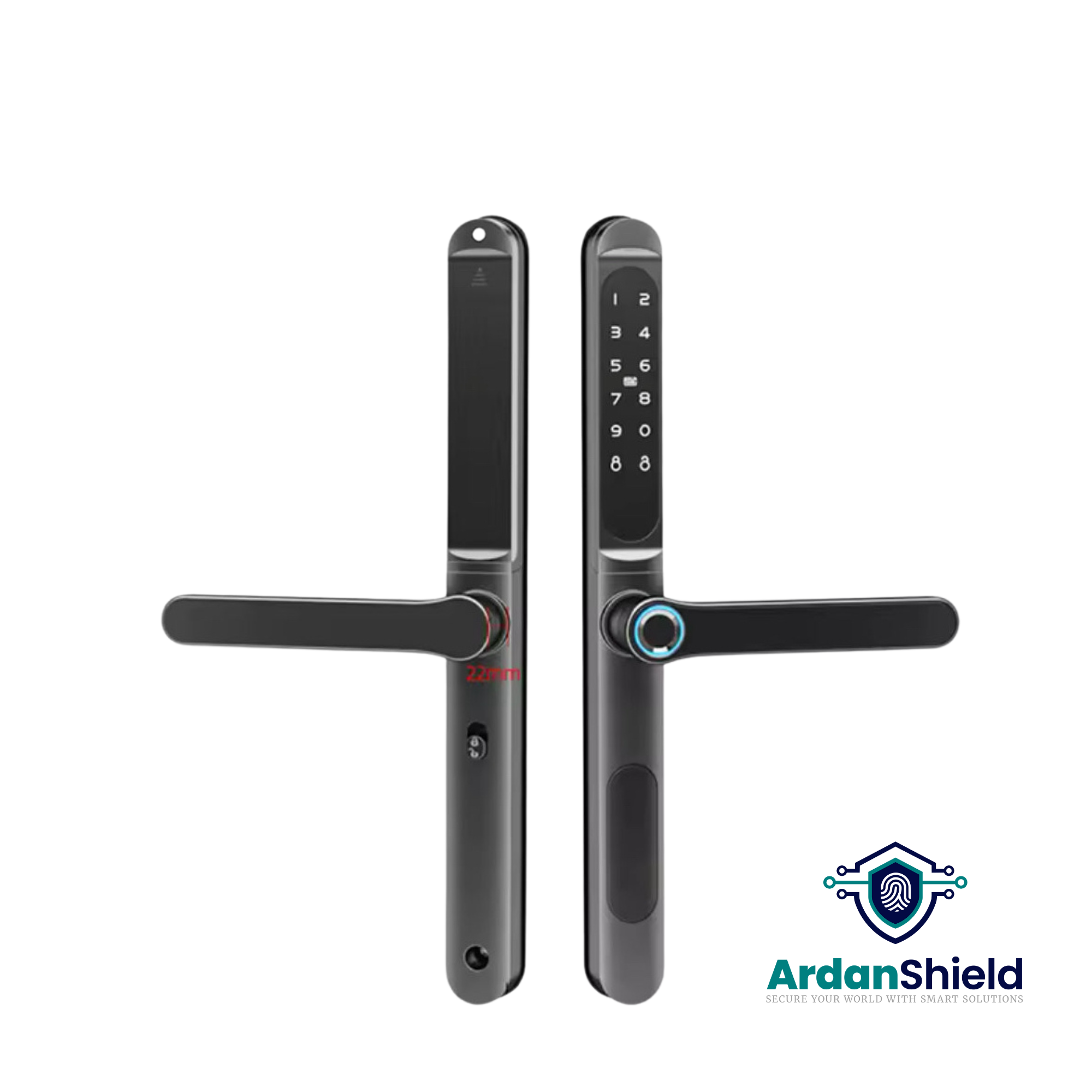
ApexLock™
A premium TTLock-compatible smart lock option for managed access workflows.
View ApexLock™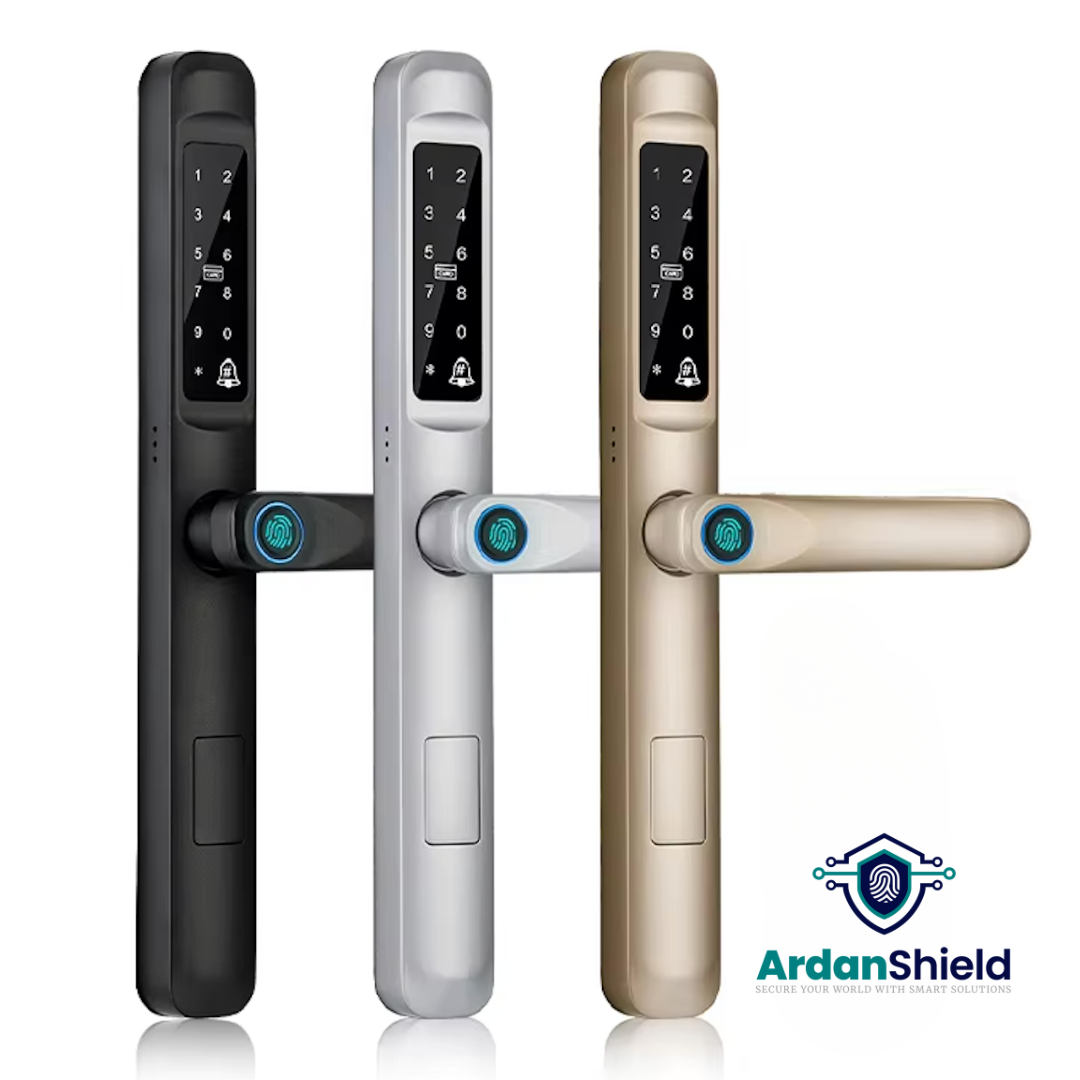
SwiftLock™
Designed for compatible uPVC and composite-style doors where smart access is required.
View SwiftLock™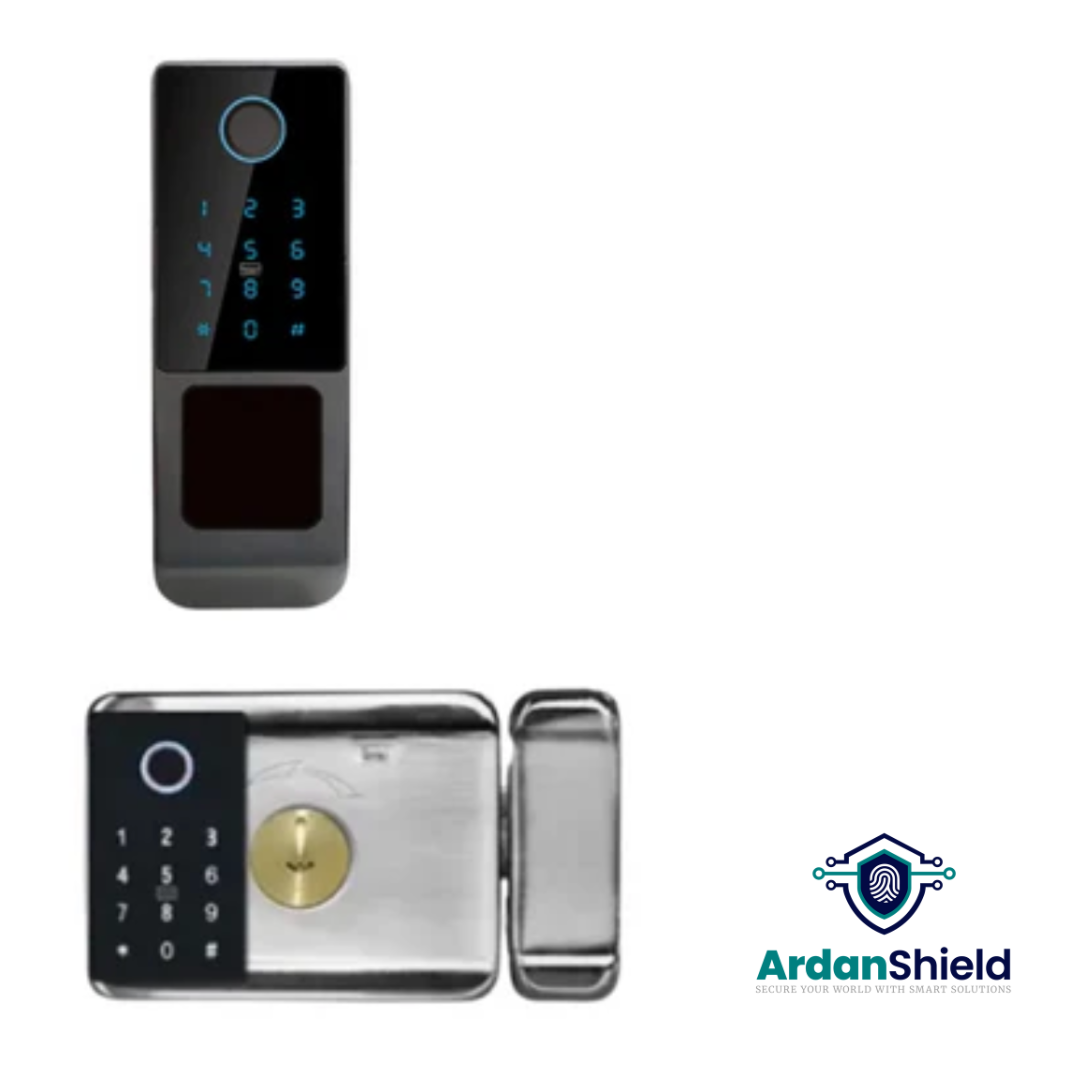
SecureWave™
A Yale-style retrofit smart lock option for suitable doors and selected property upgrades.
View SecureWave™
KeyGuard Pro™
A smart lock box option for backup key access, cleaner access or emergency workflows.
View KeyGuard Pro™Common Mistakes to Avoid
Assuming WiFi is always required
Many local access methods can still work without WiFi depending on the lock.
Relying only on remote unlock
Always keep a local or backup entry method available.
No battery routine
Low batteries cause more lockouts than WiFi outages in many setups.
Poor gateway placement
Remote features may fail if the gateway is too far from the lock or router.
No guest backup plan
Airbnb hosts should always have a plan for guest lockouts or internet issues.
Wrong lock for the door
Door compatibility matters more than app features. Always check before ordering.
Related ArdanShield Guides
TTLock Gateway Offline Fixes
Fix common gateway, WiFi and remote access issues with TTLock-compatible smart locks.
Read the guideTTLock Remote Unlock Not Working
Diagnose remote unlock issues caused by gateways, WiFi, batteries, permissions or setup problems.
Read the guideTTLock Passcodes Explained
Understand timed, permanent, recurring and one-time TTLock passcodes.
Read the guideAirbnb Self Check-In with TTLock
Learn how TTLock-compatible locks can support self check-in and guest access.
Read the guideBest Smart Locks for Airbnb UK
Compare smart lock and gateway setups for UK Airbnb hosts.
Read the guideSmart Lock Battery Failure Guide
Understand low battery warnings, backup power and avoiding lockouts.
Read the guideSmart Locks Without WiFi FAQs
Can a smart lock unlock without WiFi?
Yes, many smart locks can unlock without WiFi using PIN codes, fingerprints, RFID cards, Bluetooth or mechanical key backup depending on the model.
Will PIN codes still work if WiFi goes down?
Existing valid PIN codes may still work locally depending on the lock and how the code was created.
Do I need WiFi for remote unlock?
Yes, remote unlock usually requires internet access and a compatible gateway.
What happens to Airbnb guests if WiFi fails?
If the guest has a valid local PIN code, they may still be able to enter. Hosts should also maintain backup access for emergencies.
Do smart locks need a gateway?
Not always. A gateway is mainly needed for remote access, live updates, cloud control and some advanced workflows.
What is the safest setup?
The safest setup combines local access, remote management where needed, battery monitoring and a clear backup access plan.
Choose a Smart Lock That Works Around Real Life
Explore ArdanShield smart locks, gateways and backup access products for UK homes, Airbnb properties, HMOs and rental management.
Browse Smart LocksView Accessories