

How to Set Up Airbnb Self Check-In with TTLock Smart Locks UK
Airbnb self check-in is now one of the most useful upgrades for UK hosts, serviced accommodation operators and short-term rental managers. With a TTLock-compatible smart lock, timed PIN codes and the right gateway setup, you can reduce key handovers, improve guest convenience and manage access more professionally.
Quick Answer
To set up Airbnb self check-in with TTLock, choose a compatible smart lock, confirm it suits your door, add a TTLock gateway if you need remote access, create timed guest PIN codes, test the full check-in process, and keep a backup entry plan in place. ArdanShield TTLock-compatible locks such as FusionGuard™, FortiLock™, ApexLock™, SecureWave™, SwiftLock™ and AccessPoint™ can support different Airbnb and rental access setups depending on the door type and workflow.
Why Airbnb Self Check-In Matters
For guests, self check-in means less waiting, fewer awkward arrival times and easier access if travel is delayed. For hosts, it can reduce late-night messages, lost keys, cleaner coordination issues and unnecessary trips to the property.
A well-planned smart lock setup can make the guest journey feel smoother while keeping access controlled. The aim is not to overcomplicate the door — it is to give the right person the right access at the right time.
Better guest experience
Guests can arrive at a convenient time without needing a physical key handover.
Less host admin
Timed codes can reduce manual key management and repeat access messages.
Controlled access
PIN codes can be changed, limited or removed depending on the lock and setup.
How TTLock Self Check-In Works
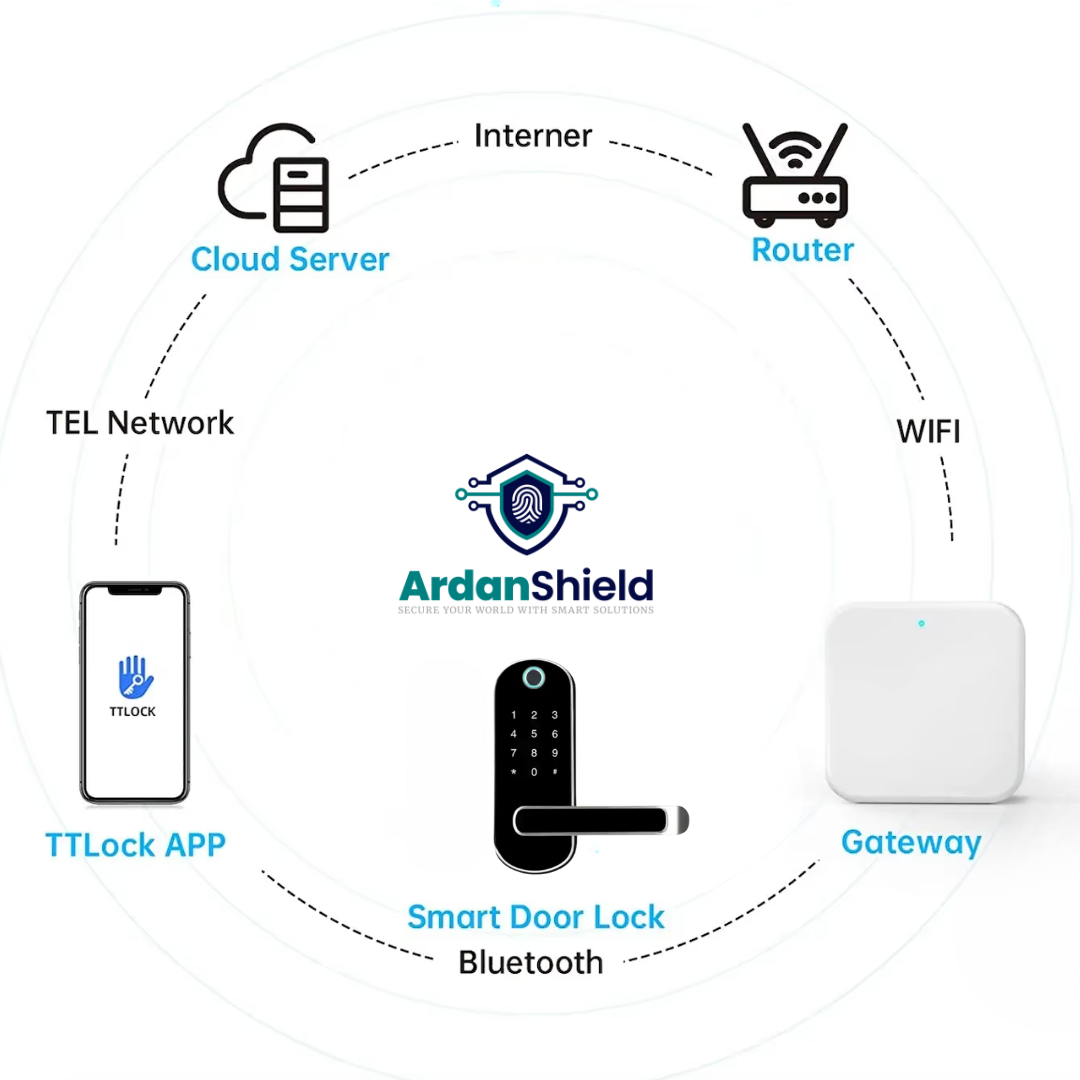
TTLock-compatible smart locks allow access to be managed through the TTLock app and supported hardware. Depending on the lock model, access may be possible by PIN code, app, RFID card, fingerprint or mechanical key backup.
For Airbnb and short-term rentals, timed PIN codes are often the easiest guest-facing option because the guest does not usually need to download an app.
Simple workflow
Guest books. Host creates timed access. Guest receives check-in instructions. Guest enters using a PIN code during the valid stay period. Access is updated or removed after checkout depending on the setup.
How to Set Up Airbnb Self Check-In with TTLock
- Confirm your door type: Check whether the door uses a single latch, mortise, uPVC/multipoint setup, Yale-style nightlatch or shared entrance system.
- Choose the right smart lock: Match the lock to your door and guest workflow before ordering.
- Install and test the lock: Make sure the latch or bolt moves smoothly and the door closes without strain.
- Add the lock to TTLock: Follow the app setup process and confirm owner/admin access.
- Add a gateway if remote access is needed: Remote features normally require a compatible TTLock gateway.
- Create a test guest PIN: Run a full mock booking and check-in process before using it with a real guest.
- Write clear guest instructions: Explain the code, keypad wake-up method, check-in time and backup contact process.
- Create a backup plan: Keep a secure spare key process, emergency contact route and battery replacement routine.
Guest PIN Codes and Access Options
For Airbnb hosts, PIN codes are usually the most practical option. They are simple, easy to message to guests and do not require card collection or app onboarding.
| Access method | Best for | Notes |
|---|---|---|
| Timed PIN code | Airbnb guests and short stays | Useful for check-in/check-out windows where supported. |
| Permanent PIN | Owners or trusted regular users | Should be used carefully and changed if access no longer applies. |
| Recurring access | Cleaners or regular maintenance | Useful where someone needs access on set days or times. |
| RFID card | Staff, cleaners or managed properties | More suitable when cards can be issued and recovered. |
| Fingerprint | Owners or regular occupants | Less suitable for short-term guests but useful for regular users. |
| Mechanical key | Emergency backup | Should be kept securely and not used as the main guest method. |
Do You Need a TTLock Gateway for Airbnb?
You can use many TTLock-compatible locks locally, but remote management usually requires a compatible gateway. A gateway connects the lock to the network and can support remote actions such as remote unlock or passcode management where supported by the lock and app settings.
Use without gateway
Suitable where you only need local access, manually created codes or Bluetooth-based management near the lock.
Use with gateway
Better for off-site hosts who need remote access, live management or cloud-supported workflows.
Gateway placement
Place the gateway close to the lock and test signal strength before guest arrival.

Need Help Choosing an Airbnb Smart Lock?
Send ArdanShield your door photos, property type and access needs. We can help you narrow down the right smart lock and gateway setup before ordering.
Browse Smart LocksGet Compatibility HelpBest ArdanShield Options for Airbnb Self Check-In
The best smart lock depends on your door type, guest workflow and whether you need remote access. The options below are useful starting points for Airbnb, serviced accommodation and managed rental setups.
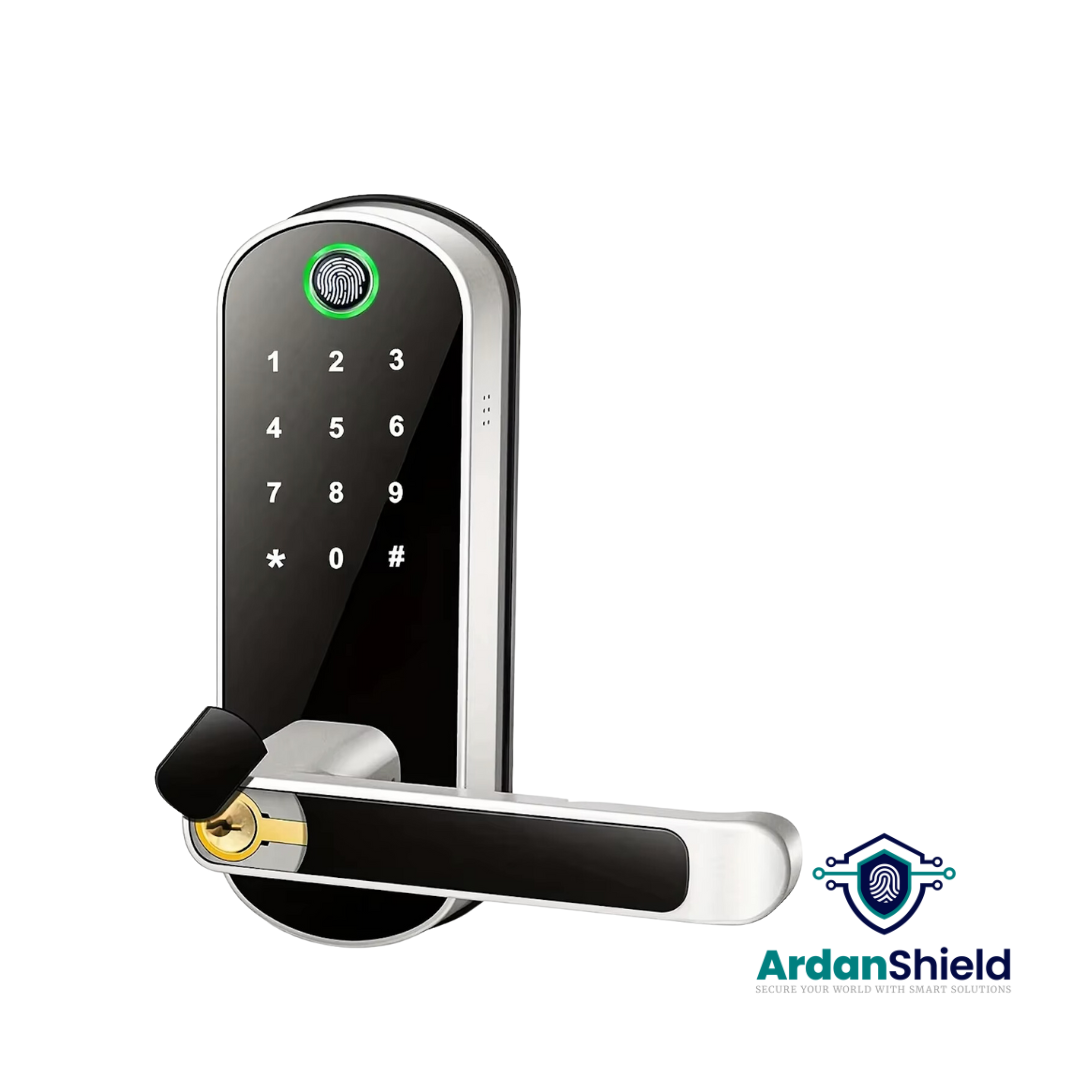
FusionGuard™
A strong TTLock-compatible option for suitable single-latch doors and guest PIN workflows.
View FusionGuard™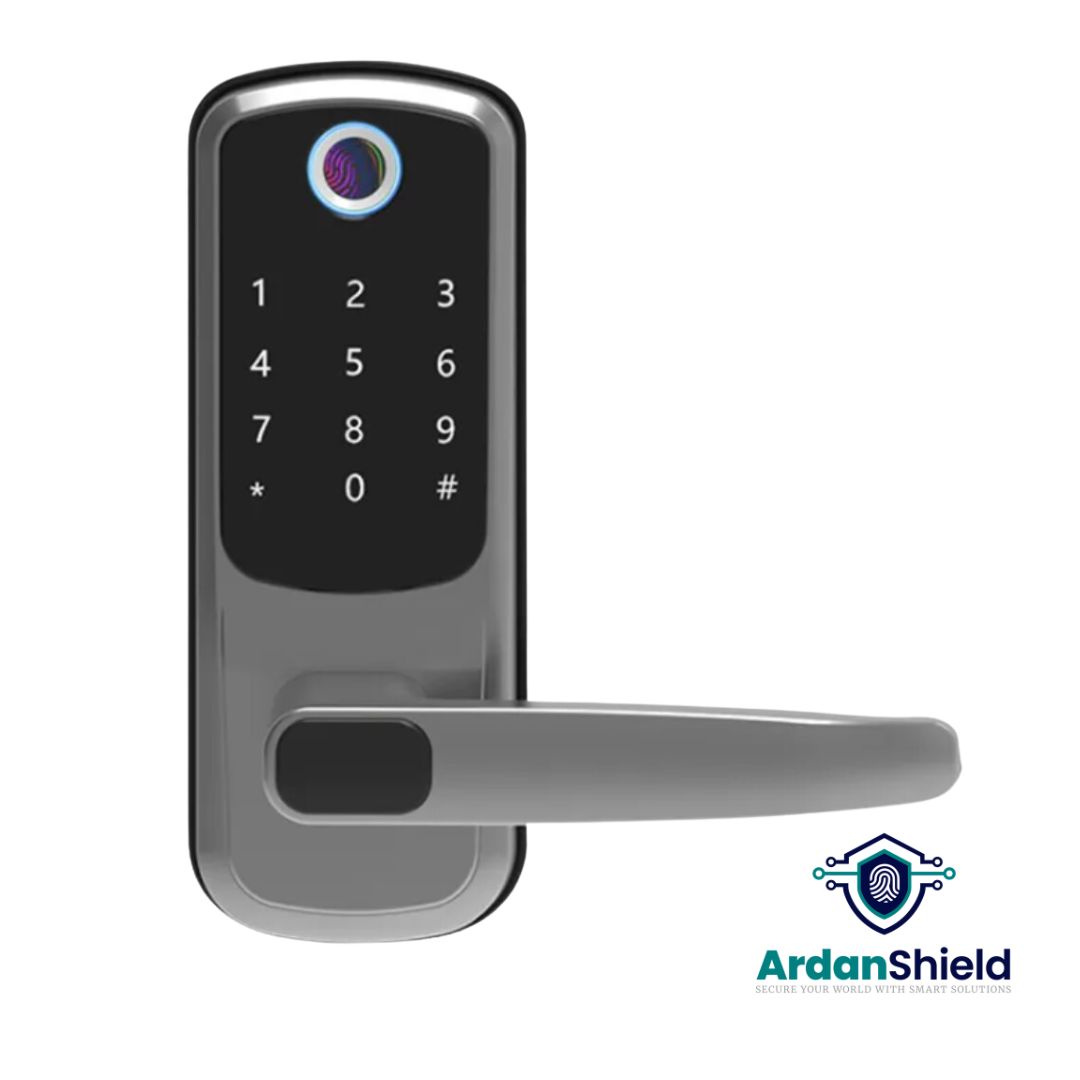
FortiLock™
Suitable for compatible doors where PIN, fingerprint, RFID and app access are useful.
View FortiLock™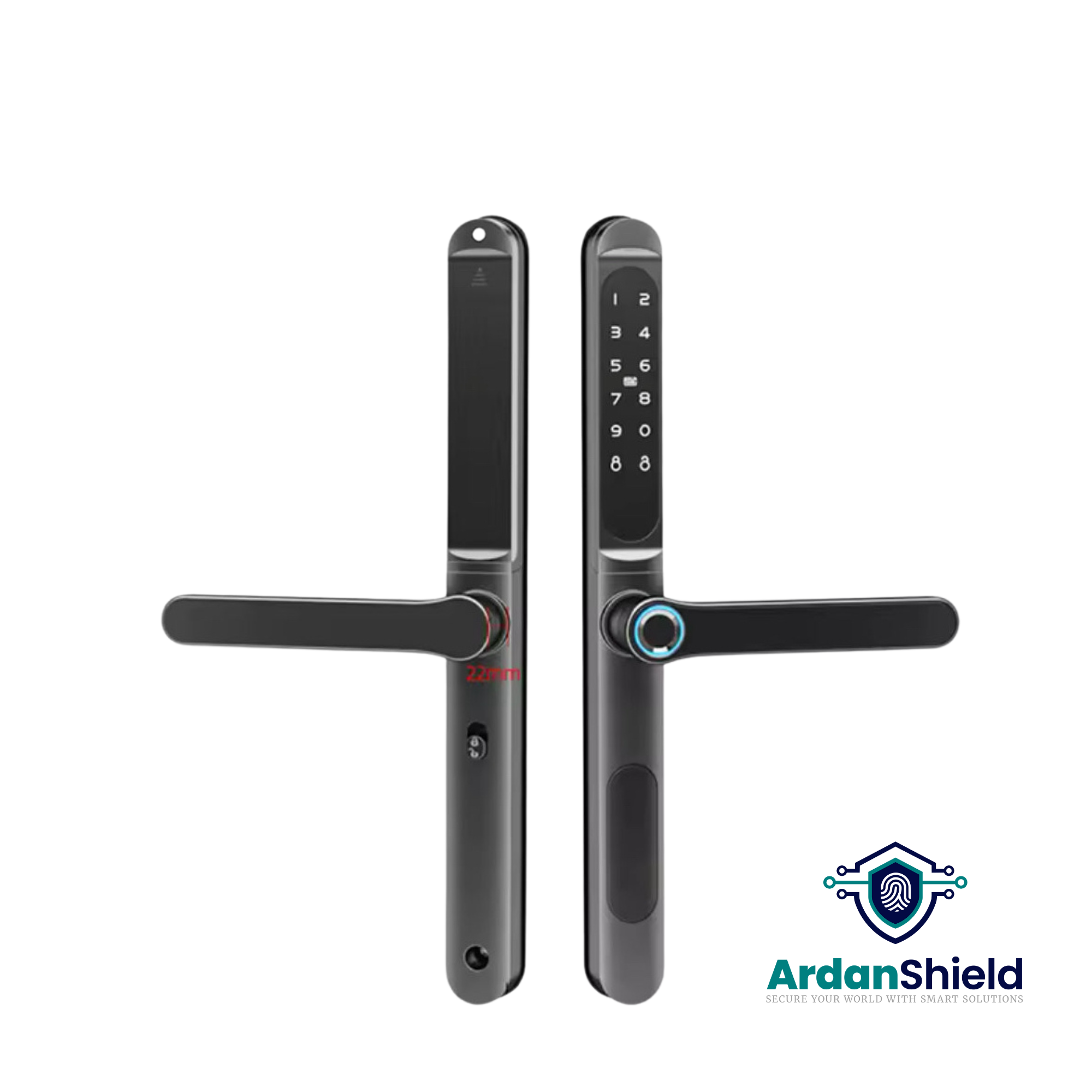
ApexLock™
A premium TTLock-compatible smart lock option for modern rental and access-management setups.
View ApexLock™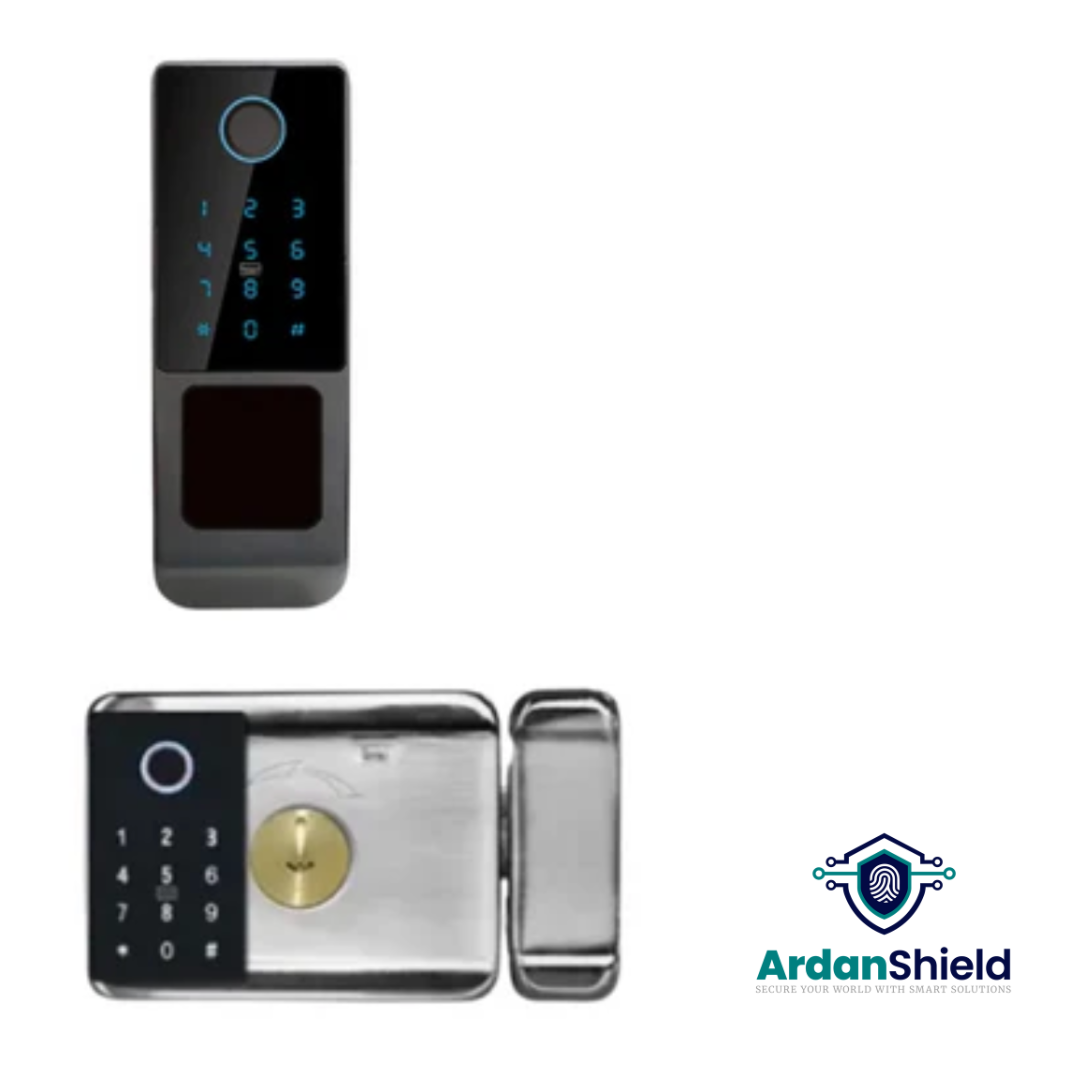
SecureWave™
A Yale-style retrofit smart lock option for suitable doors and selected rental upgrades.
View SecureWave™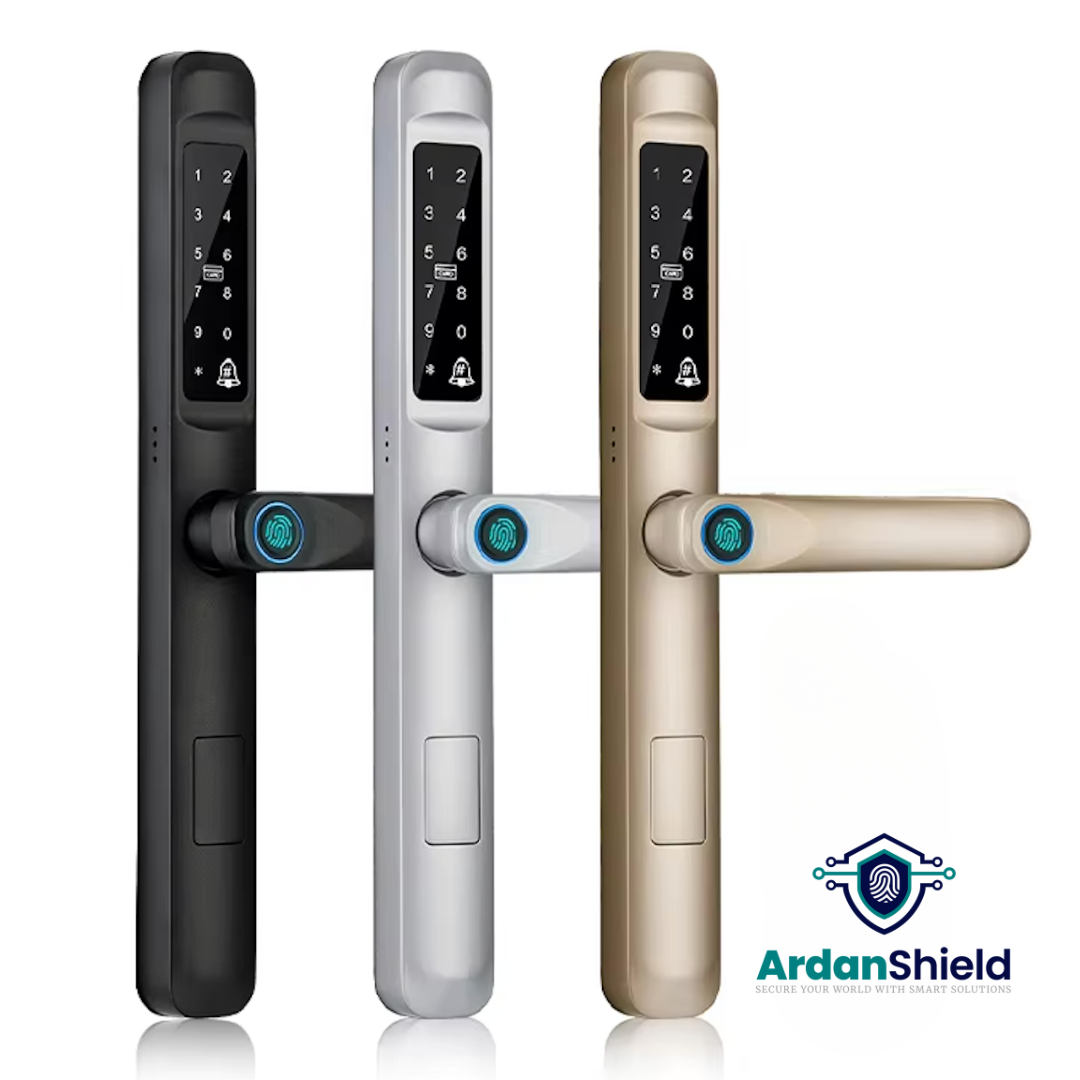
SwiftLock™
Designed for compatible uPVC and composite-style doors where smart guest access is required.
View SwiftLock™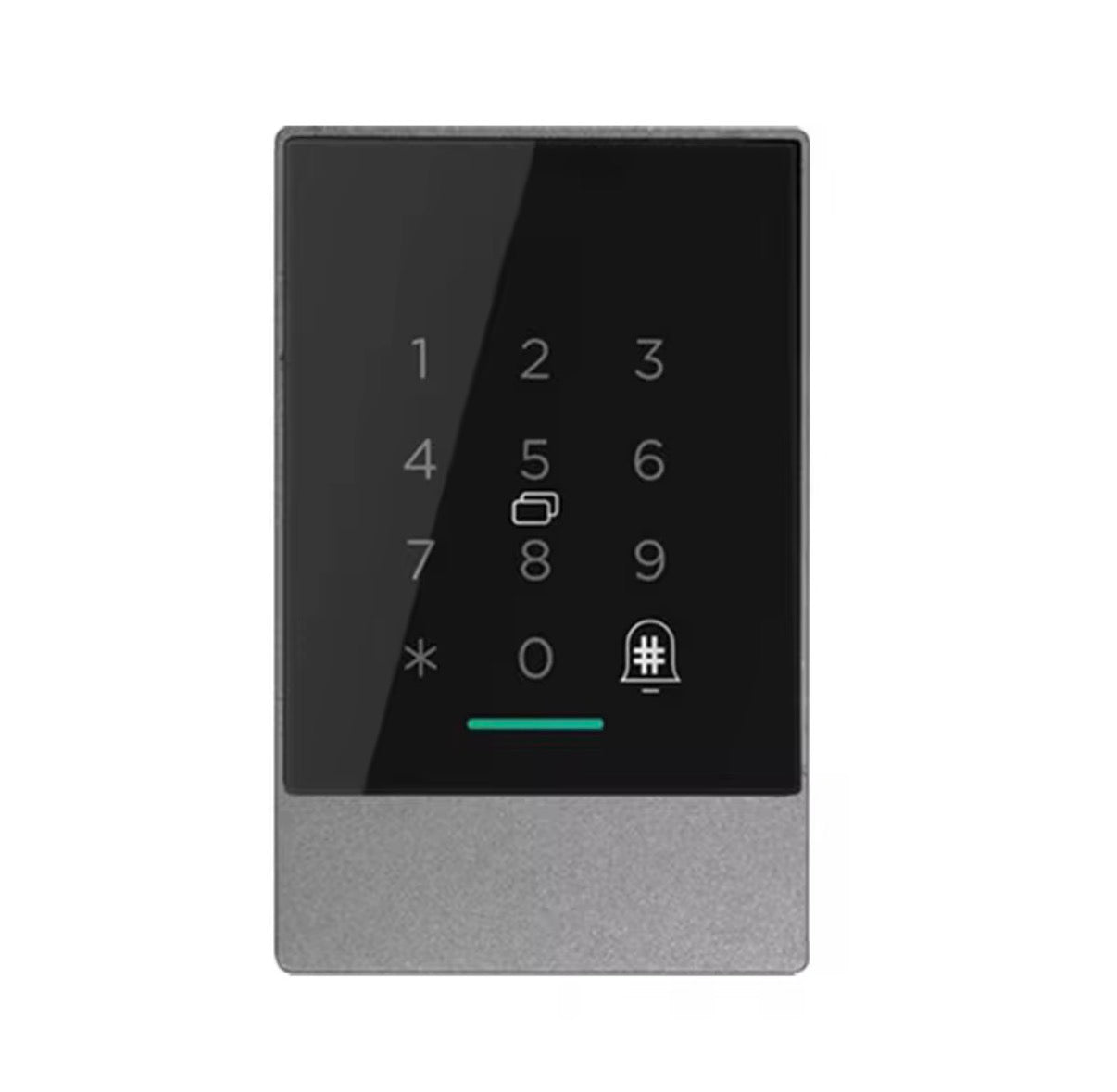
AccessPoint™
A TTLock access-control intercom option for shared entrances and managed access points.
View AccessPoint™
KeyGuard Pro™
A smart lock box option for secure backup key access, cleaner access or emergency access workflows.
View KeyGuard Pro™What This Means for UK Airbnb Hosts
UK properties can vary massively. A lock that works well on a timber door may not suit a uPVC multipoint door, shared entrance or apartment block. Before choosing a lock, check the door, guest journey and backup access method.
For single Airbnb units
A simple PIN-based smart lock may be enough if the door is compatible and the host lives nearby.
For remote hosts
A gateway-supported setup is usually more practical for off-site management and guest support.
For serviced accommodation
Plan access for guests, cleaners, maintenance teams and emergency support before going live.
Common Airbnb Smart Lock Mistakes to Avoid
Using unclear guest instructions
Guests need simple access steps, including how to wake the keypad and what to do if they enter the code incorrectly.
No backup plan
Always plan for low batteries, internet outages, guest confusion and emergency access.
Bad gateway placement
Remote features may fail if the gateway is too far from the lock or blocked by thick walls.
Not testing before guests arrive
Run a full test booking and check-in before using the lock with live guests.
Choosing the wrong lock type
Check whether your door needs a latch, mortise, uPVC-compatible or access-control style solution.
Forgetting cleaner access
Set a separate cleaner code or recurring access workflow rather than sharing guest codes.
Related ArdanShield Guides
Best Smart Locks for Airbnb UK
Compare smart locks, gateways, lock boxes and self check-in workflows for UK Airbnb hosts.
Read the guideTTLock Passcodes Explained
Understand timed, permanent, recurring and one-time PIN code workflows for guest access and cleaner access.
Read the guideTTLock Gateway Offline Fixes
Fix gateway, WiFi and remote access issues before they affect guest check-in.
Read the guideTTLock Remote Unlock Not Working
Diagnose remote unlock problems caused by gateways, WiFi, batteries, permissions or setup issues.
Read the guideDo Smart Locks Work Without WiFi?
Learn what still works locally and what needs a gateway or internet connection.
Read the guideSmart Locks for Serviced Accommodation
Explore access workflows for serviced apartments, aparthotels and managed accommodation.
Read the guideCleaner Access Workflows
Learn how smart locks can support cleaner, maintenance and contractor access.
Read the guideMortise Locks and Smart Lock Compatibility
Check common UK lock sizes, fitting notes and smart lock compatibility basics.
Read the guideAirbnb Self Check-In with TTLock FAQs
Can TTLock be used for Airbnb self check-in?
Yes, TTLock-compatible smart locks can be used for Airbnb self check-in where the lock, door and access setup are suitable. Timed PIN codes are often the simplest guest-facing method.
Do guests need the TTLock app?
Not necessarily. Many hosts prefer PIN code access so guests do not need to download an app. App access may be more useful for owners, staff or recurring users.
Do I need a TTLock gateway for Airbnb?
You may not need a gateway for basic local access, but remote management and cloud-supported features usually require a compatible TTLock gateway.
What happens if WiFi fails?
Local PIN access may still work depending on the lock and how the code was created. Remote changes may not work until the connection is restored, so always keep a backup access plan.
Which ArdanShield lock is best for Airbnb?
FusionGuard™, FortiLock™ and ApexLock™ are strong options for many rental setups, while SwiftLock™, SecureWave™, AccessPoint™ or KeyGuard Pro™ may suit specific door or access scenarios.
Should I use one code for every guest?
No. It is better to use separate guest codes and remove or expire them after checkout where supported. This improves control and reduces security risk.
Ready to Upgrade Your Airbnb Check-In?
ArdanShield offers TTLock-compatible smart locks, gateways and access products for UK Airbnb hosts, serviced accommodation operators and rental property managers.
Browse Smart LocksGet Compatibility Help